Owldo — Features
One app for what you
do, think, and share.
Most people run a task manager, a notes app, a focus timer, and a publishing tool — four subscriptions, four silos. Owldo is all of it, offline-first and fast, in one app.

Everything included
Click into any capability for a deep dive on how it works and why we built it this way.
Feature
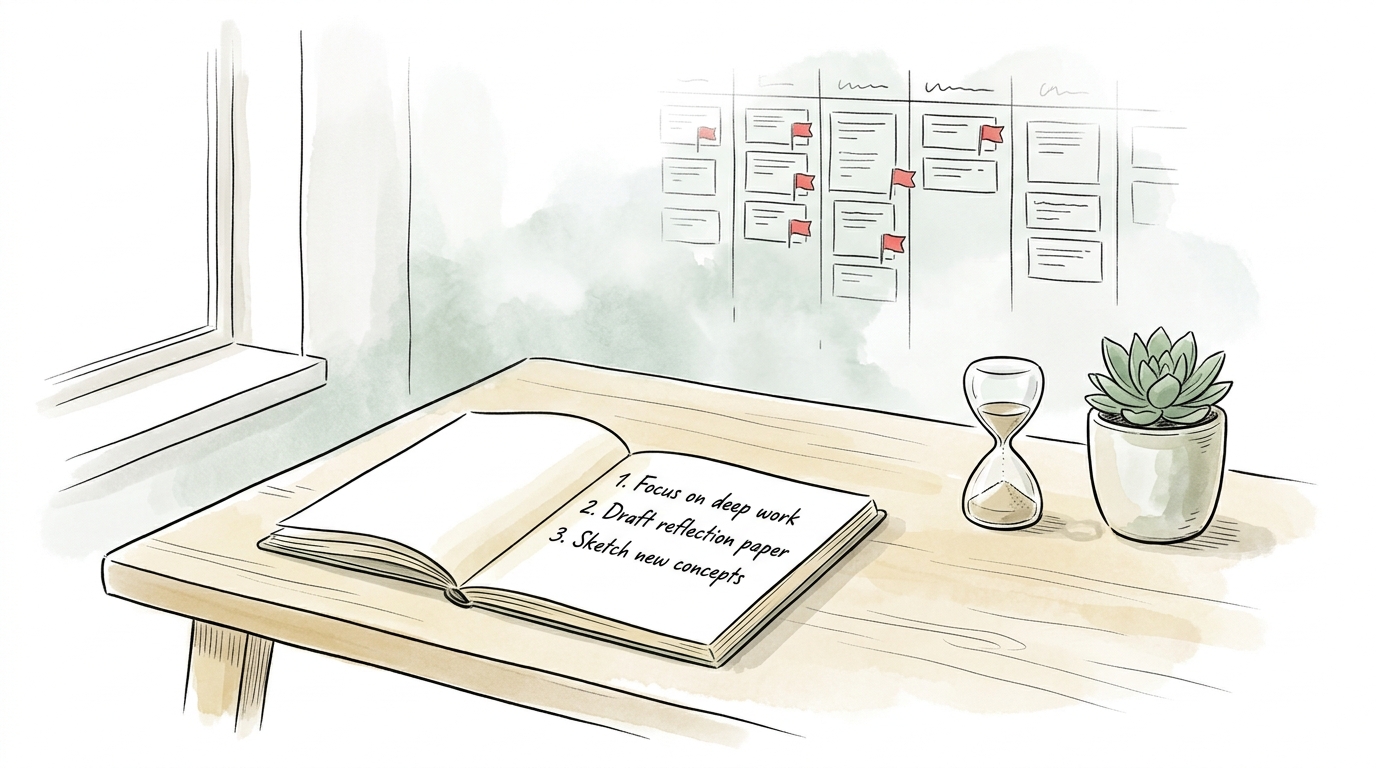
Distraction-Free Productivity Widgets
Interactive checklists, zen Pomodoro timer, instant scratchpad, and lock screen widgets with zero guilt badges.

Feature
Tasks & Notes Unified in One Workspace
Stop paying the two-app tax. Capture a thought and turn it into a task without switching contexts.
Feature
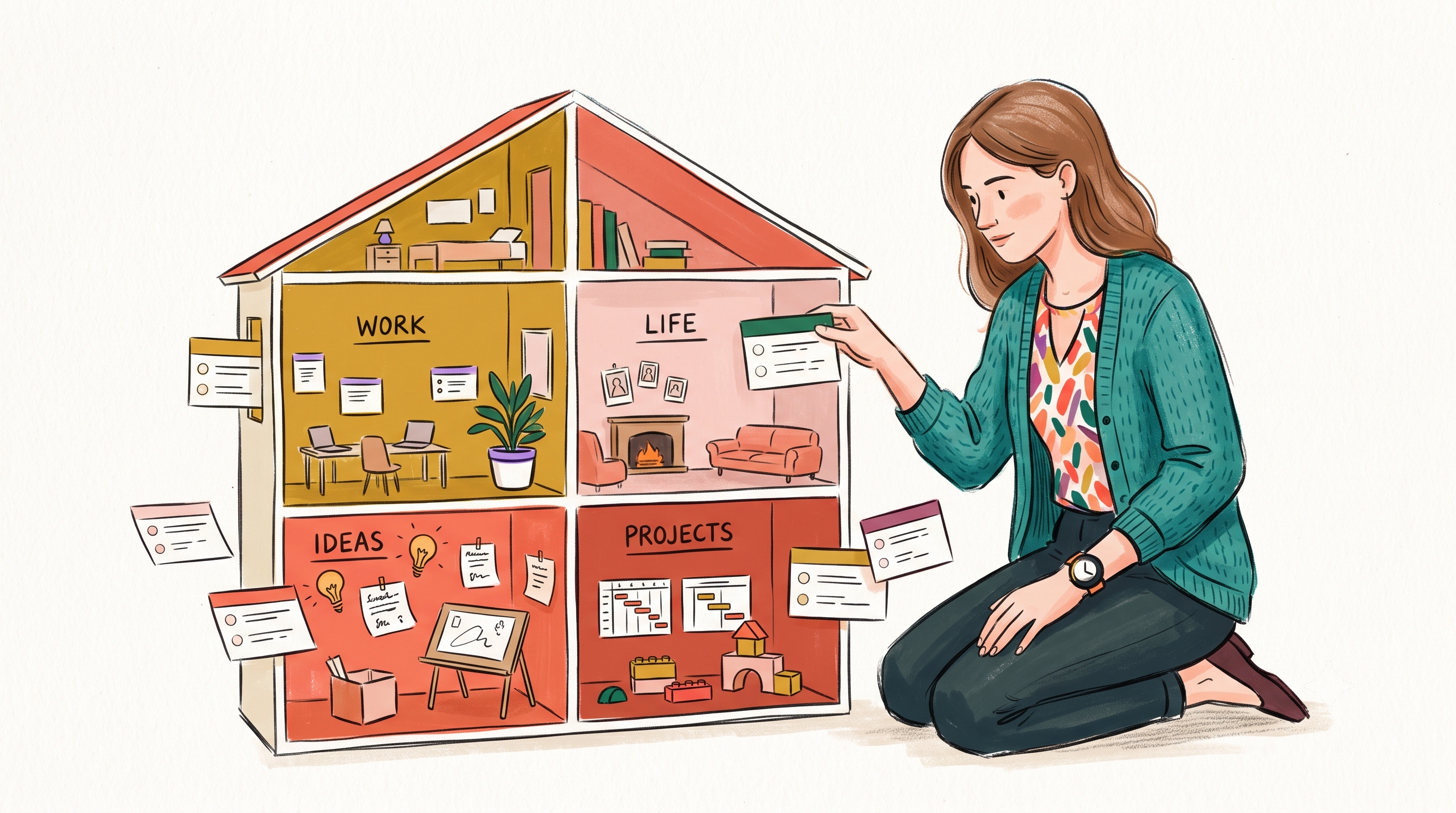
Spaces: Lightweight Organization
A lightweight way to separate work, life, and projects — without folders-inside-folders ceremony.
Feature
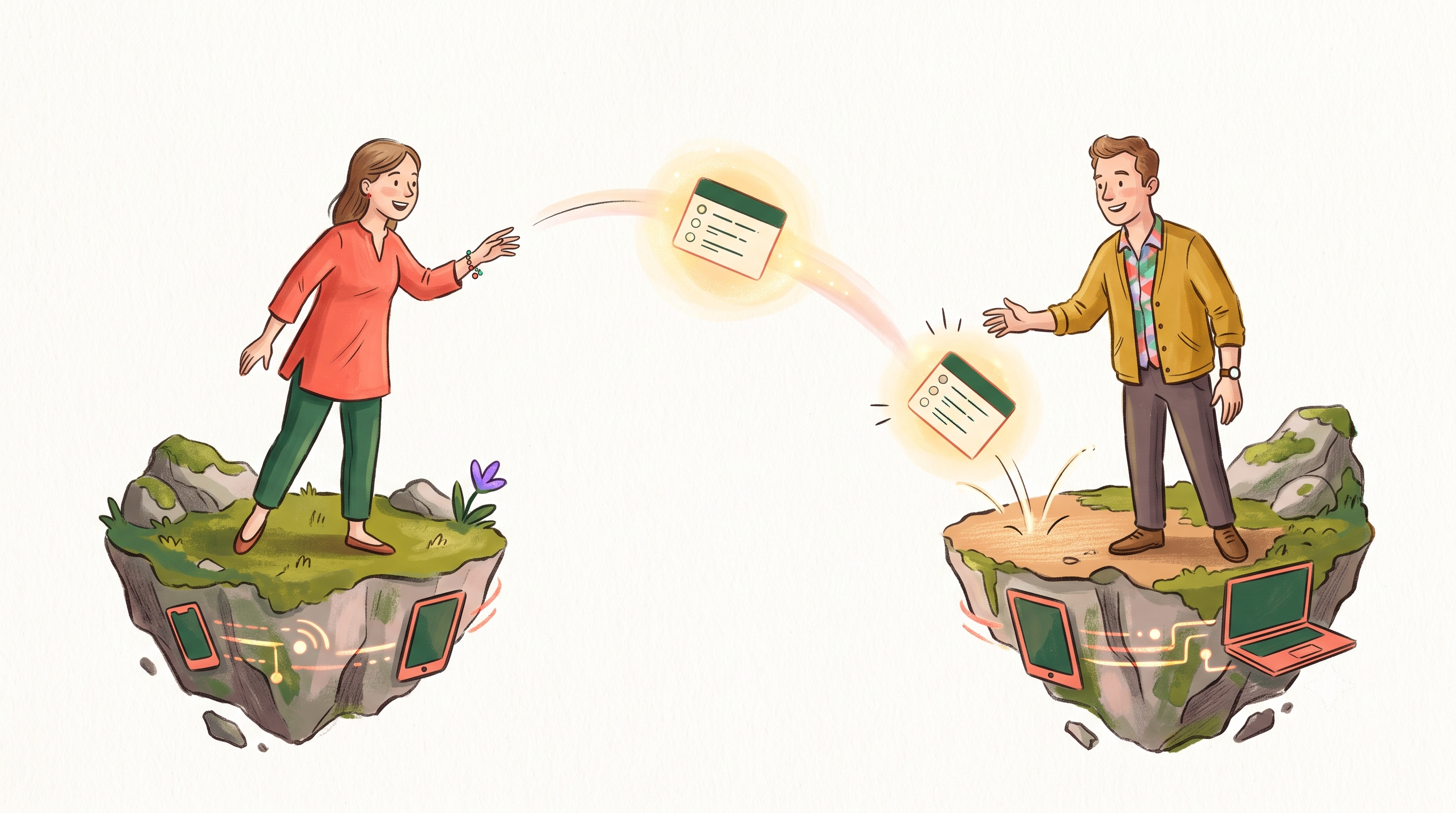
Offline-First Sync
Instant local storage. Syncs across Mac, Windows, iOS, and Android in the background — and works on a plane.

Feature
Built-in Pomodoro Focus Timer
A real Pomodoro timer built in — with streaks and stats — so you don’t need a second app to actually do the work.

Feature
Publish Notes & Newsletter
Turn any note into a live web page. Bring your own domain. Let readers subscribe.
Feature
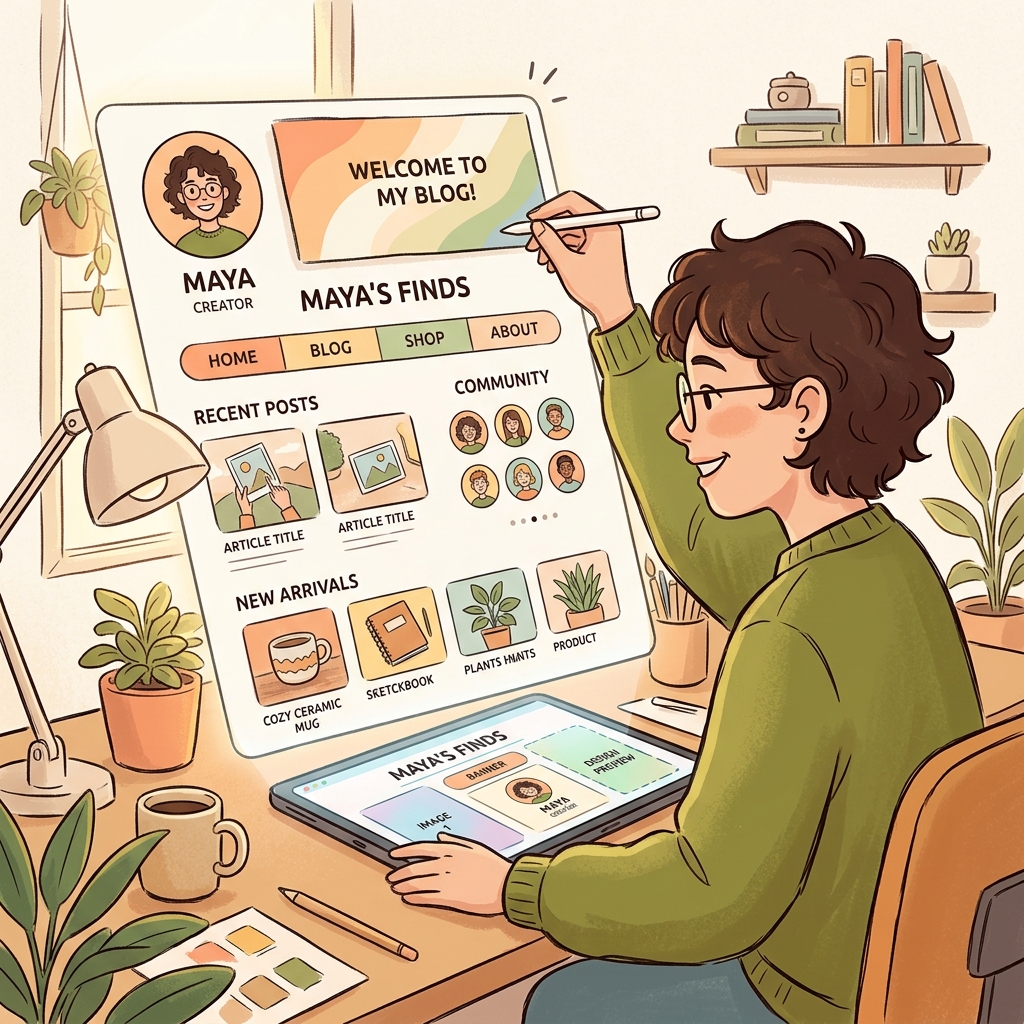
Customize Your Published Blog
Turn your notes into a personalized publication. Custom layouts, typography, surface colors, avatars, and favicons.
Feature
Connect Custom Domains to Your Blog
Map your own domain or subdomain to your Owldo blog. Automatic HTTPS, zero server setup, and instant edge routing.

Feature
Built-in Newsletter for Notes & Blogs
Collect email subscribers right on your published notes and email new posts with a single click. No subscriber tier fees.

Feature
End-to-End Encryption (E2EE)
Keep your thoughts entirely private. Owldo offers End-to-End Encryption so your data is unreadable to anyone but you.
Feature
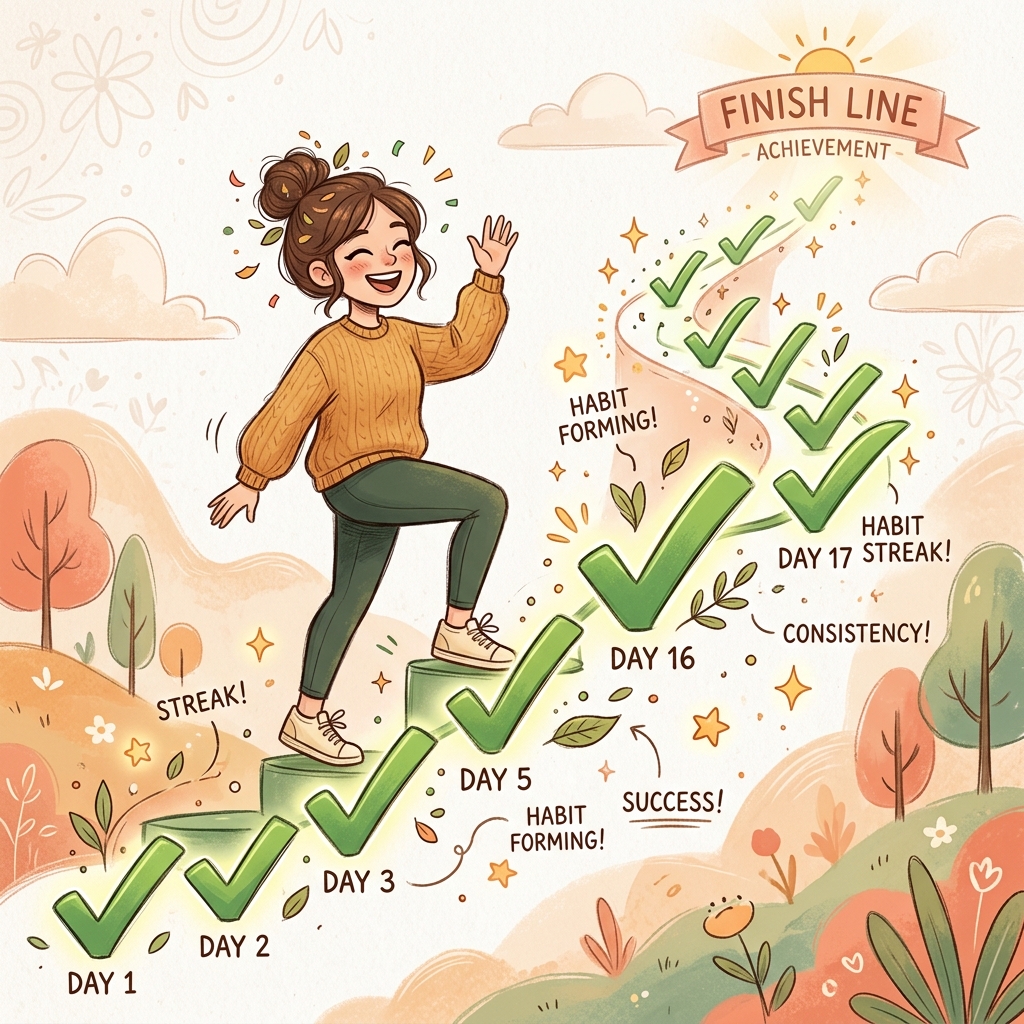
Habits & Streaks Built Right In
Build habits with Owldo. Recurring tasks automatically track streaks, display visual habit strips, and roll forward gracefully.
Feature
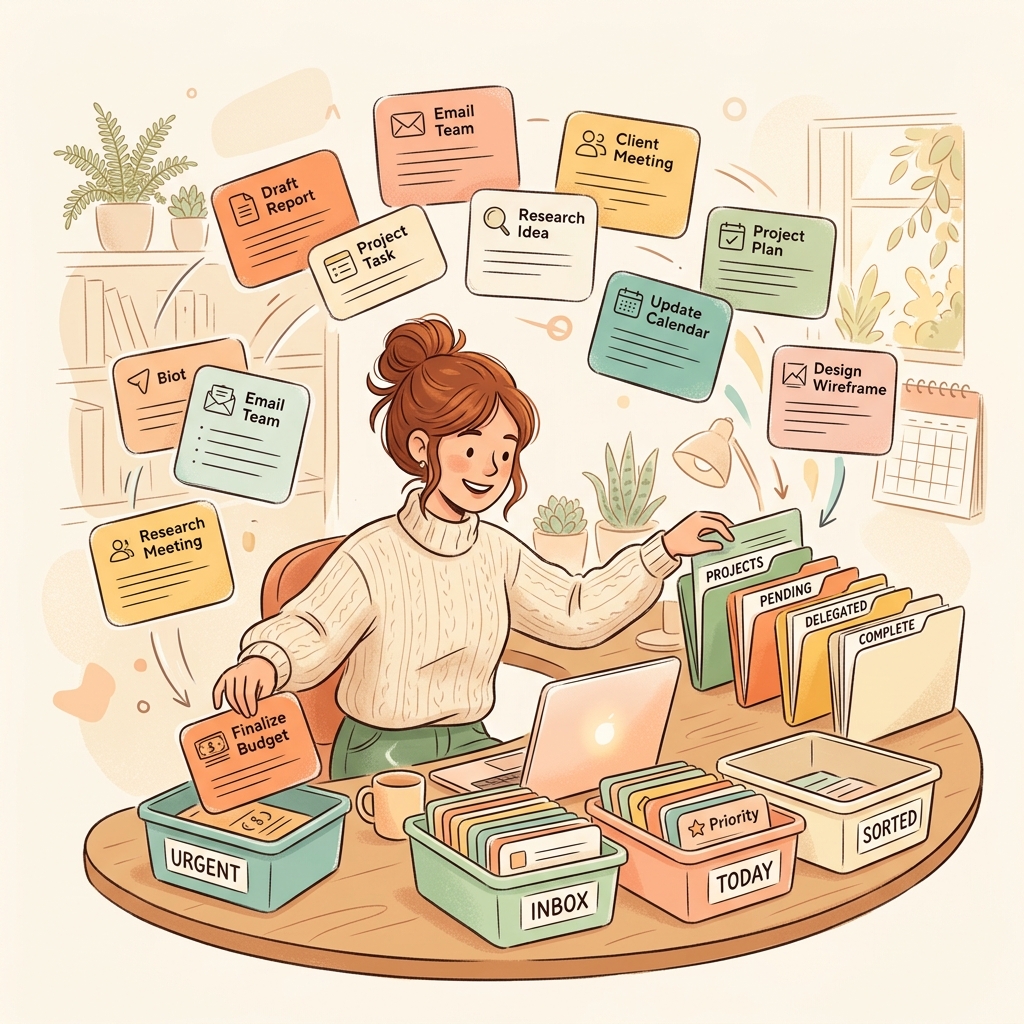
Automated Task Sections
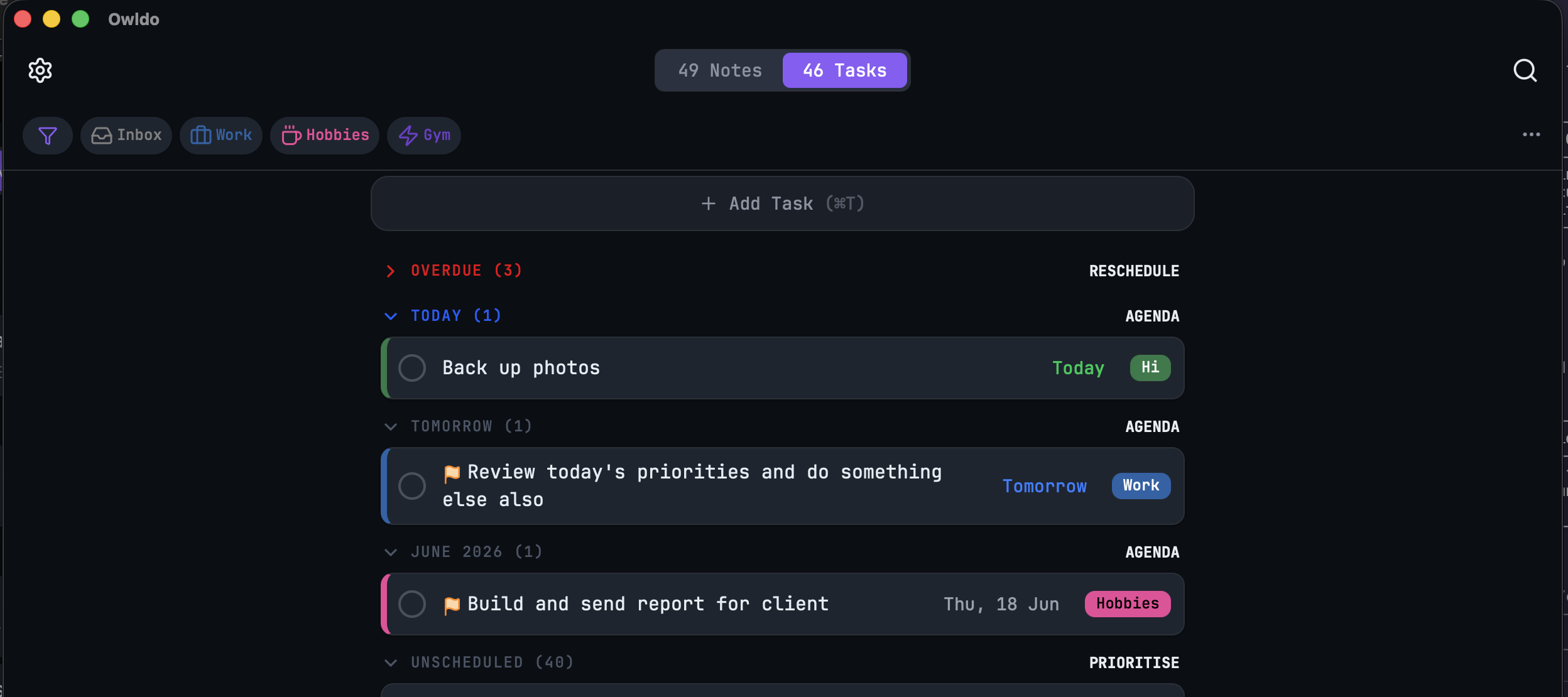
Never organize your inbox again. Owldo automatically sorts your tasks into Overdue, Today, Later, Anytime, and Someday.

Feature
Curated Themes for Deep Work
Personalize your workspace with beautifully curated themes including Nord, Catppuccin, Gruvbox, and Midnight.

Feature
Local Vault Backup
Your data is yours. Generate automated, local, human-readable backups of your entire workspace.
Feature
7 Architectural Blog Themes & Layouts
Explore 7 persona-driven blog themes: newsletter editorial, monospace terminal, digital garden, visual masonry, and microblog stream.
What makes Owldo different
Every task app is notes-blind. Every notes app is task-blind. And none of them let you publish. Owldo is the only place where your private to-dos, your second brain, and your public writing live together — and it’s built to stay light instead of slowly becoming another sprawling workspace.
Unified, not bolted-on. A note becomes a task in one keystroke. A task carries its context.
Yours, on your device. Data lives in a local database first, then syncs and backs up across your devices. Cancel anytime and keep everything.
It publishes. No other tasks-and-notes app turns a note into a live site with a custom domain and a subscriber list. That’s the part competitors can’t copy without becoming a different product.
Go deeper
See how Owldo stacks up against the tools you already know — vs Notion, vs Obsidian, vs Todoist. Built for a job? Writers, developers, founders, and students each have a page. Or read the thinking behind it on our philosophy.