Comparison
Owldo vs Todoist.

Todoist is an exceptional to-do list. But work is rarely just a list of checkboxes. The actual work lives in the context beside the task: the meeting notes, the project brief, the code snippet, the research summary.
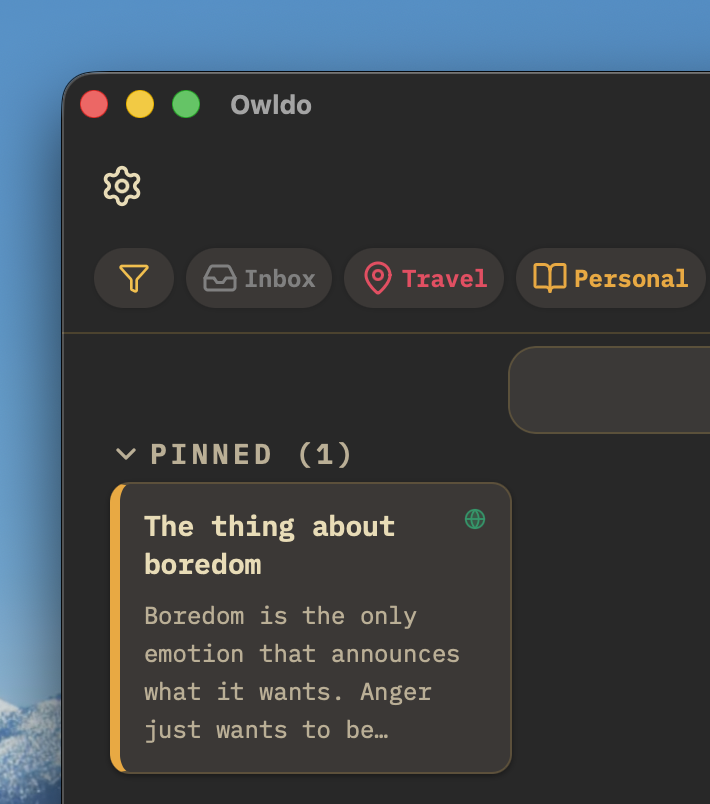
Todoist forces you to keep your notes somewhere else. Owldo keeps them together. One Space holds your Markdown notes and your actionable task list side-by-side.
Our Philosophy
“A note without a task is just a file.”
We fundamentally reject the artificial divide between 'notes apps' and 'task managers.' Context and action must live in the exact same window. We built Owldo so you can finally stop paying the context-switching tax.
| Feature | Owldo | Todoist |
|---|---|---|
| Notes built in | Full Markdown editor | Comments / descriptions only |
| Offline support | 100% full local SQLite | Cloud-first (offline cache) |
| Reminders & dates | Included free | Paywalled on Pro |
| Pomodoro timer | Built in | No |
| Publish to web | One tap | No |
| Local-first architecture | Yes (instant cold start) | No (API round trips) |
| Pricing | Free local / $3/mo sync | Free (limited) / $5/mo |
The Context Switching Tax
If your task is "Review Q3 Marketing Strategy," you can put that in Todoist. But where is the strategy document? Is it in Google Docs? Notion? Slack? To actually do the work, you have to leave your task manager, search across three different platforms to find the context, and then return.
Owldo eliminates this context-switching tax. A Space in Owldo contains both the Markdown document detailing the strategy, and the actionable tasks required to execute it. You open the app, read the context, start the built-in Pomodoro timer, and do the work—all in one window.
True Offline Capability
Todoist relies heavily on its cloud backend. While it has offline modes, they often feel like a degraded experience. Sync conflicts happen, and loading times can stutter if you have a spotty connection.
Owldo is fundamentally a local-first application. Every task, note, and schedule entry is written to your local hard drive first. The app is completely native, resulting in zero-latency interactions. Checking off a task in Owldo is instantaneous, whether you are on gigabit fiber or on an airplane.
A Focus on Execution, Not Just Organization
Todoist excels at helping you organize a list of things you should do. But staring at a perfectly organized list of 40 tasks often leads to paralysis. Owldo goes a step further by integrating tools for execution.
With a unified daily planner view and a deeply integrated Pomodoro focus timer, Owldo doesn't just help you categorize your work; it actively helps you pull one task from the pile, artificially constrain your time, and get it done.
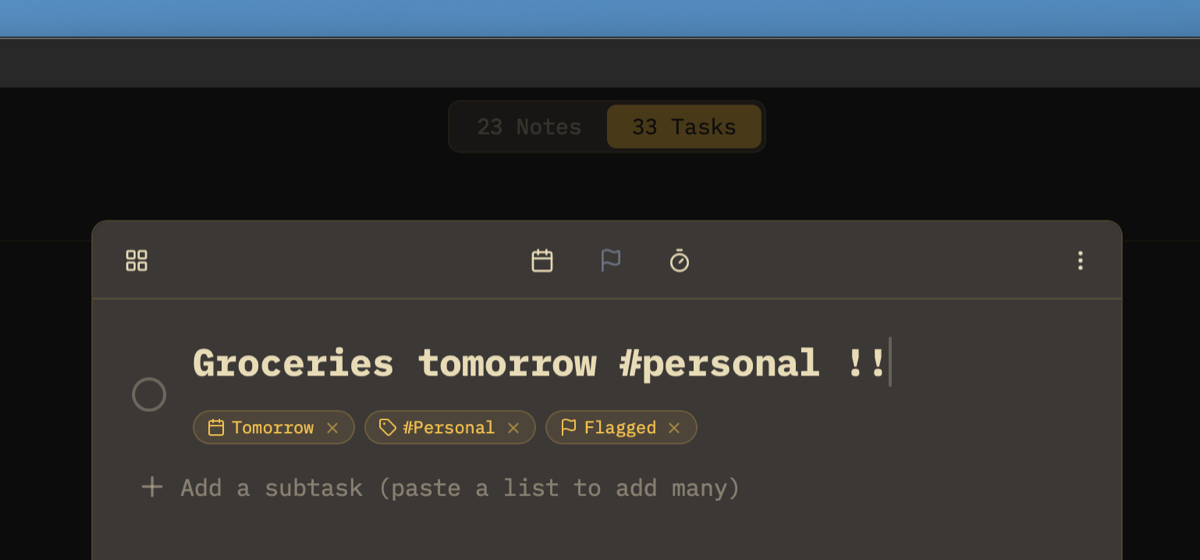
What you get with Owldo
Frequently asked questions
Is Owldo a direct replacement for Todoist?
For solo work, yes. Owldo handles due dates, recurring tasks, and priorities with a fast keyboard interface. It adds full Markdown notes and a Pomodoro timer that Todoist lacks.
Does Owldo have natural language date input like Todoist?
Owldo uses fast keyboard shortcuts for dates (e.g., Today, Tomorrow, specific dates) to ensure deterministic scheduling without accidental string parsing errors.
Does Owldo paywall basic features like task reminders?
No. Owldo provides due dates, recurring rules, and task horizons for free without requiring a paid subscription.
Can I import my tasks from Todoist into Owldo?
Yes. You can export your Todoist tasks as CSV and bring them into Owldo Spaces in minutes.
More honest comparisons
See how Owldo sits next to other tools you may be considering.

Comparison
Owldo vs Things 3
Things is beautiful but Mac-only. Owldo brings that aesthetic to Windows and Android.

Comparison
Owldo vs TickTick
TickTick is a cluttered Swiss Army knife. Owldo is a sharp chef's knife. Focus over feature bloat.

Comparison
Owldo vs Notion
Notion is an infinite canvas that demands setup. Owldo works immediately. When simple beats powerful.