Feature
Context and action, finally together.

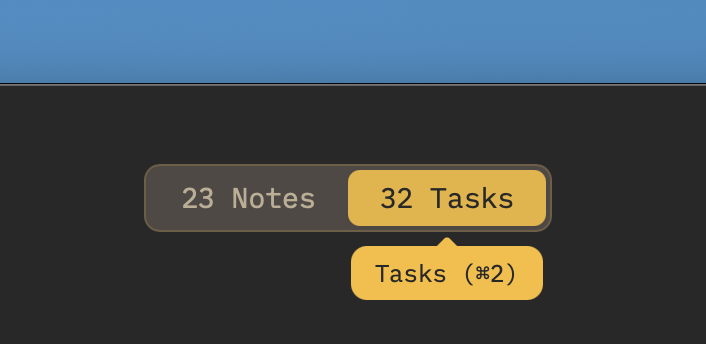
The biggest friction point in modern work is the artificial divide between your notes and your tasks. You write a project brief in Google Docs, but you manage the deliverables in Todoist. To get work done, you constantly pay a context-switching tax.
Owldo is built on the sharp philosophy that a note without a task is just a file, and a task without a note lacks context. We bring them together natively.
Our Philosophy
“Tasks are RAM, Notes are ROM.”
Execution is where actual value is created. A perfect productivity system forces you to spend the majority of your time executing (RAM) rather than endlessly organizing (ROM). Owldo is designed to artificially constrain your focus to drive sheer execution.
Markdown Notes Above, Checkboxes Below
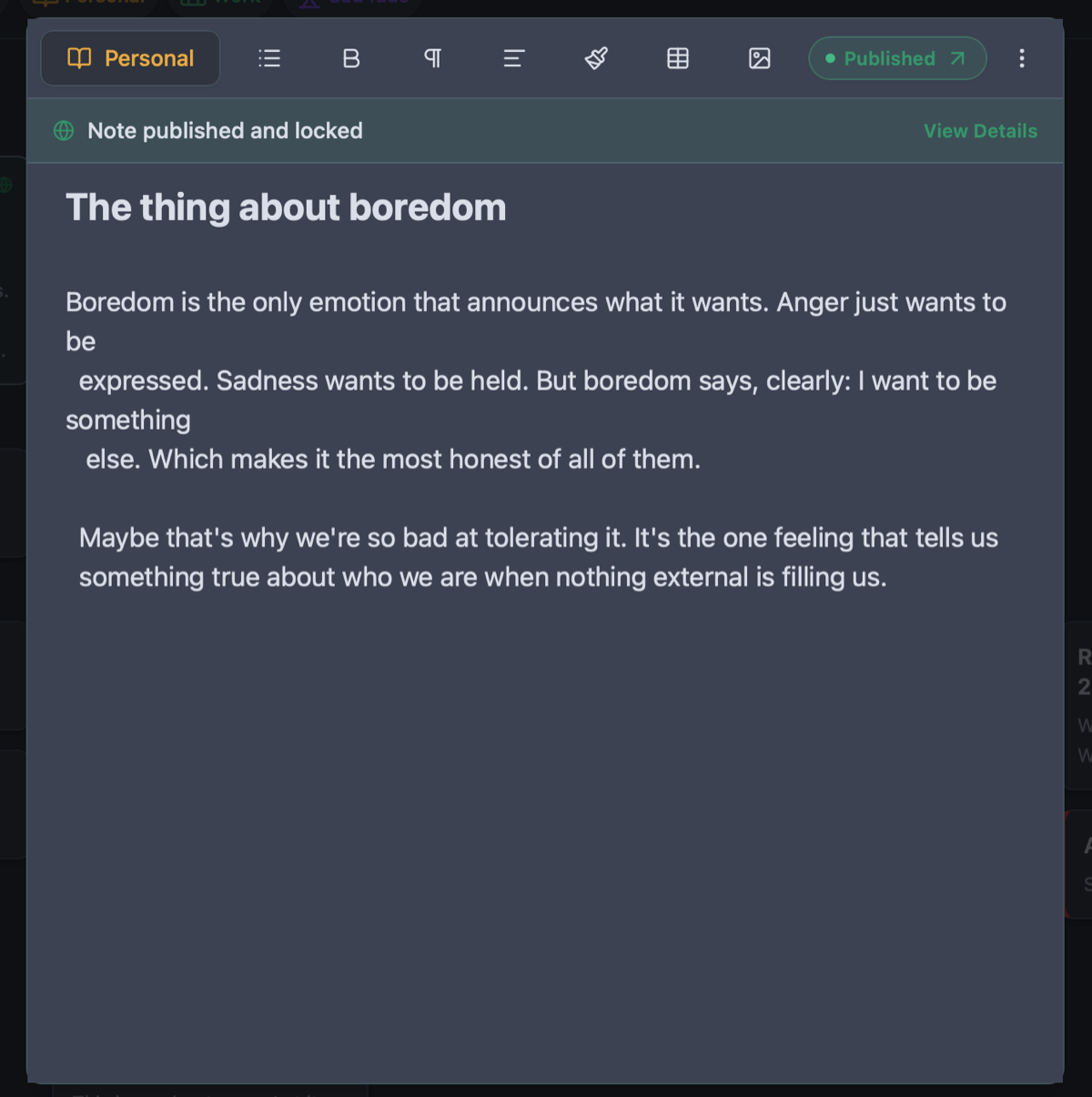
In Owldo, every Space acts as a dual-purpose container. You have a beautiful, live-rendering Markdown editor to capture your thoughts, meeting minutes, or code snippets.
Directly beneath that editor is a robust task list. You review the context, and you check off the action items on the exact same screen. No switching apps. No lost tabs.
Keyboard Driven Capture
We built Owldo for speed. Whether you are typing a paragraph of text or creating a recurring task, your hands never have to leave the keyboard. The friction between "having an idea" and "scheduling it" is completely removed.
See Tasks & Notes Unified in One Workspace in action
Frequently Asked Questions
Can I add due dates to tasks?
Yes. Tasks support due dates, recurring rules, and custom reminders.
Are the notes standard Markdown?
Yes. The editor supports GitHub-flavored markdown including syntax-highlighted code blocks, tables, and blockquotes.
Explore more features
See what else Owldo does to keep your work unified and friction-free.
Feature
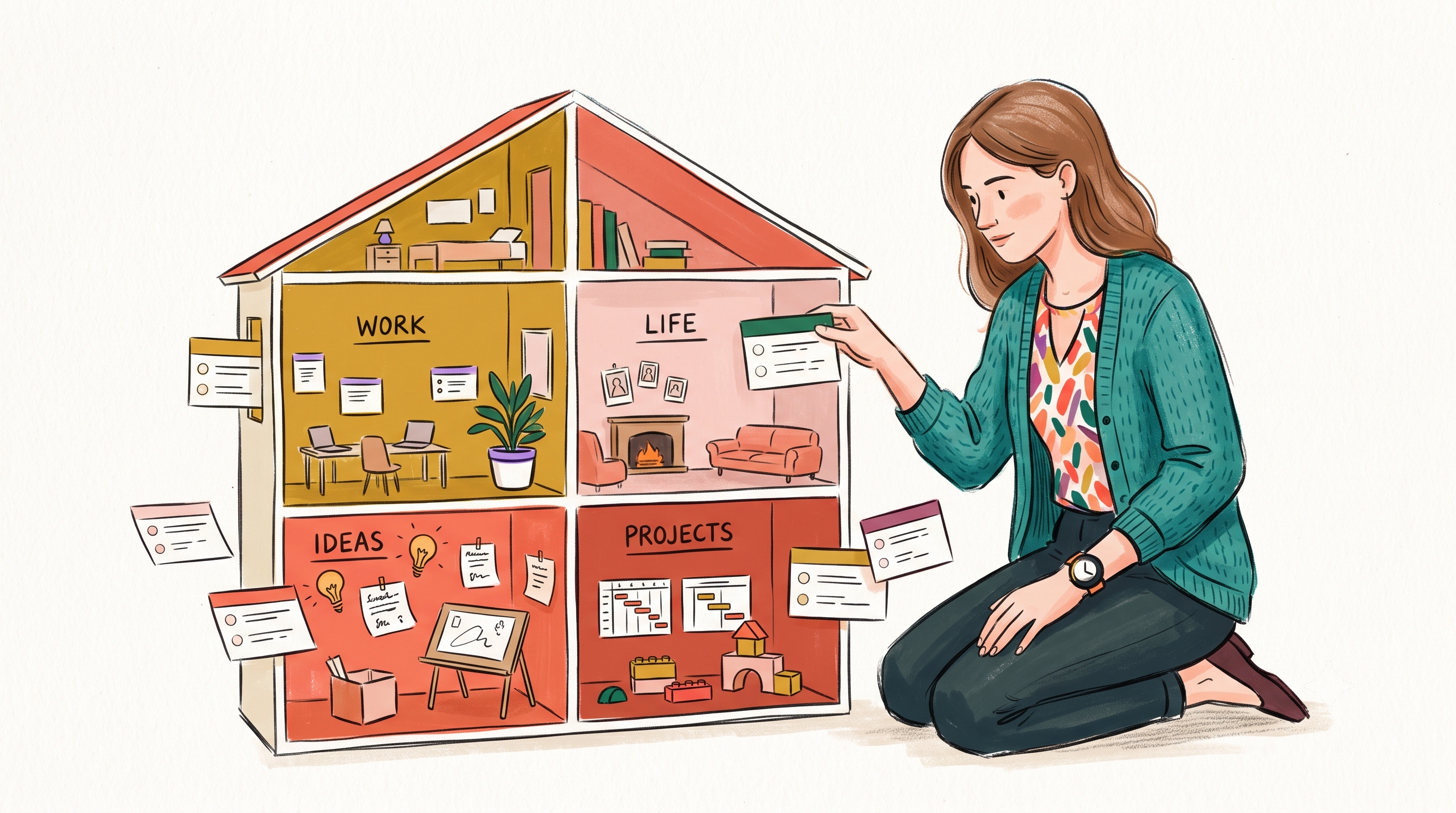
Spaces: Lightweight Organization
A lightweight way to separate work, life, and projects — without folders-inside-folders ceremony.

Feature
Offline-First Sync
Instant local storage. Syncs across Mac, Windows, iOS, and Android in the background — and works on a plane.

Feature
Built-in Pomodoro Focus Timer
A real Pomodoro timer built in — with streaks and stats — so you don’t need a second app to actually do the work.