Feature
Stop organizing. Let the dates do the work.

Managing a task manager often becomes an unpaid second job. You spend hours manually dragging tasks into "Today" or "Next Week" buckets, creating the illusion of productivity while doing zero actual work.
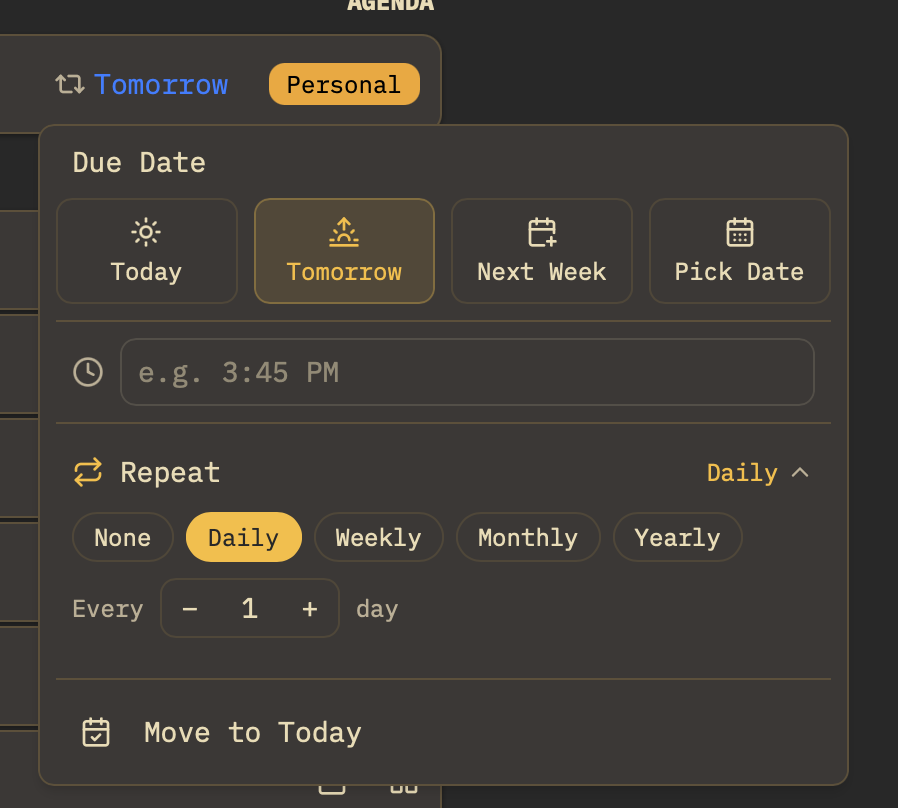
Owldo eliminates this manual labor. By assigning a date or a flag to a task, Owldo's engine automatically sorts it into Overdue, Today, Later, Anytime, or Someday sections. The system manages itself.
Our Philosophy
“You shouldn't rent your data. You should own it.”
Proprietary cloud databases are traps designed to make it impossible for you to leave. Owldo rejects this hostile approach. Your notes are standard Markdown. You can export your entire database at any second, which forces us to build a product so good you'll want to stay.
Dynamic Daily Horizons
Your Daily Planner is automatically segmented into logical groups: Overdue (what needs immediate triage), Today (what is due now), and Later (what is coming up this week). You never have to manually build these lists; they generate dynamically based on the current clock.
Anytime and Someday: Banishing Backlog Guilt
Not every task needs an artificial deadline. For projects without strict dates, you can dump tasks into the "Anytime" or "Someday" buckets. These stay completely out of your urgent "Today" view, shielding your focus from clutter until you conduct your weekly review.
Zero Maintenance Triage
When tomorrow arrives, tasks scheduled for tomorrow move into Today automatically. Overdue tasks are placed front and center so you can reschedule or complete them with a single keystroke.
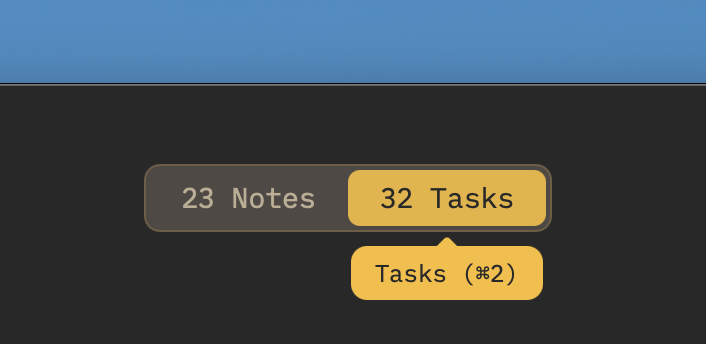
See Automated Task Sections in action
Frequently Asked Questions
Can I manually reorder tasks inside a section?
Yes. Within the "Today" section, you can drag and drop tasks to set your personal execution priority for the day.
What happens to tasks I don't complete today?
They roll into your Overdue triage section the next morning, remaining visible so you can reschedule them to today, push them to next week, or delete them.
Can I view tasks across all Spaces or only one at a time?
You can view a consolidated Today schedule showing tasks across all your Spaces, or filter down to a single Space when doing deep work.
Does automated sorting work offline?
Yes. Sorting logic runs locally in JavaScript against your on-device SQLite database with zero cloud delay.
Explore more features
See what else Owldo does to keep your work unified and friction-free.
Feature
Distraction-Free Productivity Widgets
Interactive checklists, zen Pomodoro timer, instant scratchpad, and lock screen widgets with zero guilt badges.

Feature
Tasks & Notes Unified in One Workspace
Stop paying the two-app tax. Capture a thought and turn it into a task without switching contexts.
Feature
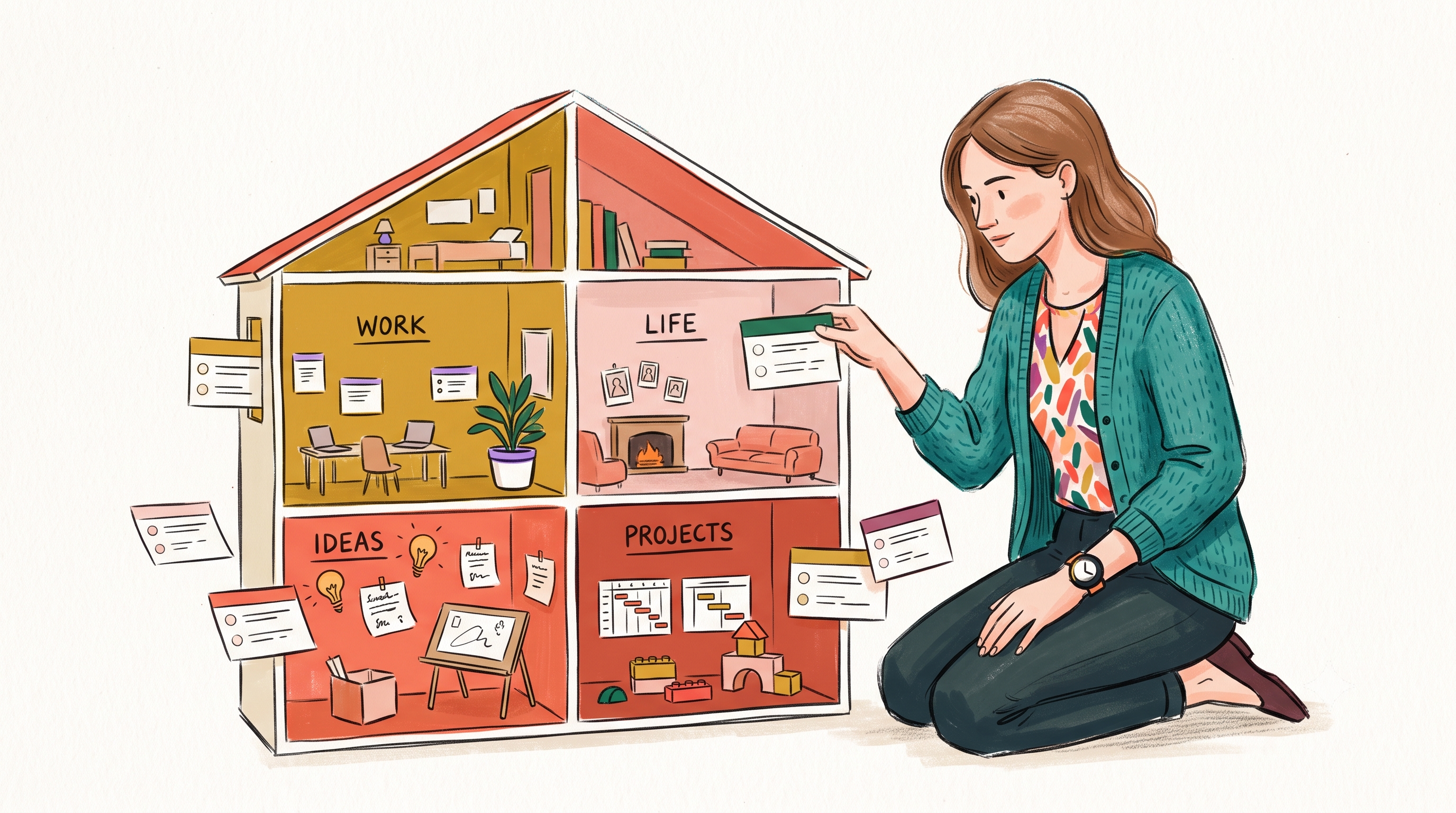
Spaces: Lightweight Organization
A lightweight way to separate work, life, and projects — without folders-inside-folders ceremony.