Feature
Organization without the ceremony.
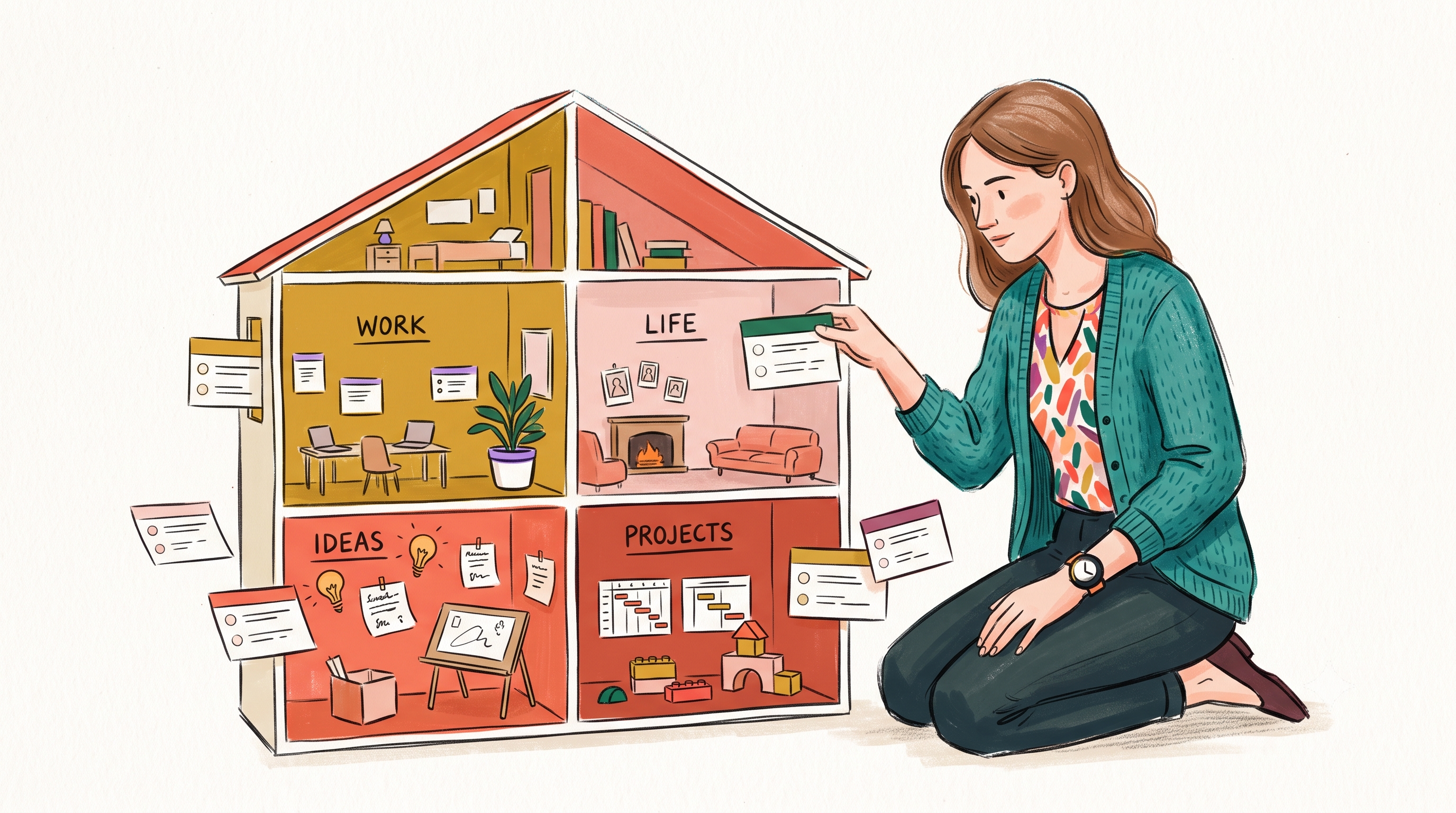
If your organization system takes more effort to maintain than the actual work, your system is broken. Nested folder hierarchies are a relic of the 1990s desktop file system that induce filing anxiety.
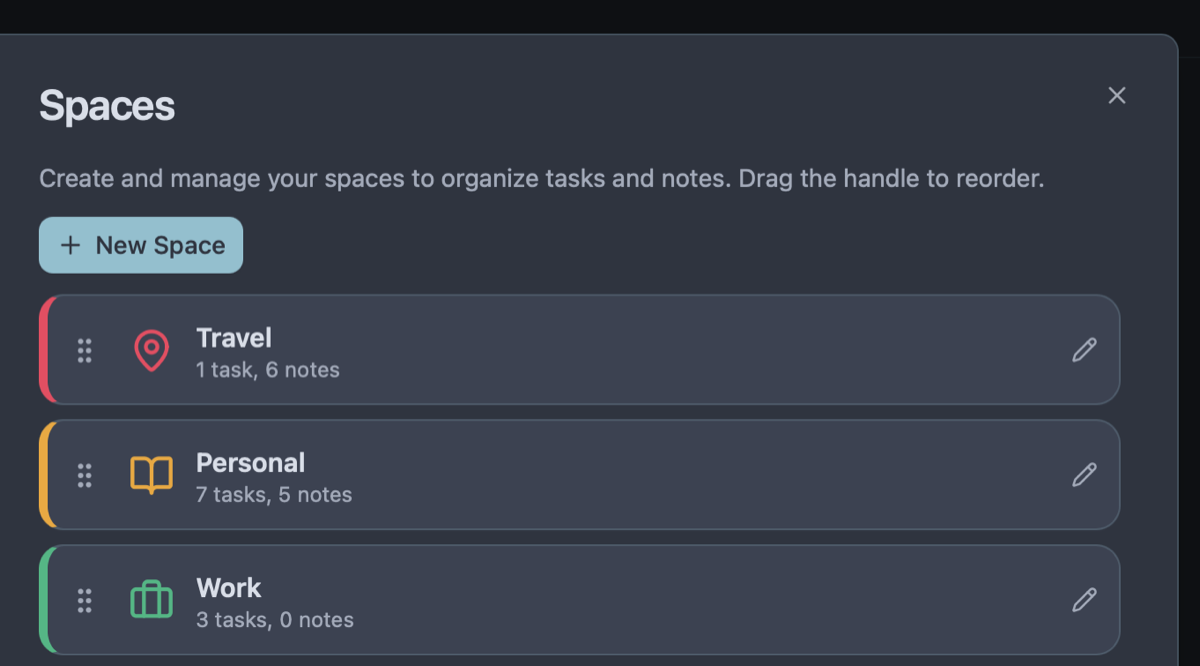
Owldo introduces Spaces: a flat, intentional way to separate the different areas of your life without the bureaucratic overhead of folders-inside-folders. It is a constraint that breeds absolute clarity.
Our Philosophy
“Friction is the enemy of momentum.”
If you have to open a web app, wait for a loading spinner, and assign five metadata tags just to write down a single sentence, you will simply stop writing things down. We utilize a local-first SQLite architecture to guarantee zero-latency capture.
A Dedicated Room for Every Context
A Space in Owldo is a dedicated room for a specific project or domain. You might have Spaces for "Client Redesign," "API Architecture," "Book Draft," and "Personal Finances."
When you click into a Space, everything else in the app recedes into the background. You only see the notes and tasks relevant to that specific context, allowing you to compartmentalize stress and enter deep flow.
Why Flat Hierarchies Beat Deep Folder Trees
Deep folder trees create the "where did I file that?" dilemma. Users spend minutes navigating directories, second-guessing whether a meeting note belongs under Client > Q3 > Strategy or Strategy > 2026 > Meetings.
Owldo enforces a flat hierarchy of color-coded Spaces paired with instant sub-10ms full-text search. You never lose a note because everything is one click or hotkey away.
Archiving Over Deleting
When a project concludes, you don't want to delete your hard-won notes, but you also don't want them cluttering your daily sidebar. Spaces can be archived with one click. They vanish from your active workspace but remain permanently searchable in your vault.
See Spaces: Lightweight Organization in action
Frequently Asked Questions
Can I nest a Space inside another Space?
No. Owldo intentionally maintains a flat structure to eliminate filing friction and prevent the cognitive overhead of deeply nested hierarchies.
Can I reorder and pin my Spaces?
Yes. You can drag and drop Spaces in the sidebar or pin your highest-priority Spaces to the top navigation bar for immediate access.
Can I publish an entire Space as a public blog or digital garden?
Yes. You can publish notes under a specific Space and use the Atlas layout to turn it into an interconnected topic index.
How many Spaces can I create in the free version?
You can create unlimited Spaces, notes, and tasks in Owldo for local use on your device.
Explore more features
See what else Owldo does to keep your work unified and friction-free.
Feature
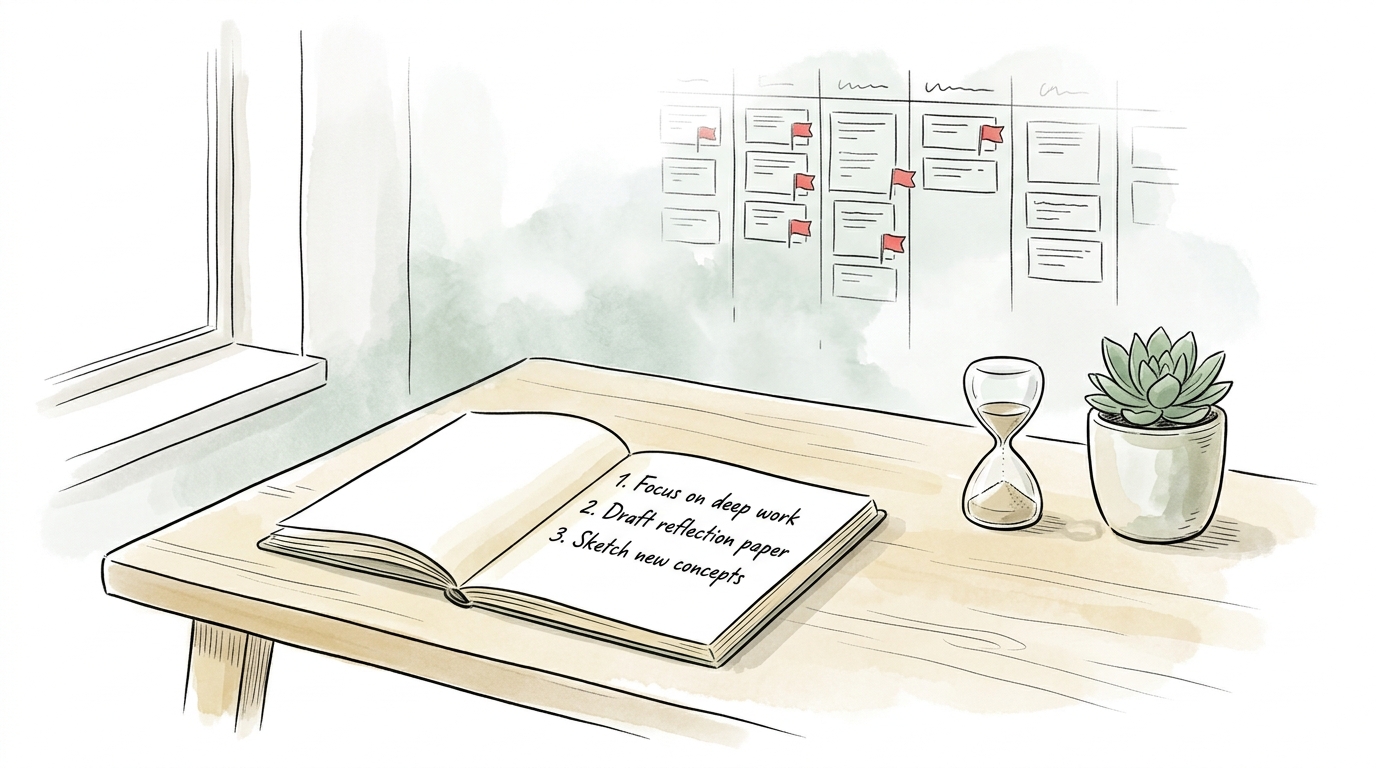
Distraction-Free Productivity Widgets
Interactive checklists, zen Pomodoro timer, instant scratchpad, and lock screen widgets with zero guilt badges.

Feature
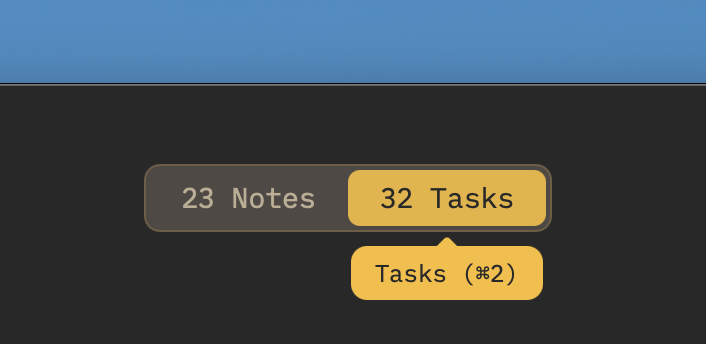
Tasks & Notes Unified in One Workspace
Stop paying the two-app tax. Capture a thought and turn it into a task without switching contexts.
Feature
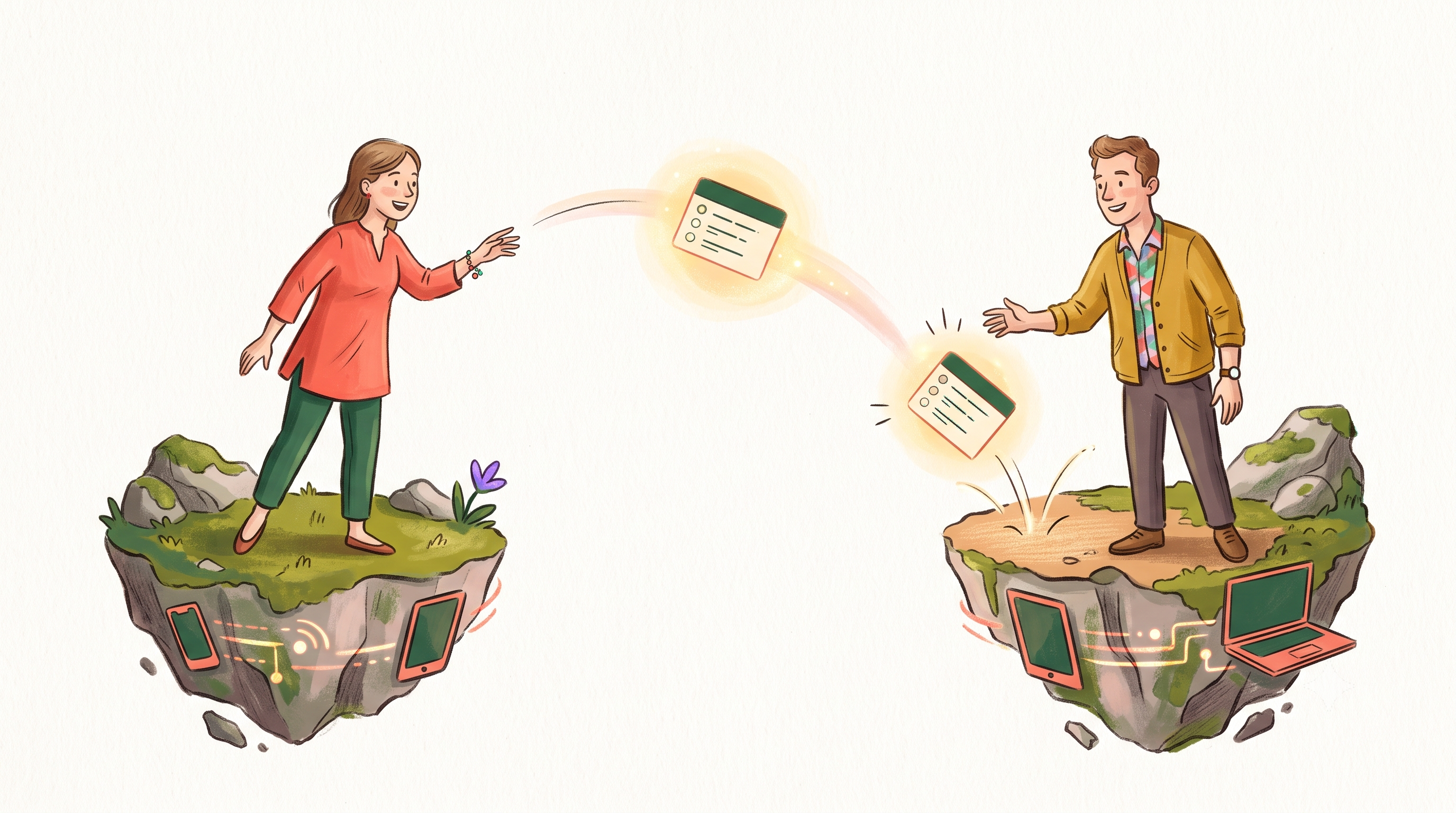
Offline-First Sync
Instant local storage. Syncs across Mac, Windows, iOS, and Android in the background — and works on a plane.