Feature
Mathematical privacy, not just policies.

Most productivity tools store your notes in plain text on their servers. If they suffer a data breach, or a rogue employee gets curious, your private journals and business plans are exposed.
Owldo uses uncompromising AES-GCM End-to-End Encryption. Your data is encrypted on your physical device before it ever touches our servers. We couldn't read your notes even if we wanted to.
Our Philosophy
“Tasks are RAM, Notes are ROM.”
Execution is where actual value is created. A perfect productivity system forces you to spend the majority of your time executing (RAM) rather than endlessly organizing (ROM). Owldo is designed to artificially constrain your focus to drive sheer execution.
How E2EE Operates Mathematically
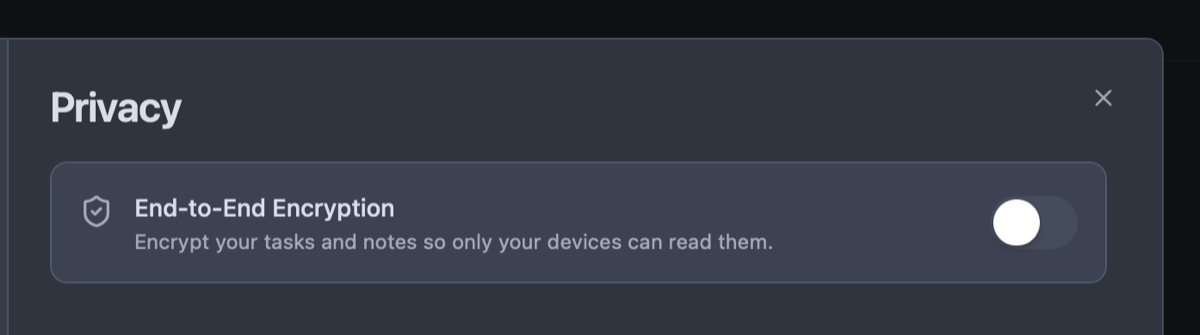
When you enable E2EE, Owldo uses a master passphrase (that you create and we never see) to derive an AES-256 encryption key locally on your device. The encrypted ciphertext is what gets synced across our transport infrastructure.
If our servers were ever compromised, or if we were legally compelled to hand over data, the attacker would only receive indecipherable cryptographic noise. We literally cannot read your notes.
Zero-Knowledge Sovereignty and Responsibility
True privacy requires personal responsibility. Because we never possess your decryption key, if you lose your master passphrase, we cannot recover your data. There are no backdoor recovery questions. E2EE is a powerful shield for those who demand absolute sovereignty over their thoughts.
Zero Latency Performance
Modern CPUs feature hardware-accelerated AES instructions (AES-NI). Encryption and decryption in Owldo execute in fractions of a millisecond on your machine, ensuring your interface remains blindingly fast.
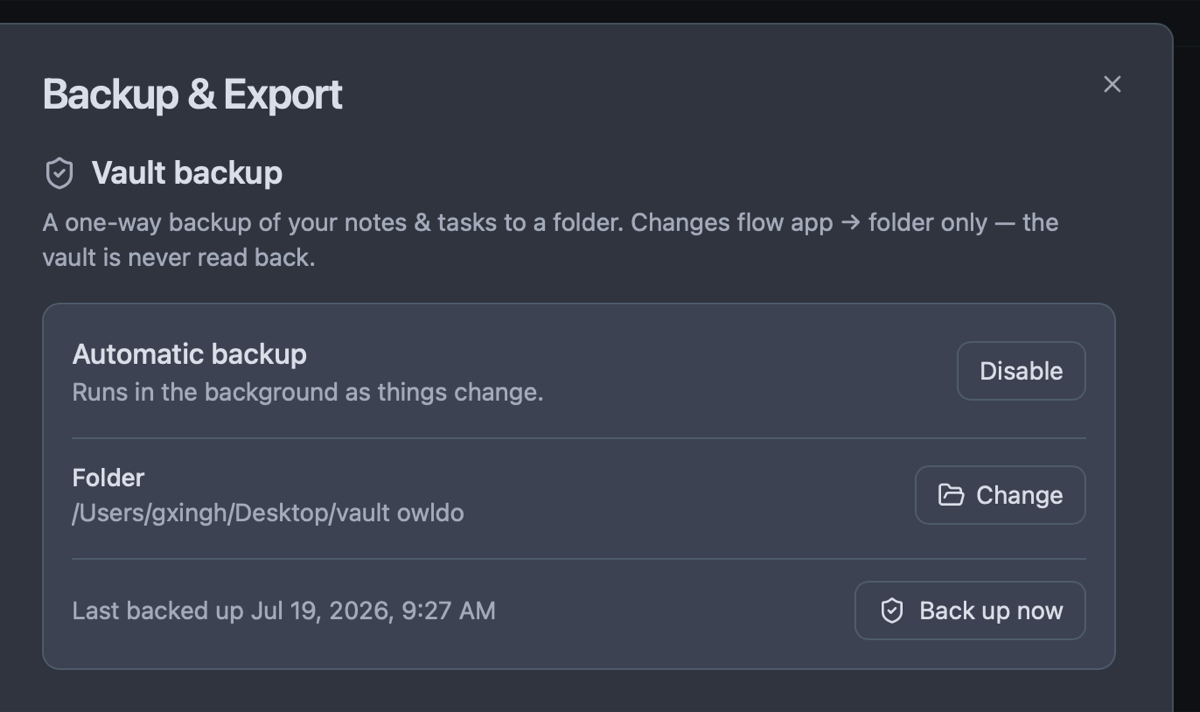
See End-to-End Encryption (E2EE) in action
Frequently Asked Questions
Is E2EE turned on by default?
No. Because losing your passphrase means permanent data loss, E2EE is an opt-in feature for advanced users who require strict cryptographic confidentiality.
Does E2EE slow down the application?
No. Encryption happens in sub-milliseconds on your local device CPU, so you won't notice any difference in typing or startup speed.
Can I export my encrypted notes?
Yes. You can export decrypted Markdown (.md) files locally anytime while authenticated in the app.
Does E2EE protect tasks as well as notes?
Yes. When E2EE is enabled, your tasks, spaces, notes, and habits are all encrypted under the same master key.
Explore more features
See what else Owldo does to keep your work unified and friction-free.

Feature
Distraction-Free Productivity Widgets
Interactive checklists, zen Pomodoro timer, instant scratchpad, and lock screen widgets with zero guilt badges.

Feature
Tasks & Notes Unified in One Workspace
Stop paying the two-app tax. Capture a thought and turn it into a task without switching contexts.

Feature
Spaces: Lightweight Organization
A lightweight way to separate work, life, and projects — without folders-inside-folders ceremony.