Feature
Aesthetics matter. Choose your environment.
We spend hours agonizing over the physical aesthetics of our office desks, but we stare at sterile, blinding white software interfaces for 8 hours a day.
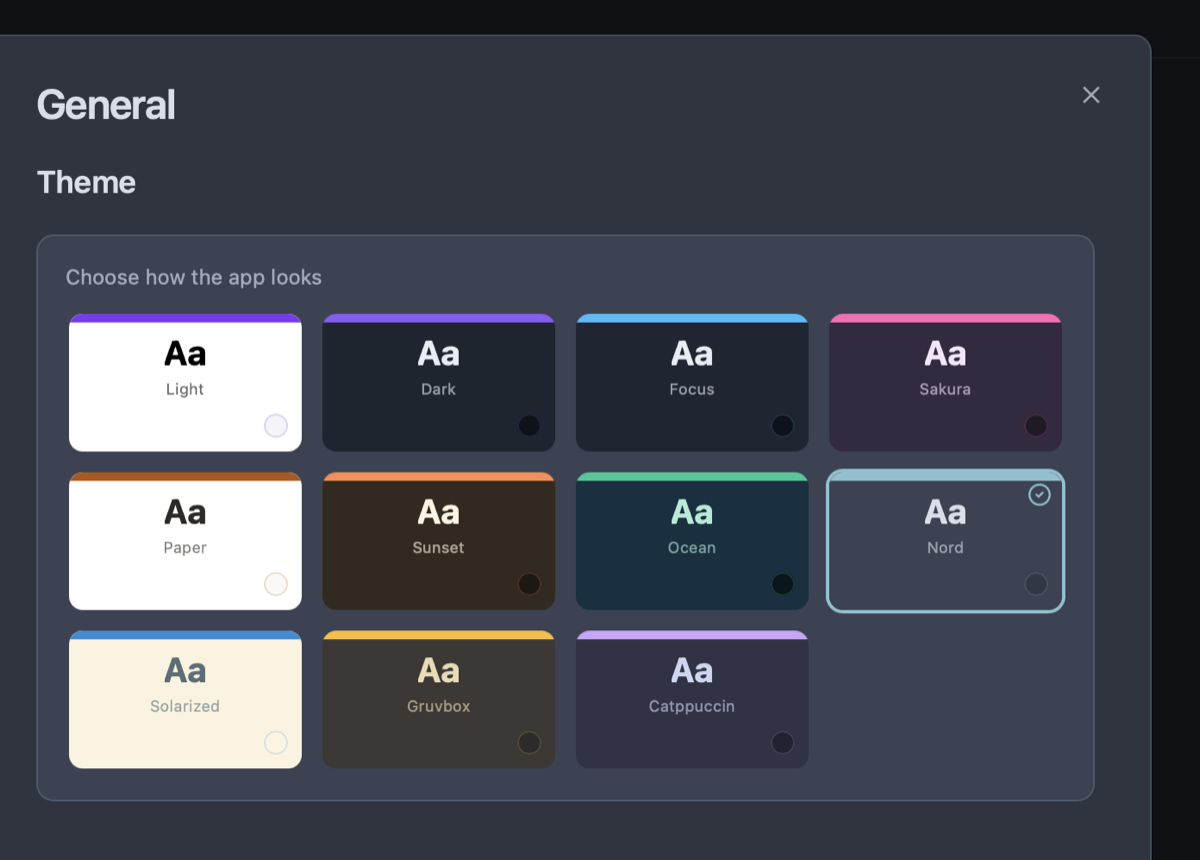
Owldo believes aesthetics drive cognitive performance. We provide 11 meticulously crafted themes, from Midnight Purple to Nord, turning your workspace into a deeply personal environment you actually look forward to inhabiting.
Our Philosophy
“Organize less. Do more.”
If your organization system takes more effort to maintain than the actual work, your system is broken. Nested folder hierarchies are a relic of the 90s desktop file system. We use flat, lightweight Spaces so you can organize without the bureaucratic ceremony.
Developer-Beloved Color Palettes
We didn't just build generic "Light" and "Dark" toggles. We integrated the color palettes that developers, hackers, and designers already cherish in their code editors. You can instantly switch your entire workspace to Nord (icy blues), Catppuccin (warm pastels), or Gruvbox (retro terminal warmth).
OLED Black and True Optical Contrast
For users who work late at night, our pure "Midnight" theme utilizes true OLED blacks to completely eliminate backlight bleed on modern displays, offering a stark, distraction-free environment for deep reading and coding.
Calibrated Typography and Surface Comfort
Every theme balances background luminance, border opacity, and text contrast to pass WCAG AAA accessibility standards, dramatically reducing eye fatigue during 10-hour deep work days.
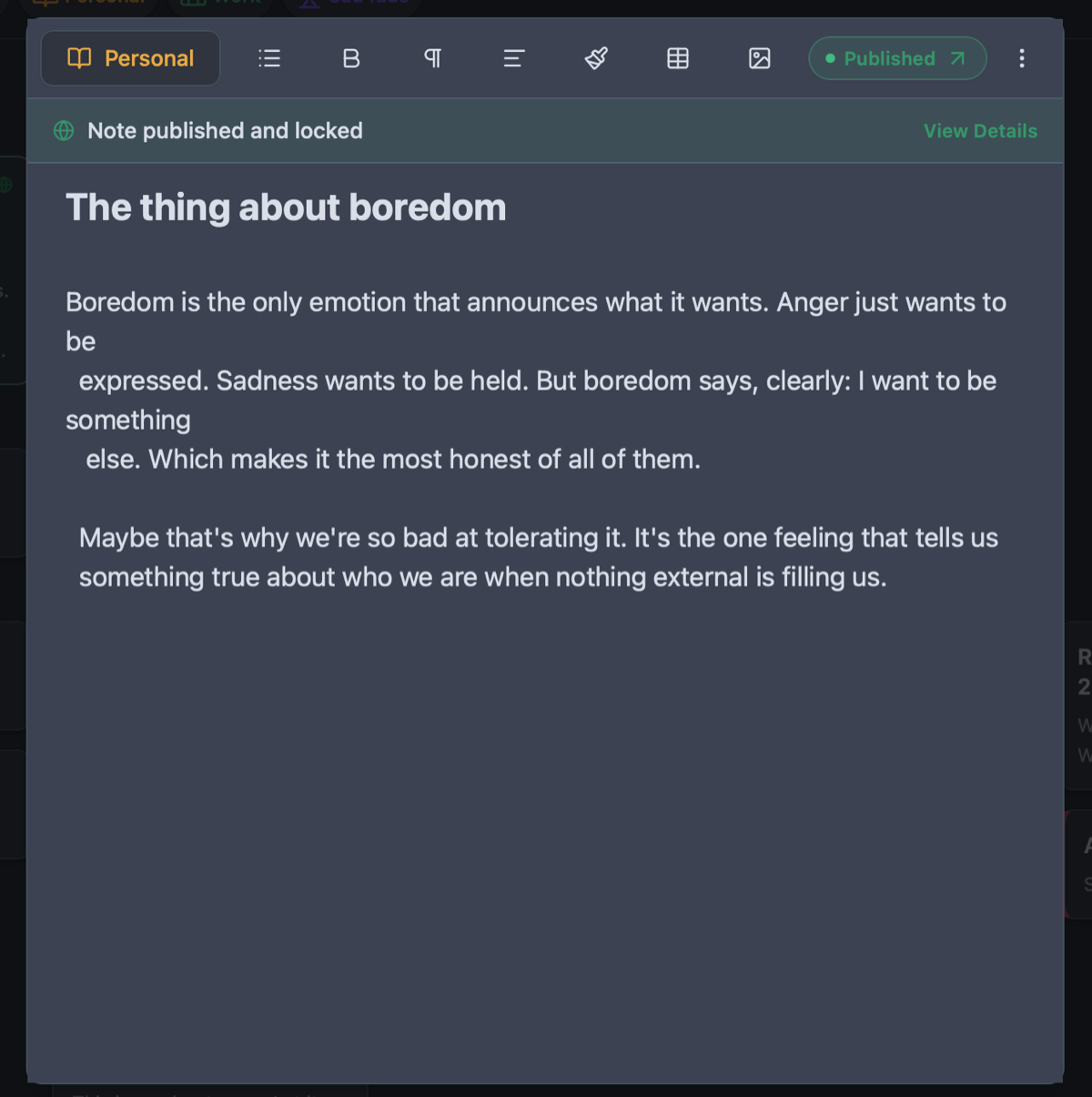
See Curated Themes for Deep Work in action
Frequently Asked Questions
Does Owldo support automatic system theme switching?
Yes. You can set Owldo to automatically switch between your preferred Light and Dark themes based on your operating system’s day/night schedule.
Can I use a different theme for my published blog than my app?
Yes. Your desktop/mobile app theme is personal to you, while your public blog has its own independent surface mode (Clean Light, Sleek Dark, or Warm Sepia).
Are developer themes like Nord and Gruvbox free?
Yes. All 11 themes are completely unlocked and free for all users.
Does switching themes require restarting the application?
No. Theme transitions are instantaneous without reloading or interrupting your active note editing.
Explore more features
See what else Owldo does to keep your work unified and friction-free.
Feature
Distraction-Free Productivity Widgets
Interactive checklists, zen Pomodoro timer, instant scratchpad, and lock screen widgets with zero guilt badges.

Feature
Tasks & Notes Unified in One Workspace
Stop paying the two-app tax. Capture a thought and turn it into a task without switching contexts.
Feature
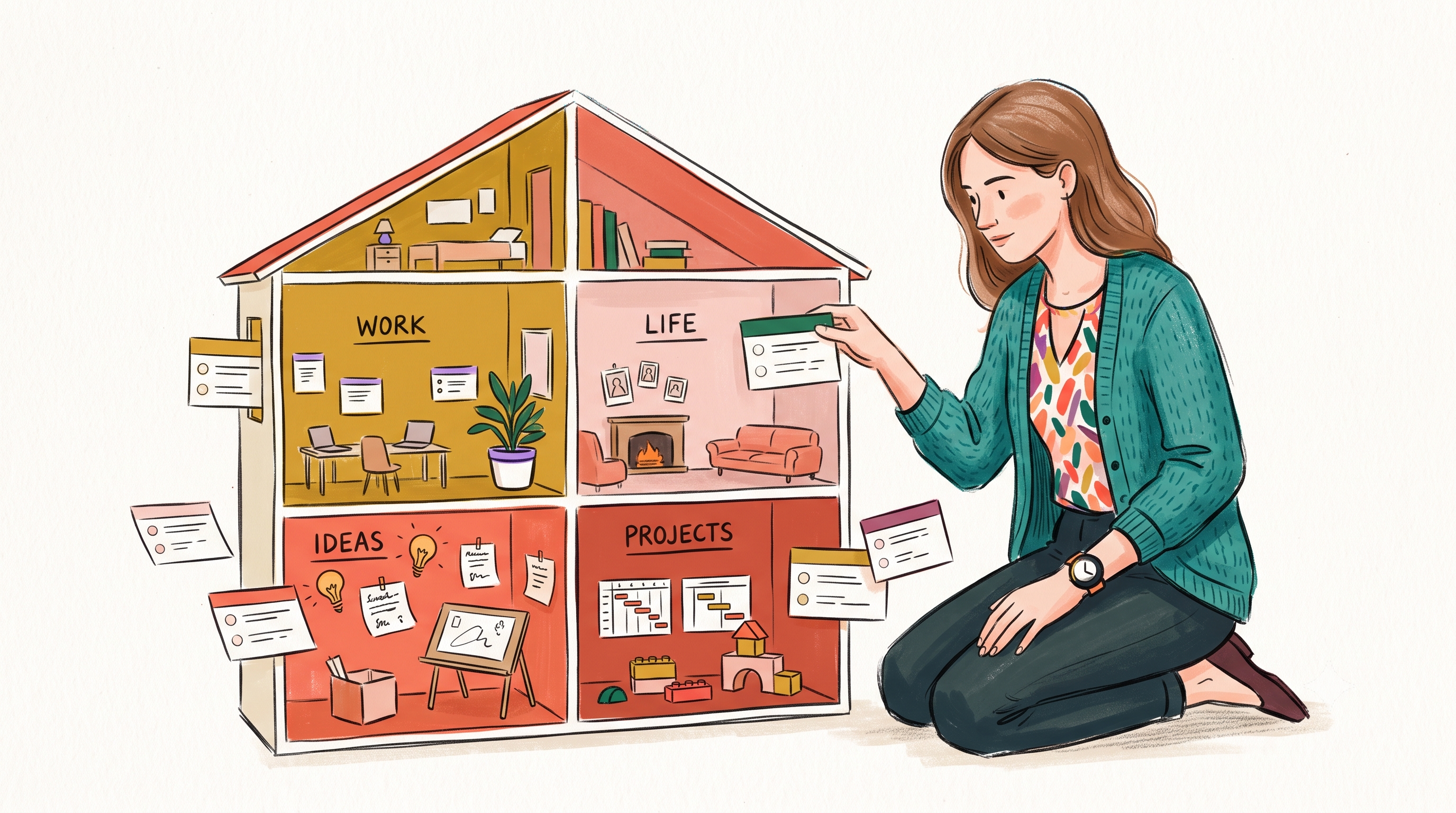
Spaces: Lightweight Organization
A lightweight way to separate work, life, and projects — without folders-inside-folders ceremony.