Todo app for developers
Because developers rarely just need a checkbox.
If you write code for a living, a naked checkbox is almost useless. Real engineering progress lives in the context wrapped around the task: the terminal flags, the cryptic stack trace, the curl snippet, the database migration edge case you will forget by Monday.
Owldo keeps your actionable checklists and your technical Markdown notes together under one roof, without forcing you to maintain a slow, bloated team wiki that feels like a second job.
Our Philosophy
“Tasks are RAM, Notes are ROM.”
Execution is where actual value is created. A perfect productivity system forces you to spend the majority of your time executing (RAM) rather than endlessly organizing (ROM). Owldo is designed to artificially constrain your focus to drive sheer execution.

What you get
- One Space per project, repo, client, or microservice
- First-class Markdown notes with syntax-highlighted code blocks
- Tasks with due dates, flags, priorities, and keyboard navigation
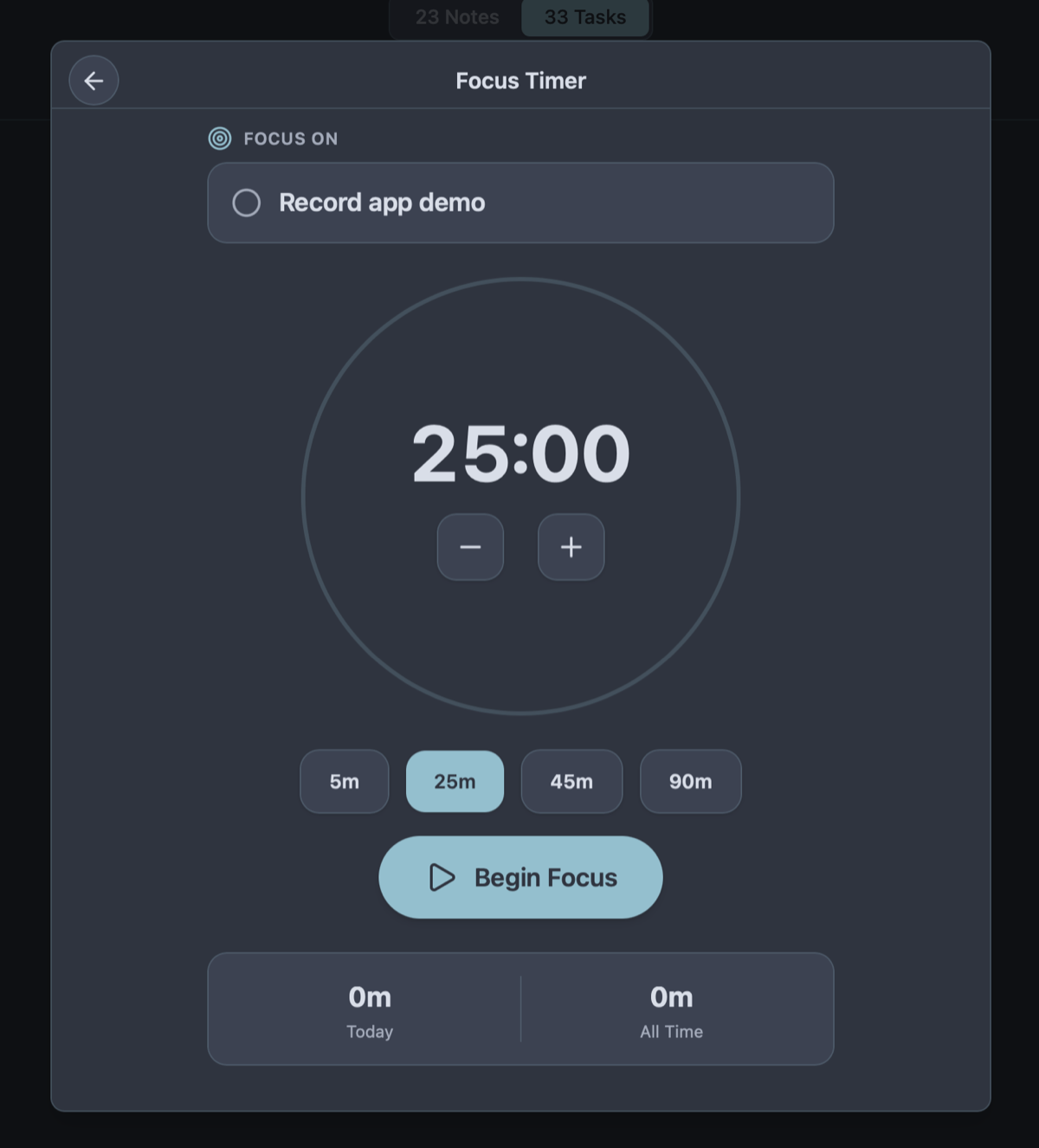
- Built-in Pomodoro focus timer to protect uninterrupted deep work
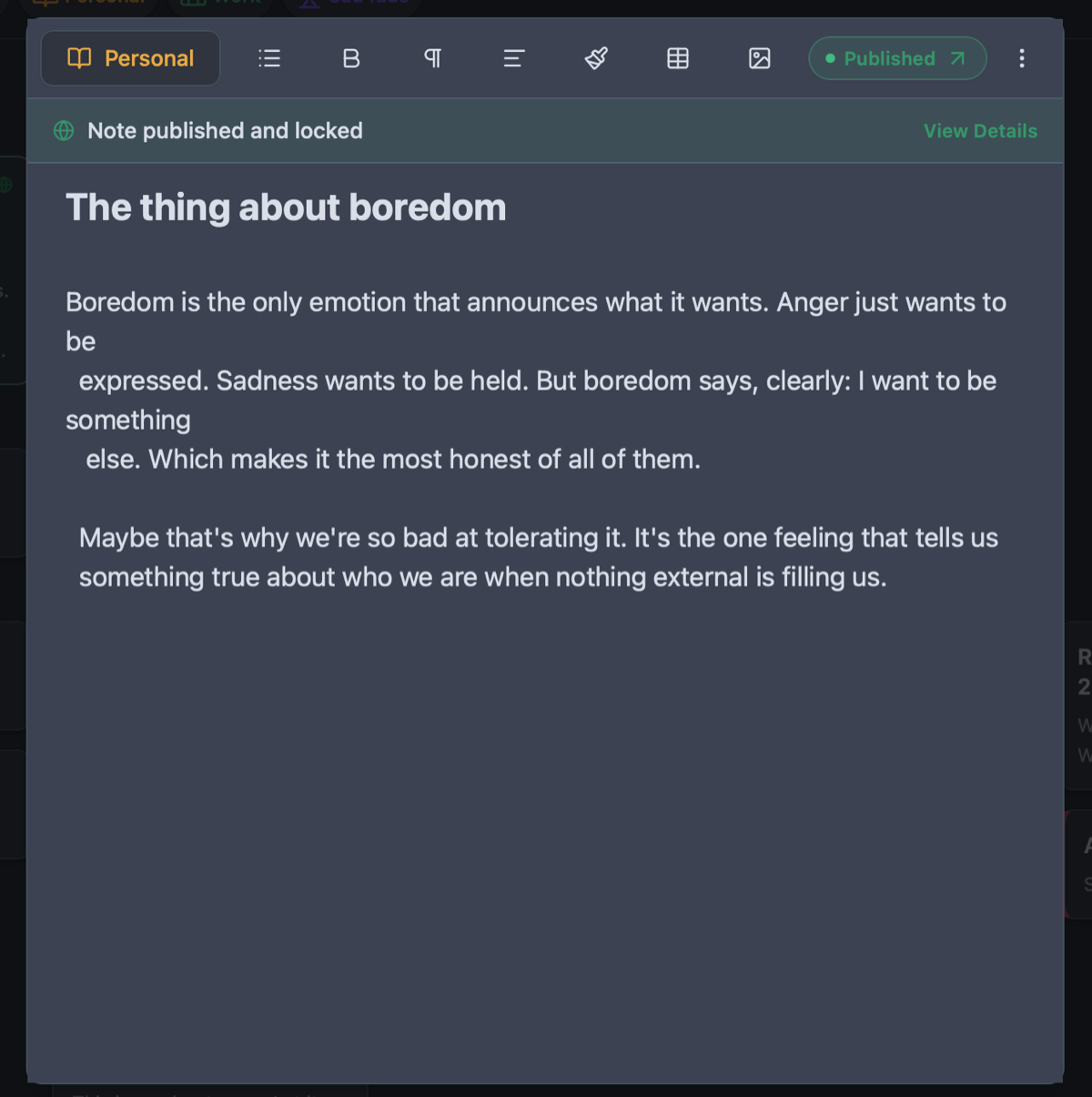
- One-tap publishing to turn private devlogs into live web articles
Less Overhead Than a Wiki, More Power Than a Scratchpad
Developers are notorious for abandoning productivity tools. We get burned by the suffocating bureaucracy of Jira, swear to build our own system in a plain text file or Obsidian, spend three weekends tweaking plugins and query scripts, and eventually abandon that too because maintenance exceeds execution.
Owldo is deliberately constrained to break that exhausting cycle. It provides exactly what engineers need: notes, tasks, Spaces, a schedule, and a focus timer. You cannot install a plugin to build a custom query parser. You just execute your work.
By removing the temptation to endlessly tinker with your tooling, Owldo protects your cognitive bandwidth for the only thing that actually matters: shipping working software.
Capture the Messy Work Around the Code
A sprint ticket describes the ultimate deliverable, but it ignores the chaotic path to getting there. Where do you store the 10-step staging deployment checklist you just discovered? Where do you record the webhook payload that triggered a 500 error? Where do you stash a refactoring idea you can't tackle today?
Use Owldo for the personal work around the team's work. Create a Space for your current repository. Capture snippets with language syntax highlighting. Place immediate action items right beside the technical explanation. Because Owldo runs on local SQLite, opening your deployment checklist takes zero milliseconds.
Publish Technical Runbooks and Articles Instantly
A core differentiator of great software engineers is documentation. Often, an internal post-mortem note or private architectural diagram is worth sharing with teammates or publishing as a technical blog post.
Normally, publishing technical Markdown requires configuring static site generators, managing Git remotes, fixing image paths, and debugging CI pipelines. With Owldo, toggle "Publish" on any Markdown note. It renders as an edge-cached, beautifully typeset article at your personal URL or custom domain in one second.
See Owldo in action
Frequently asked questions
Is Owldo trying to replace Jira, Linear, or GitHub Issues?
No. Owldo is not a team issue tracker or scrum sprint manager. It is your personal command center for the private notes, command snippets, and daily tasks you need to get your tickets done.
Does Owldo support syntax highlighting for code blocks?
Yes. Owldo natively supports full Markdown syntax highlighting across JavaScript, TypeScript, Python, Rust, Go, SQL, Bash, JSON, and dozens of other languages.
Does Owldo work offline when I am debugging on a flight or train?
Yes. All project spaces, code snippets, notes, and task checklists reside in a local database on your laptop, fully accessible without internet.
Can I export all my technical documentation as plain markdown files?
Yes. You can export your entire vault or individual spaces to standard Markdown (.md) files anytime with zero proprietary formatting.
Related guides & use cases
Explore more ways to organize your thoughts and publish your work.
Guide
Owldo for developers
Read more about Owldo's approach and workflows.

Markdown notes & tasks
Markdown note-taking
A markdown note-taking app that doesn't treat tasks as second-class citizens. Fast, offline-first, syntax-highlighted, and built for people who live on the keyboard.
Guide
Owldo vs Obsidian
Read more about Owldo's approach and workflows.

Pomodoro timer app
Integrated focus timer
Owldo combines a zen Pomodoro focus timer with tasks, markdown notes, streak tracking, and offline-first storage so your focus stays tied to actual work.