Markdown notes & tasks
Because rich text is slow, and plain text is ugly.
If your hands are on the keyboard, reaching for a mouse to highlight a paragraph and click an H2 dropdown is an insult to your cognitive flow. You think in headers, bullet hierarchies, blockquotes, and code snippets.
Owldo treats Markdown as a native first-class citizen, letting you format at the speed of thought while seamlessly blending powerful task checklists right into your documents.
Our Philosophy
“A note without a task is just a file.”
We fundamentally reject the artificial divide between 'notes apps' and 'task managers.' Context and action must live in the exact same window. We built Owldo so you can finally stop paying the context-switching tax.

What you get
- Full Markdown support: headings, task checklists, tables, blockquotes, and code blocks
- Keyboard-centric navigation: write, format, and navigate without touching the trackpad
- Notes and tasks coexist in unified Spaces without paying the two-app tax
- Local-first SQLite architecture guarantees instantaneous, zero-latency typing
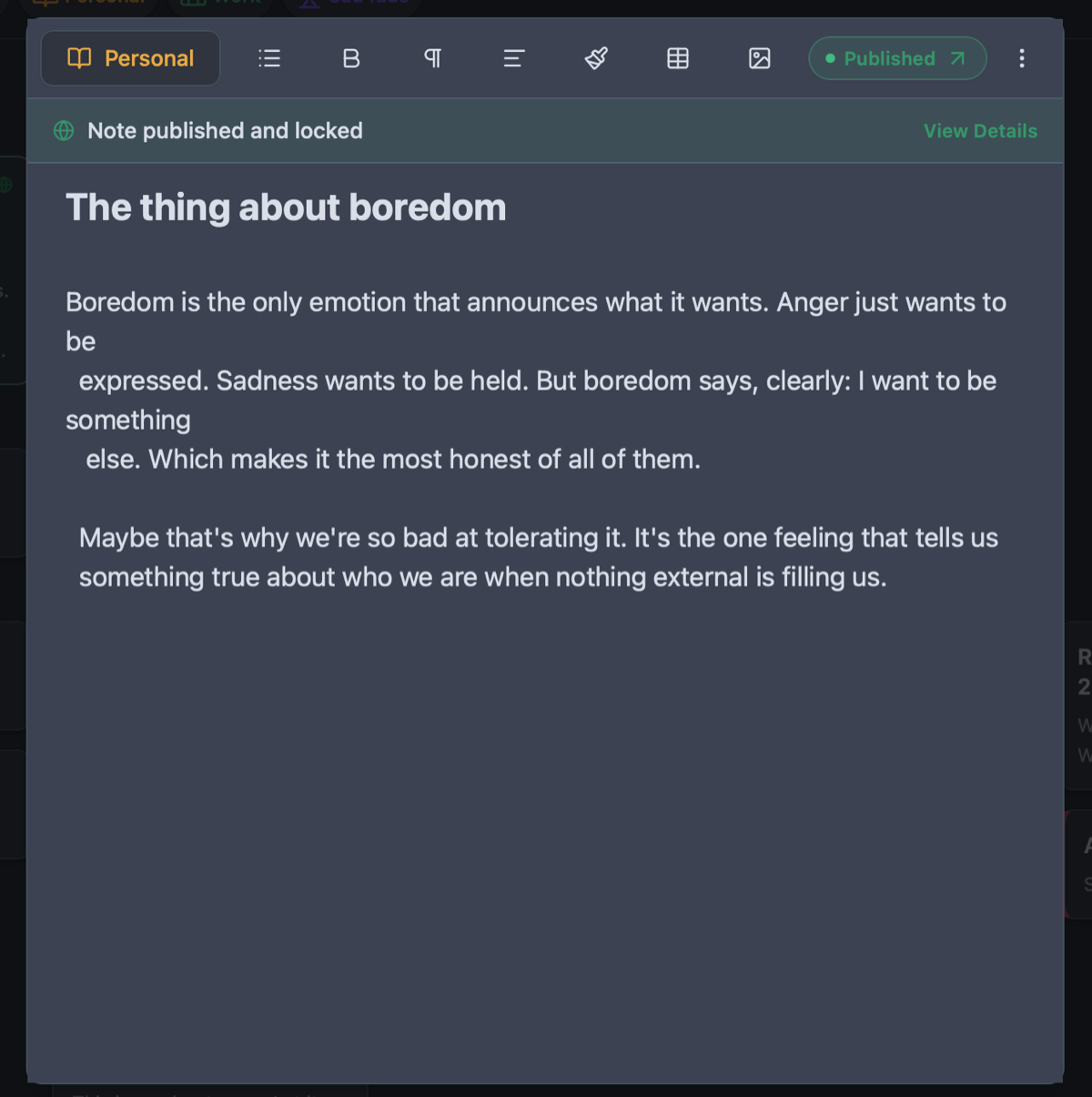
- One-tap publishing converts your Markdown notes into live, elegant web articles
Formatting at the Literal Speed of Thought
WYSIWYG editors were designed for people who write with a mouse. Every formatting decision requires interrupting your prose, selecting text with a cursor, and hunting through floating toolbar icons. That constant physical interruption shatters your typing rhythm.
Markdown is built for writers and programmers who respect velocity. You type `# Heading` or `- [ ] Checklist item` and keep moving. Owldo renders the Markdown cleanly on the fly with balanced line measure and elegant typography. No clunky mode switches, no hidden formatting markup—just pure typing momentum.
Tasks as First-Class Citizens, Not Plain Text Checkboxes
The productivity ecosystem suffers from a bizarre divide: pure Markdown editors have terrible task management (relying on dumb text brackets that can't schedule dates or remind you), while traditional task managers have pathetic text editors (offering tiny, cramped description boxes).
Owldo refuses this false trade-off. Your syntax-highlighted Markdown notes live side-by-side with a robust, date-driven task engine in the exact same Space. You can write an exhaustive project specification and attach actionable milestones with due dates and focus timers in one view.
From Private Markdown to Live Public Article
The natural culmination of a great note is often public sharing. You write a technical explanation, a thoughtful essay, or a personal manifesto, and you want to publish it to the web.
Usually, this requires copying your text into a complex blogging platform, fixing broken code formatting, and fighting an unfamiliar CMS. With Owldo, toggle "Publish" on any Markdown note. It instantly becomes a clean, edge-cached web page at your personal URL or custom domain with automatic OpenGraph previews and RSS syndication.
See Owldo in action
Frequently asked questions
Does Owldo support syntax highlighting for technical code blocks?
Yes. Owldo provides syntax highlighting for dozens of programming languages directly within your Markdown notes.
Can I export my notes as standard .md files if I ever leave?
Yes. Owldo embraces data portability. You can export your entire vault or individual spaces to standard Markdown files anytime with one click.
How does Owldo render Markdown?
Owldo renders Markdown live as you type, giving you the clean typography of formatted text with the keyboard speed of plain syntax.
Does Owldo work offline for Markdown drafting?
Yes. All notes and tasks are saved to an embedded SQLite database on your device, ensuring instantaneous local typing with zero network lag.
Related guides & use cases
Explore more ways to organize your thoughts and publish your work.

Todo app for developers
Developer workflows
Owldo gives software developers project tasks, syntax-highlighted markdown notes, offline access, and Pomodoro focus in one lightweight, anti-bloat workspace.
Offline Note Taking
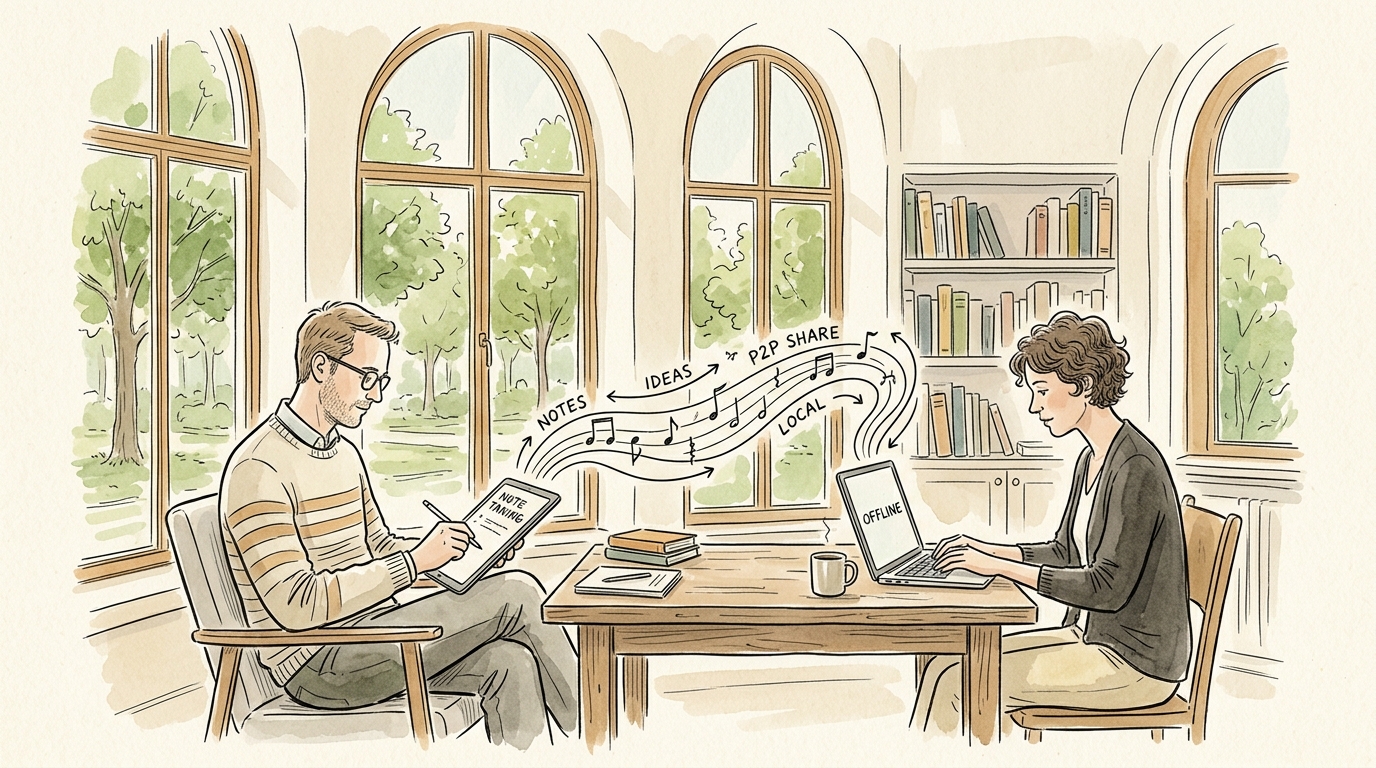
Offline note-taking
Take notes on flights, subways, or off-grid retreats. Owldo is an offline note taking app that keeps all your markdown notes, tasks, and spaces on your device.
Guide
One-tap publishing
Read more about Owldo's approach and workflows.