ADHD Task Management Tools
Task management that works with your brain, not against it.
For a neurodivergent mind, traditional productivity apps feel like psychological traps. You download a popular task manager with high hopes. But to add a single action, it asks for a project category, a priority flag, a parent task, an estimated duration, and a recurring frequency. By the fourth click, executive function drains and you abandon the app.
A week later, you open it to find 18 overdue tasks highlighted in aggressive red notification badges. A wave of shame and paralysis hits, and you delete the app. Owldo was designed specifically to break this toxic cycle. It provides radical capture speed, visual isolation to combat sensory overload, integrated focus sprints, and an anti-streak philosophy that completely eliminates shame.
Our Philosophy
“Productivity systems should accommodate executive dysfunction, not punish it.”
When an ADHD mind is confronted with 14 input fields, nested sub-folders, and overdue red badges, the nervous system freezes. Software should be a calm, forgiving surface that catches thoughts instantly and eliminates shame.
What you get
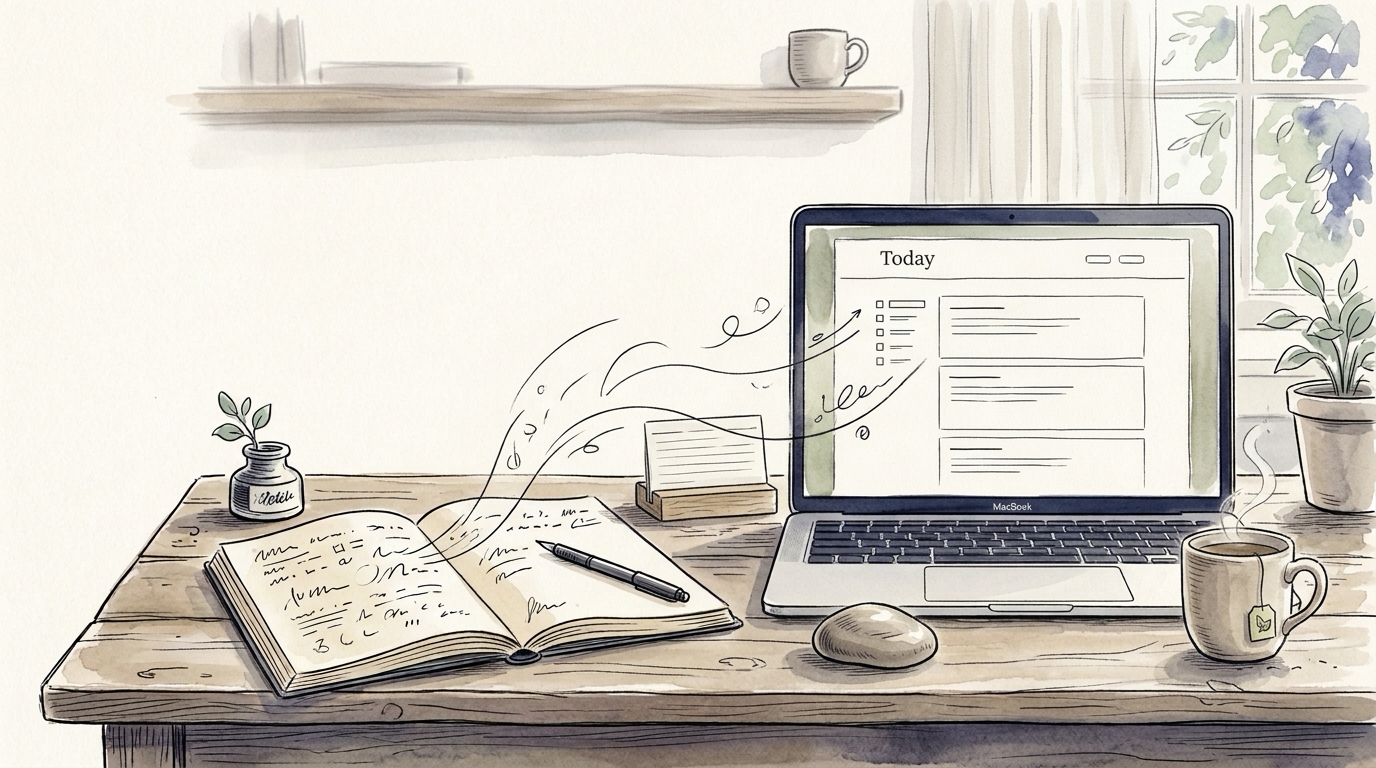
- Instant thought capture: Cmd+K opens a scratchpad in 8ms so fleeting ideas never slip away
- Space-based visual compartmentalization: keep Work, Personal, and Creative projects strictly separated
- Integrated Pomodoro sprints: overcome task initiation paralysis by committing to just 20 minutes of focus
- Ambient focus soundscapes: built-in rain, coffee shop, white noise, and vinyl crackle to ground attention
- Anti-streak philosophy: zero guilt badges, zero dying cartoon avatars, and unconditional restarts
- Notes and tasks in one view: never lose the context, brief, or instructions attached to a to-do item
The Psychological Reality of ADHD Executive Dysfunction
Adult ADHD is characterized by chronic challenges in working memory, task initiation, and temporal discounting (often called "time blindness"). When someone with ADHD looks at an unorganized list of 40 tasks, the brain does not see 40 individual choices; it perceives an insurmountable "Wall of Awful." The prefrontal cortex freezes, leading to paralysis, avoidance, and dopamine-seeking app switching.
Traditional task apps exacerbate this by making task entry an administrative chore. Owldo minimizes cognitive friction to absolute zero. Press a single global shortcut, type your task, hit Enter, and return to what you were doing. No mandatory dates, no required tags, and no friction.
Combating "Out of Sight, Out of Mind" (Object Permanence)
Many people with ADHD struggle with visual object permanence: if a task is buried inside a nested sub-folder three levels deep, it functionally ceases to exist until a crisis deadline hits. Conversely, if all 60 tasks are visible simultaneously, visual overstimulation causes instant shutdown.
Owldo solves this through "Spaces." A Space is an isolated, calm mental container. When you are inside your "Deep Work" Space, you only see the 3 active tasks and the markdown spec related to your current project. Your household chores, grocery lists, and personal errands are completely hidden from view, preventing cognitive cross-contamination.
Breaking Task Initiation Paralysis with Focused Sprints
The hardest moment for an ADHD brain is the first three minutes of starting a task. The brain magnifies the effort required and recoils. Owldo embeds a calm focus timer directly onto your active task. Instead of telling yourself "I must finish this 20-page document," you simply select the task, click 20-minute focus, put on your headphones, and engage the built-in rain soundscape.
By shrinking the commitment from "finishing the project" to "running one 20-minute timer," you bypass the brain's threat response. Momentum takes over, and dopamine begins to flow naturally.
Radical Forgiveness: Why Owldo Rejects Streak Shaming
Most modern productivity software relies on gamification: 30-day streak counters, burning flame emojis, or virtual cartoon trees that wither and die if you miss a day. For someone navigating burnout or ADHD cycles, missing a single day resets the counter to zero. The emotional reaction is immediate: "I failed, the streak is ruined, so why bother continuing?"
Owldo rejects this toxic psychology. There are no streak counters, no angry red badges, and no guilt mechanics. If life gets overwhelming and you don't open Owldo for two weeks, your workspace welcomes you back with calm neutrality. You sweep your inbox, clear the deck, and restart fresh with zero penalty.
Frequently asked questions
How does Owldo prevent me from abandoning it like other task apps?
Most apps fail because they require too much maintenance. Owldo requires zero setup and zero ongoing grooming. It acts like a high-speed scratchpad with checkboxes that you can use as lightly or deeply as your mental energy allows.
Can I use Owldo as a daily planner?
Yes. You can organize your day by dragging tasks into Today, setting quick due dates, or planning out your daily schedule directly inside a Markdown note in the same view.
Does Owldo have audio soundscapes built in?
Yes. Owldo includes native, ambient background audio tracks (including soft rainfall, ambient cafe, white noise, and lo-fi warmth) directly integrated into the focus timer.
Is Owldo completely free to try?
Yes. Owldo is free forever for single-device offline use with unlimited notes, tasks, and focus timer sessions. Cross-device sync is available on our $3/month plan.
Related guides & use cases
Explore more ways to organize your thoughts and publish your work.
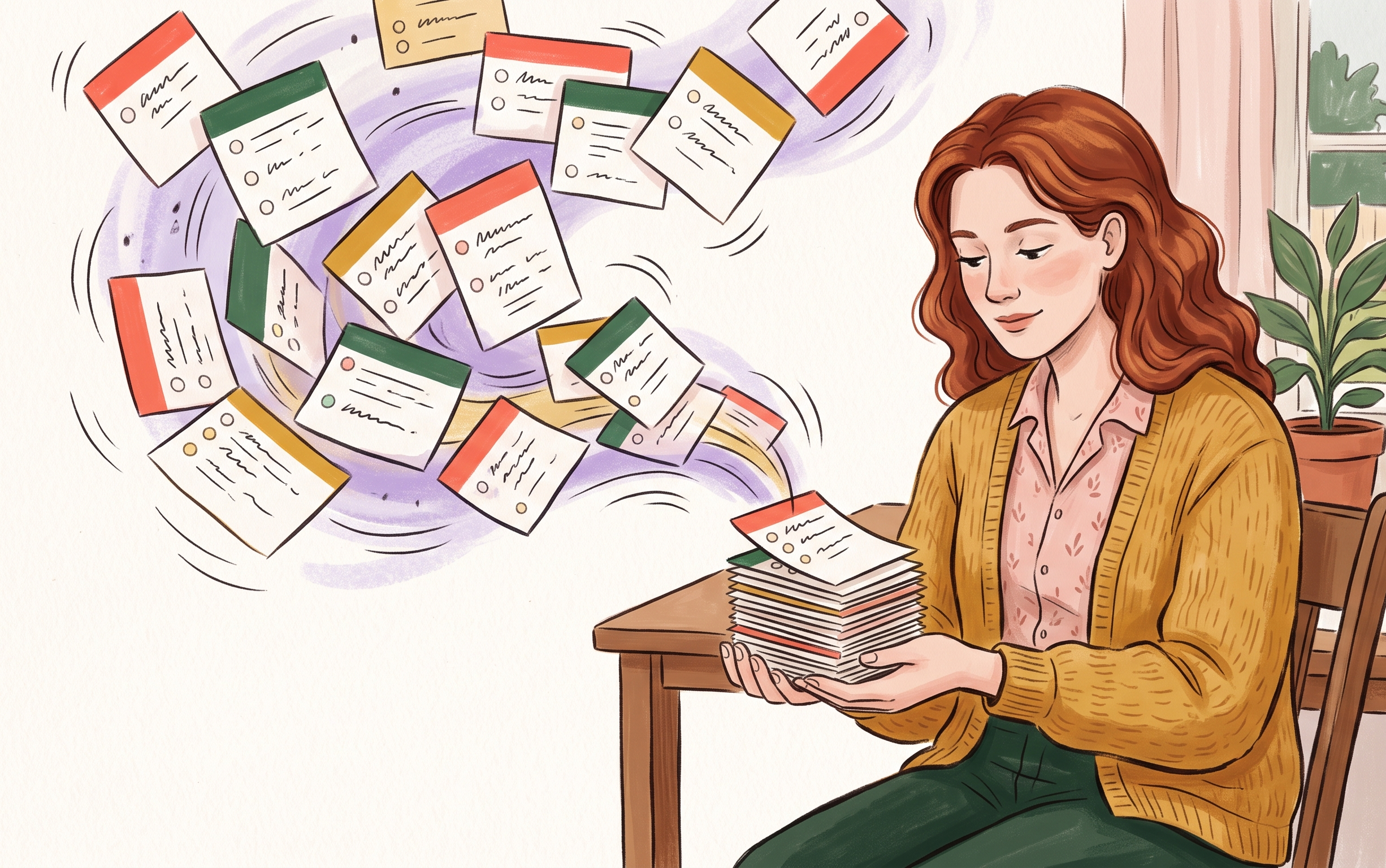
Task manager for ADHD
ADHD productivity guide
A calm, low-friction task manager for ADHD brains. Instant sub-10ms capture, zero streak shaming, Today/Someday horizons, and integrated focus sprints.
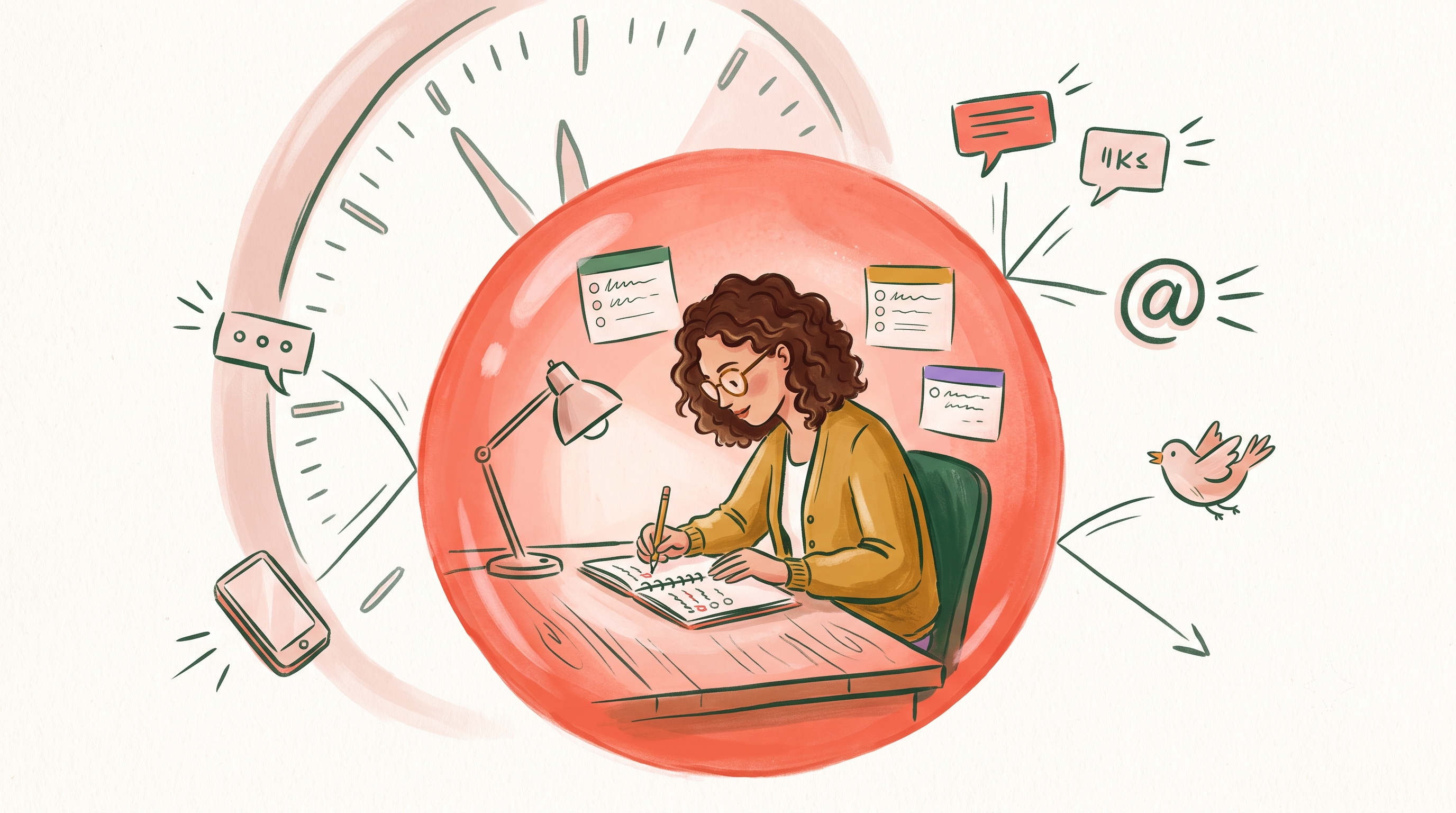
Pomodoro timer app
Integrated focus timer
Owldo combines a zen Pomodoro focus timer with tasks, markdown notes, streak tracking, and offline-first storage so your focus stays tied to actual work.
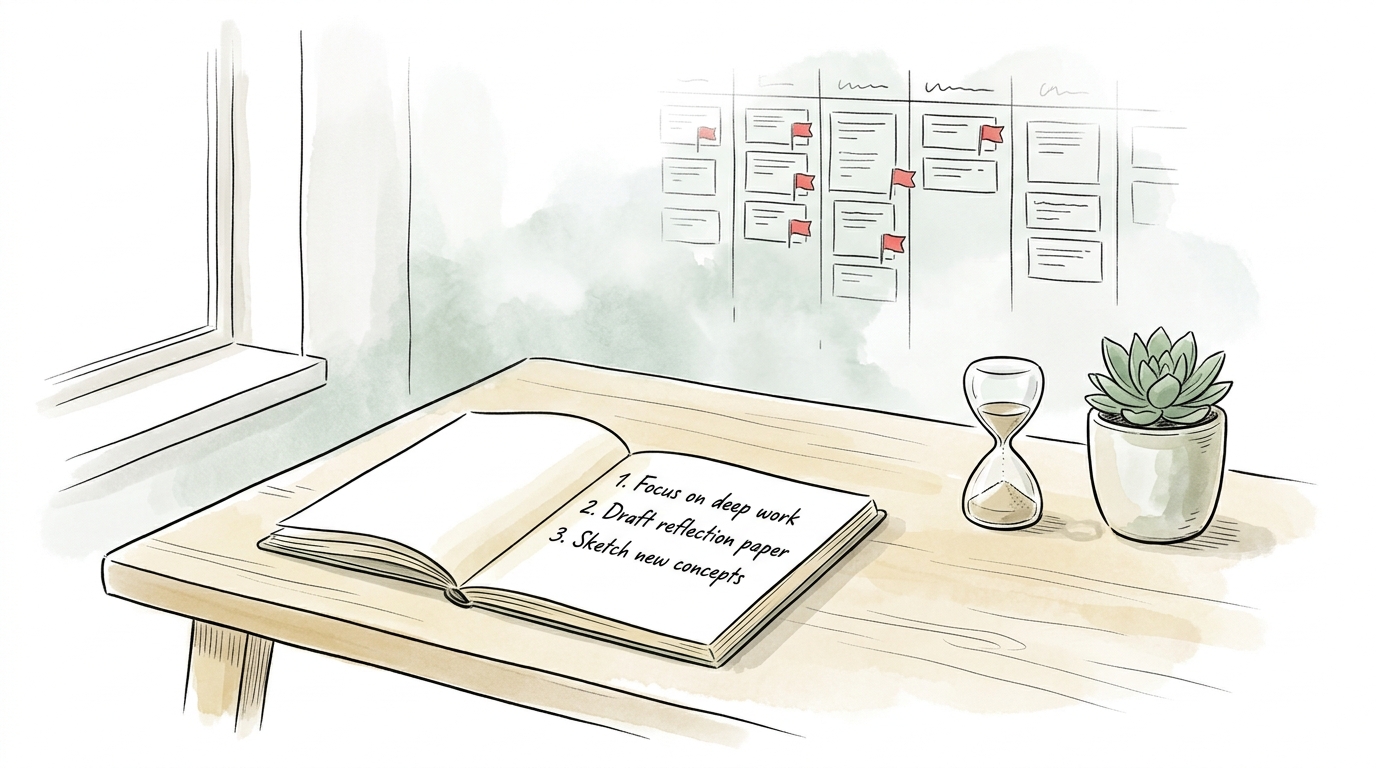
Calm Productivity
Calm productivity philosophy
A minimalist productivity app designed for calm execution. Notes and tasks unified in clear Spaces, with Today/Someday horizons and zero guilt badges.