Task manager for ADHD
Productivity software that works with your brain, not against it.
Most productivity apps are engineered for neurotypical brains that love filling out complex forms. For an ADHD mind, a tool that requires 14 clicks, mandatory priority tags, and nested folder selection is an app that will be abandoned by Wednesday.
Owldo is designed for immediate capture and minimal cognitive resistance. It is a stark, zero-latency interface engineered to catch fleeting thoughts before they evaporate, keeping you focused without drowning you in dials.
Our Philosophy
“We build sharp knives, not Swiss army knives.”
Most productivity apps try to be everything for everyone, resulting in bloated, slow software. Owldo is deliberately opinionated. We built a fast, local-first tool strictly for people who think in prose and execute in deadlines.

What you get
- Sub-10ms capture: hit a global shortcut, dump the thought, and return to flow
- No mandatory taxonomies: zero required tags, folders, or due dates upon capture
- Today, Anytime, and Someday horizons prevent overwhelming backlog paralysis
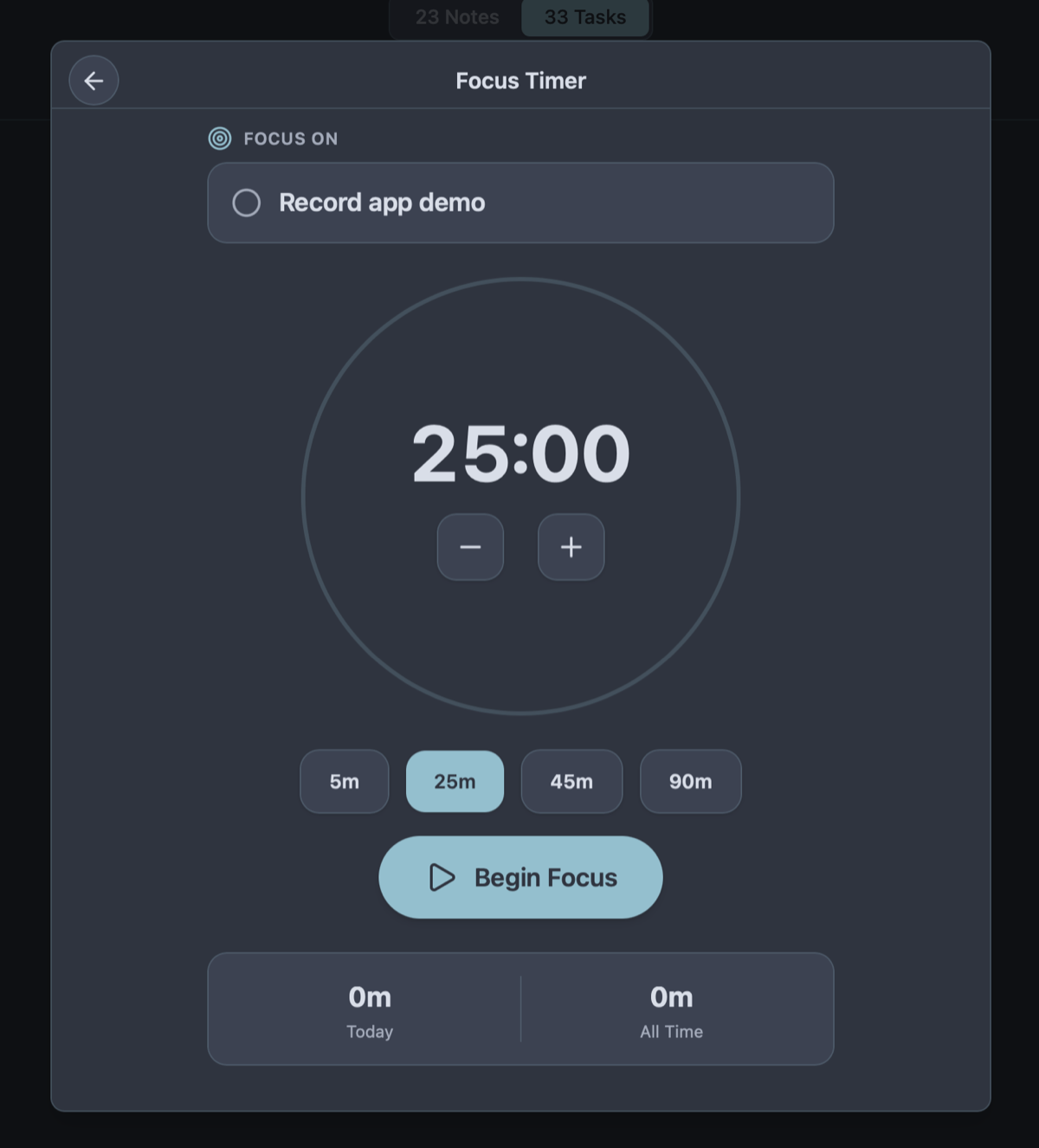
- Built-in Pomodoro timer to lower the barrier for task initiation
- Zero punitive streak resets or screaming crimson overdue badges
Protecting Fragile Working Memory
Working memory in an ADHD brain is intensely fragile. An idea or critical reminder can flash into consciousness and vanish into thin air within 10 seconds if not externalized immediately. This makes capture speed the single most critical factor in software adoption.
If opening your app requires waiting for a cloud splash screen, selecting a project taxonomy, and picking an urgency tag just to remember "renew car insurance," the thought is lost. Owldo opens in 8 milliseconds. Press the quick-capture hotkey, type the thought into the Inbox, and close the app. Structure can wait for when you have executive capacity.
Escaping the "Productive Procrastination" Trap
Infinite-canvas apps like Notion or Obsidian are dangerous minefields for ADHD brains. Because task initiation triggers genuine discomfort, the brain eagerly substitutes the pseudo-work of organizing: building elaborate color-coded databases, designing dashboards, and tweaking CSS themes.
You spend four hours building a productivity cathedral, feel a fleeting dopamine rush, and end the day without having written a single line of your assignment. Owldo removes the infinite canvas. There are no databases to wire together. The structure is fixed and lightning-fast. All that is left is your execution.
Radical Forgiveness, Zero Guilt Badges
Conventional task apps weaponize gamified guilt: broken streak warnings, flashing crimson overdue text, and negative push notifications. When life gets chaotic and you miss three days, opening the app presents an overwhelming wall of shame that triggers complete task avoidance.
Owldo is aggressively compassionate. Missed four days? Owldo never shames you. There are no angry red overdue badges. With one click, reschedule or clear stale tasks. The tool exists to support your momentum, not to punish your executive function.
See Owldo in action
Frequently asked questions
How does Owldo help with task initiation paralysis?
By lowering the activation energy required to start. Owldo’s integrated Pomodoro timer lets you commit to just 5 or 10 minutes of low-stakes work. Breaking that initial inertia is usually enough to slip into focus.
Is Owldo cluttered with notifications and gamification?
No. Owldo is aggressively minimal. There are no confetti animations, no karma scores, no artificial streaks that reset to zero, and no intrusive notification spam.
Does Owldo work offline when I need to disconnect from internet distractions?
Yes. You can turn off your Wi-Fi completely to eliminate digital distractions, and Owldo continues to operate with 100% feature parity on your device.
How does Owldo prevent task backlog overwhelm?
By separating "Today" (where you keep 3–5 realistic commitments) from "Anytime" and "Someday" horizons, shielding your working memory from long-term backlog clutter.
Related guides & use cases
Explore more ways to organize your thoughts and publish your work.

Pomodoro timer app
Built-in focus timer
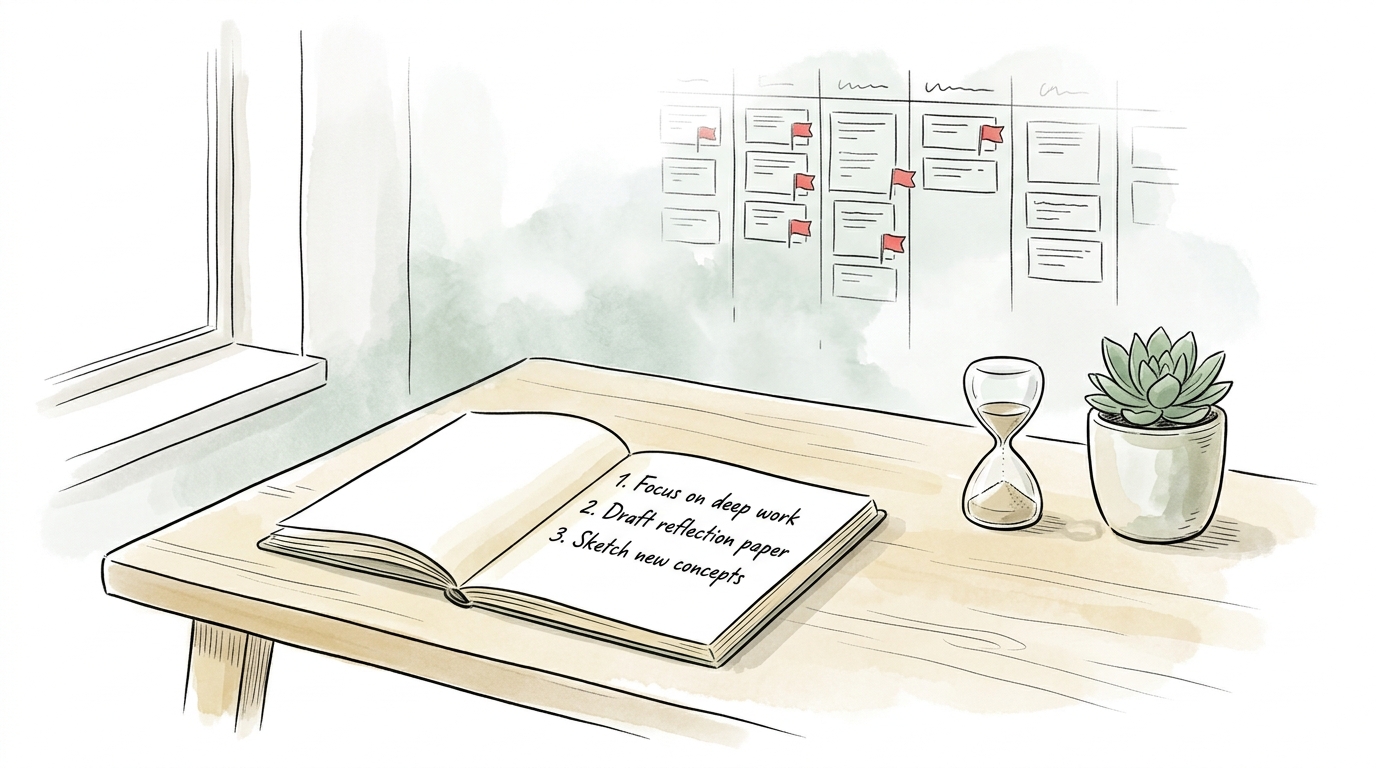
Owldo combines a zen Pomodoro focus timer with tasks, markdown notes, streak tracking, and offline-first storage so your focus stays tied to actual work.
Calm Productivity
Calm productivity principles
A minimalist productivity app designed for calm execution. Notes and tasks unified in clear Spaces, with Today/Someday horizons and zero guilt badges.
Guide
Capture fast philosophy
Read more about Owldo's approach and workflows.