Calm Productivity
Task management without the anxiety or punitive streaks.
Most task management apps feel like a digital nag. They overwhelm you with screaming red badges, rigid priority flags, and gamified streak counters that reset to zero if you have a busy Thursday.
Owldo is a calm productivity app designed for sustainable human pacing. Clear Today and Someday horizons, tasks that coexist with the notes that spawned them, and zero punitive gamification.
Our Philosophy
“Productivity without the punitive streaks.”
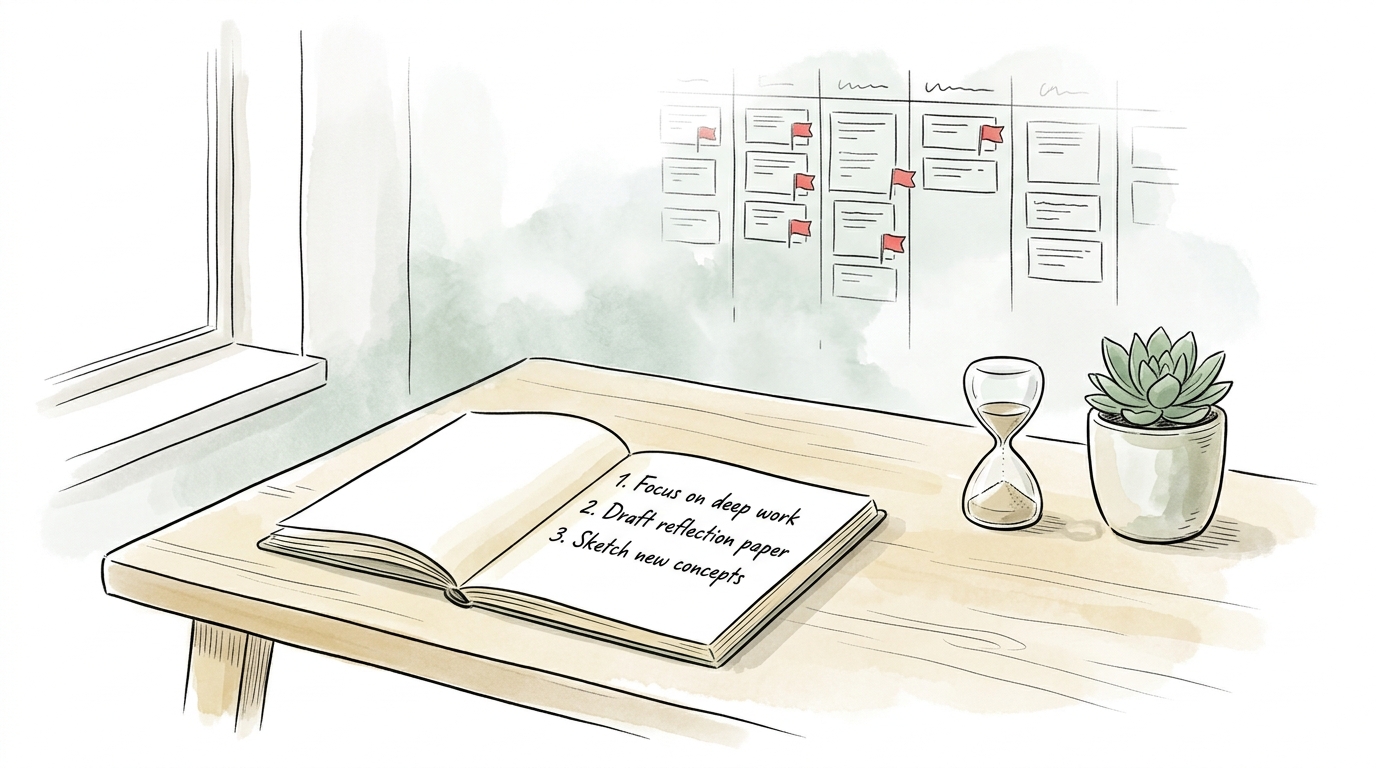
Modern task managers weaponize guilt badges, overdue red text, and rigid Gantt charts. Owldo provides calm execution: Today, Anytime, Someday, and notes in the same room.
What you get
- No guilt-inducing streak resets: recurring habits roll forward gracefully without screaming red badges
- Tasks and notes in the same room: checklists retain their project context and research notes
- Bounded containers: Today, Later, Anytime, and Someday horizons prevent backlog paralysis
- Integrated Pomodoro timer: select a single task, start a 25-minute focus session, and execute
- Local-first speed: zero loading spinners, zero cloud lag, and 100% offline functionality
The Failure of Bureaucratic Task Management
Enterprise project management methodologies like Scrum and complex GTD systems were designed for corporate teams, not solo human thinkers. When individuals adopt infinite kanban boards and Eisenhower matrixes, organizing tasks becomes an excuse to avoid doing the actual work.
Owldo deliberately eliminates this administrative bloat. There are no Gantt charts or complex query languages. Just a clean list of what matters today, and a quiet space to store what can wait.
Tasks Carry Their Context
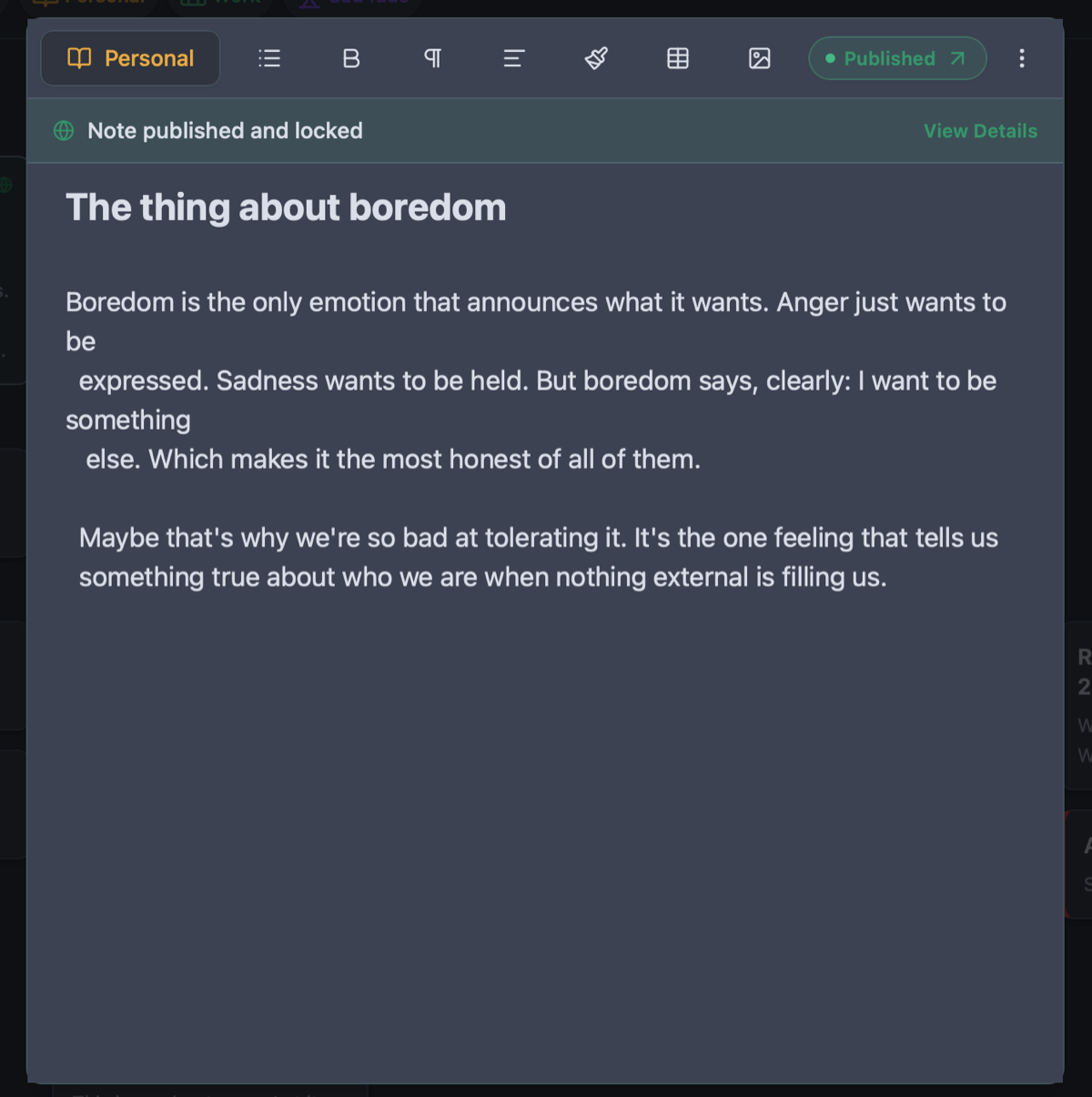
An empty checkbox like "Finish client proposal" creates friction because the notes and research are buried in another app. In Owldo, your meeting notes, reference links, and draft outlines live in the exact same Space as your action items.
The Built-in Focus Timer
You don't need a separate timer extension or phone app. Click Focus on any task, and Owldo initiates a calm, non-destructive Pomodoro session that keeps you in deep flow.
See Owldo in action
Frequently asked questions
Does Owldo have recurring tasks?
Yes. Owldo supports flexible daily, weekly, monthly, and custom recurring schedules that roll forward without penalty.
How does Owldo prevent task backlog overwhelm?
By cleanly separating "Today" (3–5 active priorities) from "Anytime" and "Someday", keeping your active view calm and actionable.
Is Owldo completely free for personal task management?
Yes. Local-first use on your device is free forever with no account required.
Related guides & use cases
Explore more ways to organize your thoughts and publish your work.

Local-first task manager
Local-first task manager
A local-first task manager for people who want fast capture, offline access, private-by-default storage, and zero loading spinners.
Guide
Integrated focus timer
Read more about Owldo's approach and workflows.

Cross-Platform Scratchpad
Cross-platform scratchpad
A lightning-fast, cross-platform scratchpad that syncs across all your devices. Zero latency, instant capture, and no heavy databases to slow you down.