Distraction-Free Writing App
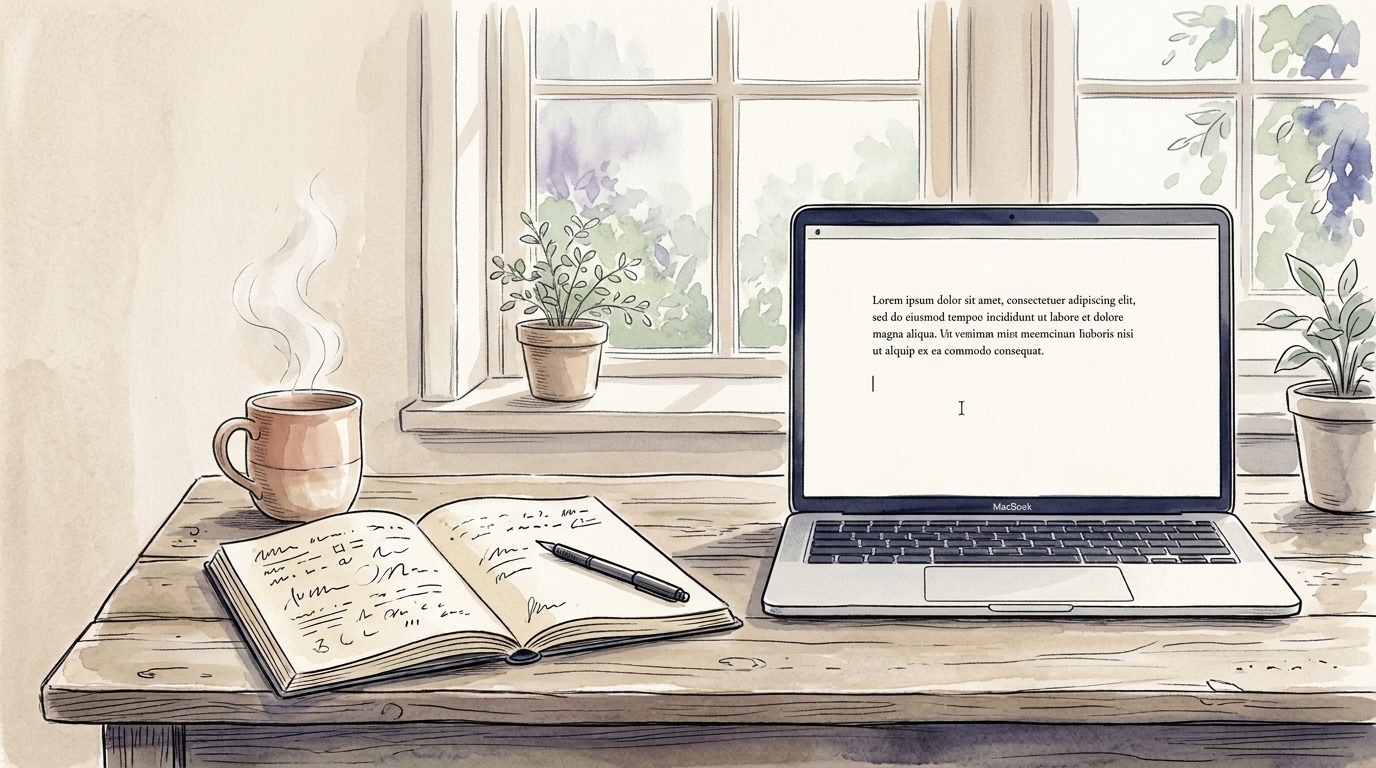
A quiet room where words have weight again.
Open a modern word processor or corporate note-taking application today, and you are immediately assaulted by visual noise: forty formatting ribbons, bouncing AI assistant bubbles, grammar red-lining your half-formed ideas, sidebar notifications, and cloud status indicators.
This visual clutter is not harmless; cognitive ergonomics proves that peripheral interface elements create chronic micro-distractions that shatter deep flow states. Owldo is an intentional sanctuary for prose. It strips away the digital cockpit and leaves only what matters: your mind, a blinking cursor, and bespoke typography that makes every word feel tactile and deliberate.
Our Philosophy
“Great prose requires cognitive sensory deprivation.”
When an editor is packed with 40 toolbar icons, grammar squiggle flags, and AI prompt bubbles, your subconscious attention is constantly hijacked. Real writing happens in a quiet room.
What you get
- Pure typographic canvas: proportional margins, elegant line heights, and zero intrusive chrome
- Zero AI autocomplete or interruption: write your own thoughts without synthetic autocomplete suggestions
- 7 curated typographic Looks: Serif (Newsreader/Lora), Sans (Inter), Monospace (JetBrains Mono), and more
- Built-in ambient soundscapes: focus with rainfall, quiet cafe, vinyl crackle, and white noise
- Native focus timer: pair writing sessions with integrated, non-intrusive Pomodoro sprints
- Offline-first SQLite speed: write in complete isolation with zero cloud lag or network dependency
The Psychology of the Cognitive Sensory Deprivation Room
Professional writers and deep thinkers understand that writing is not transcription; it is the difficult, vulnerable process of wrestling unstructured ideas into coherent sentences. When an app constantly suggests "Click here to rephrase with AI" or flags a stylistic comma choice with a squiggly line while you are in mid-sentence, it derails the fragile train of thought.
Owldo creates a digital sensory deprivation room. When you type in Owldo, the interface fades away. There are no sidebars flickering, no status counters ticking, and no robotic prompts second-guessing your vocabulary. The screen becomes a serene sheet of digital paper.
Crafted Typography: 7 Bespoke Editorial Looks
Typography directly influences the cadence and tone of your prose. Writing a philosophical essay in a harsh default system font feels clunky; writing a technical post in an unformatted text area feels chaotic. Owldo provides seven meticulously tuned aesthetic Looks, pairing world-class typefaces (like Newsreader, Inter, and JetBrains Mono) with balanced optical margins.
Whether you prefer the literary warmth of a classic serif on warm sepia, the razor-sharp clarity of modern sans on deep dark mode, or the technical rhythm of monospace on terminal green, Owldo lets you match the visual texture of the app to your mental state.
Integrated Deep Work: Soundscapes & Focus Sprints
Most distraction-free editors stop at a blank white screen, leaving you to manage focus with external browser tabs or phone apps—which inevitably invites distraction. Owldo integrates focus tools directly into the writing canvas.
Start a 25-minute writing sprint directly from the top bar. Engage built-in ambient audio tracks—such as soft rain or cafe murmur—streamed locally with zero network load. You enter flow faster, stay locked into your manuscript, and complete deep writing sessions without ever leaving the workspace.
Honest Trade-Offs: What Owldo Does and Doesn’t Do
Owldo is designed for prose composition, long-form essays, devlogs, research notes, and personal books. It is deliberately NOT a desktop publishing suite. If you require paginated print layouts with header/footer page numbers, footnotes, or legal line numbering (like Microsoft Word or Scrivener), Owldo is not intended for that workflow.
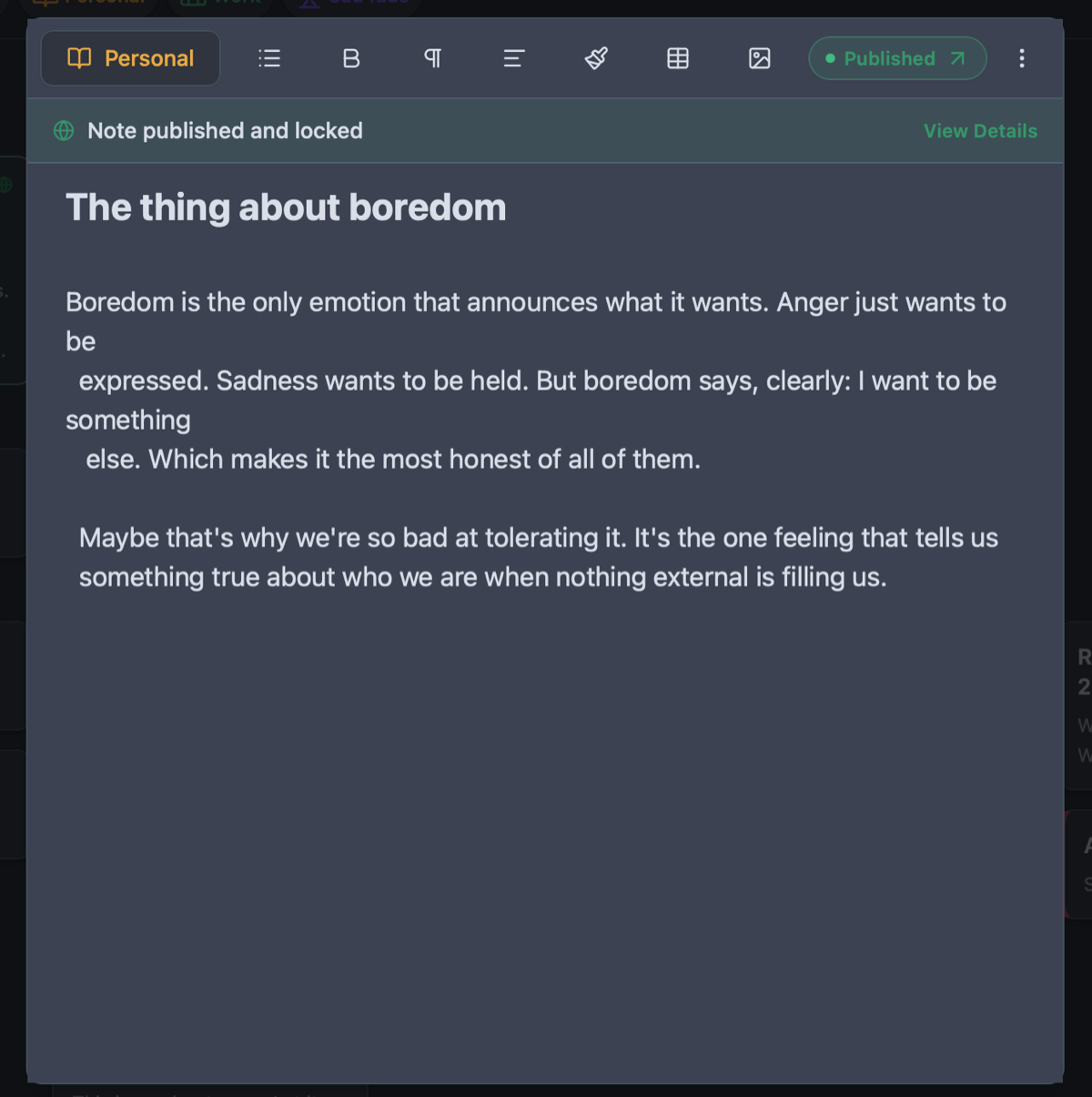
Owldo is built for the generation of clear, powerful prose. Once your draft is finished, you can export it as universal Markdown, copy it to clipboard, or publish it to the web with one tap.
See Owldo in action
Frequently asked questions
Does Owldo have full-screen distraction-free mode?
Yes. You can collapse all sidebars and toolbars with a single shortcut (or toggle full-screen) to immerse yourself completely in your text.
Can I format my text using standard Markdown shortcuts?
Yes. Owldo supports intuitive Markdown keystrokes (# for headings, ** for bold, > for blockquotes) alongside a subtle floating selection menu when you highlight text.
Does Owldo work completely offline in airplane mode?
Yes. Owldo writes directly to an embedded local SQLite database on your device with 100% offline feature parity.
How does Owldo compare to apps like iA Writer or Ulysses?
Like iA Writer and Ulysses, Owldo prioritizes pristine typography and calm focus. However, Owldo also includes integrated date-driven task management, an ambient focus timer, and 1-tap web publishing, and is fully cross-platform across Mac, Windows, iOS, and Android.
Related guides & use cases
Explore more ways to organize your thoughts and publish your work.
Notes App Without AI
Notes app without AI
An unapologetically human notes app without AI features. No autocomplete suggestions, no data scraping, no synthetic popups. Just pure, private thinking.
Offline Notepad
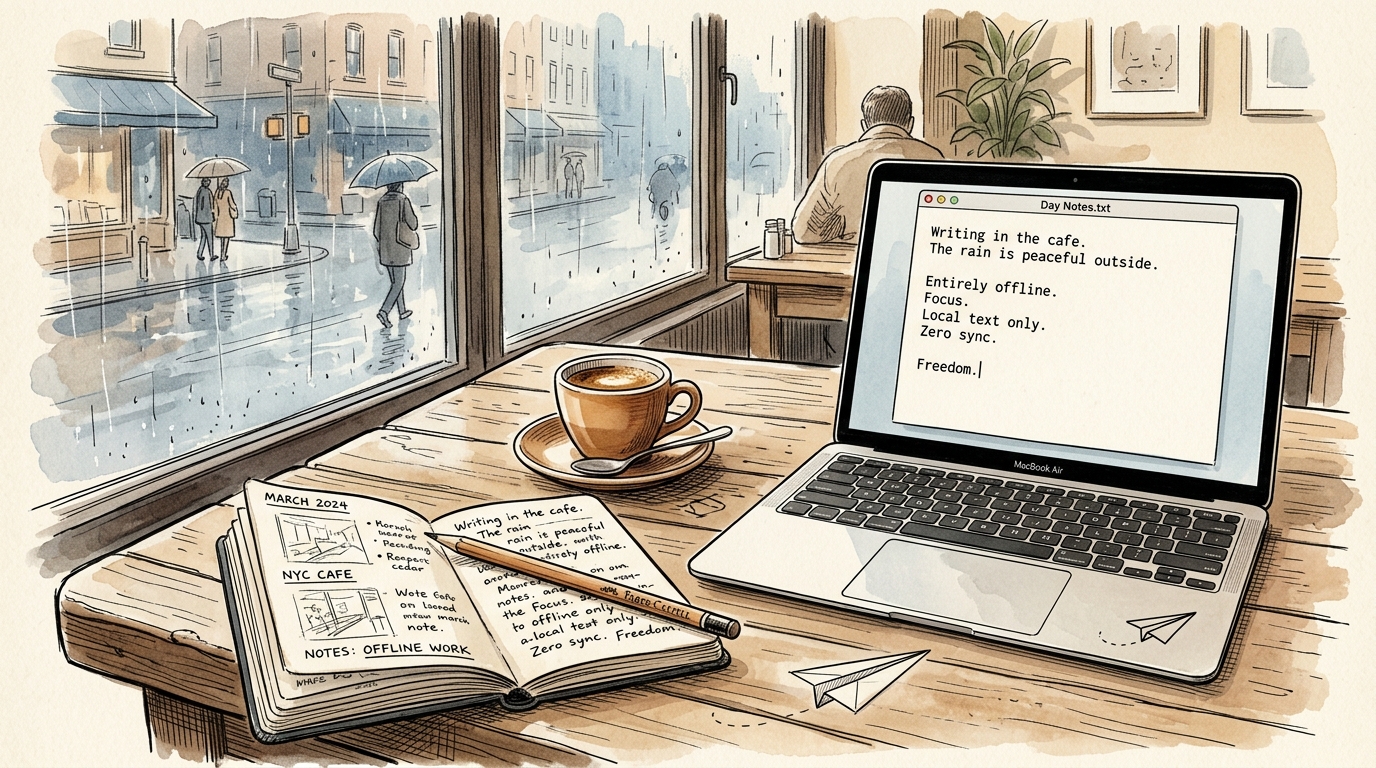
Offline notepad
An uncompromising, local-first offline notepad. Instant 8ms launch, writes directly to local SQLite, and works 100% offline with zero cloud lag.
Guide
Typography and themes
Read more about Owldo's approach and workflows.