Offline Notepad
Your scratchpad shouldn't need permission from a server.
You have an idea while on a flight, on a subway platform, or sitting in a coffee shop with spotty Wi-Fi. You open your notes app, and instead of a blinking cursor, you are met with a spinning loading wheel or an "Unable to connect" modal.
Owldo is an offline notepad built from the ground up on local-first SQLite architecture. It opens instantaneously, stores every character on your physical device, and never makes your thinking wait for an API.
Our Philosophy
“Software should respect your hard drive.”
Your scratchpad should not need permission from a server in Virginia to open a blank page. Owldo is an offline notepad built on local SQLite that opens in single-digit milliseconds.
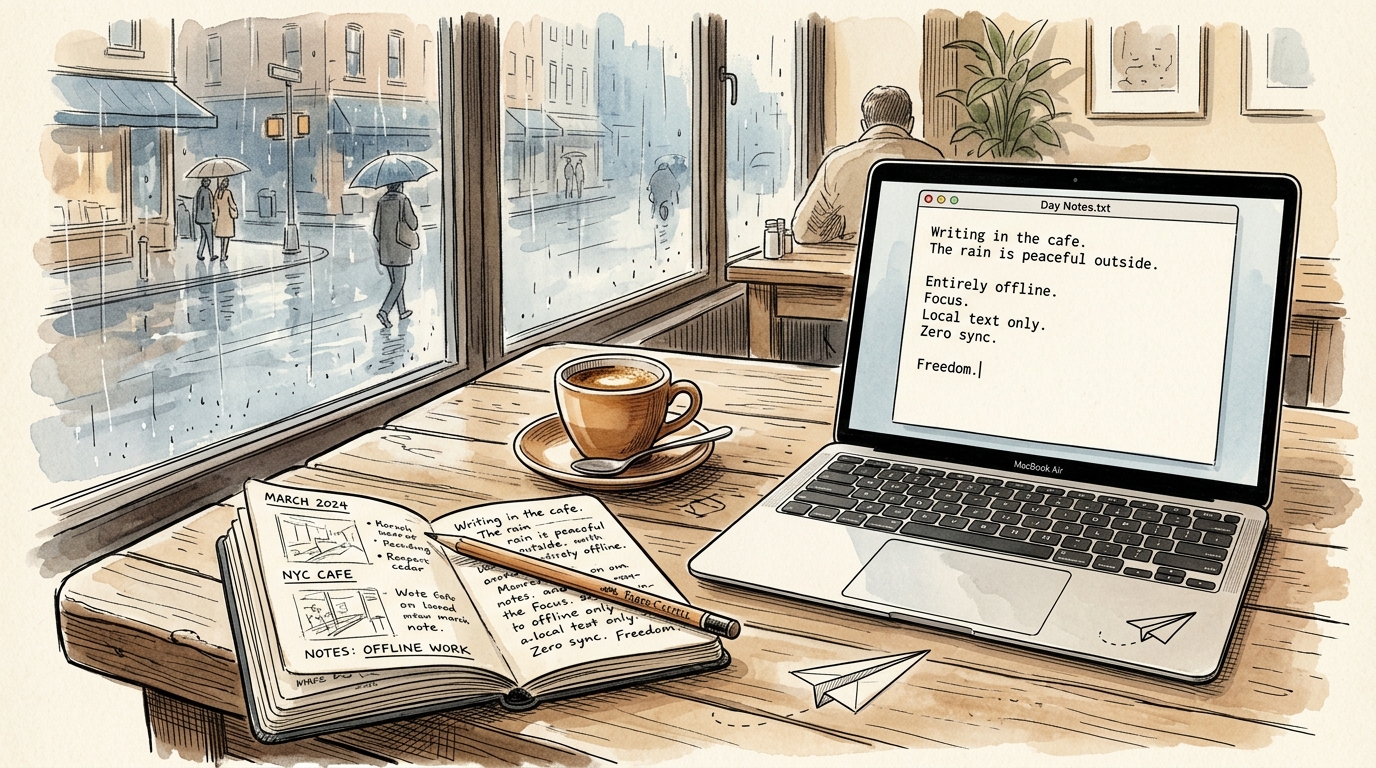
What you get
- Instant cold start: opens in under 10 milliseconds directly from local disk
- True 100% offline feature parity: write notes, check off tasks, and set focus timers with zero Wi-Fi
- Local SQLite database on device: your notes are permanent, private, and durable
- Asynchronous background sync: effortlessly syncs across Mac, Windows, iOS, and Android when connectivity returns
- Integrated tasks and focus timer: turn scratchpad bullets into actionable execution in the same view
The Problem with Web-Based Notepads
Most modern productivity software is built as an Electron wrapper around a web server. When you type a word, the app performs network requests, checks authentication tokens, and syncs remote state.
When your internet connection drops or stutters, these apps degrade rapidly: typing becomes laggy, conflict errors appear, and files fail to load. A true notepad should behave like paper: always open, always responsive, and completely indifferent to whether you have an internet connection.
Instant Local SQLite Architecture
Owldo reads and writes directly to a high-performance SQLite database embedded in your local client. Search queries across thousands of notes return results in 4 milliseconds because the query runs against your local NVMe drive, not a cloud server.
When you are online, background sync uses modern resilient replication (ElectricSQL) to quietly synchronize changes across your other devices without ever blocking your active typing.
From Scratchpad to Public Notebook
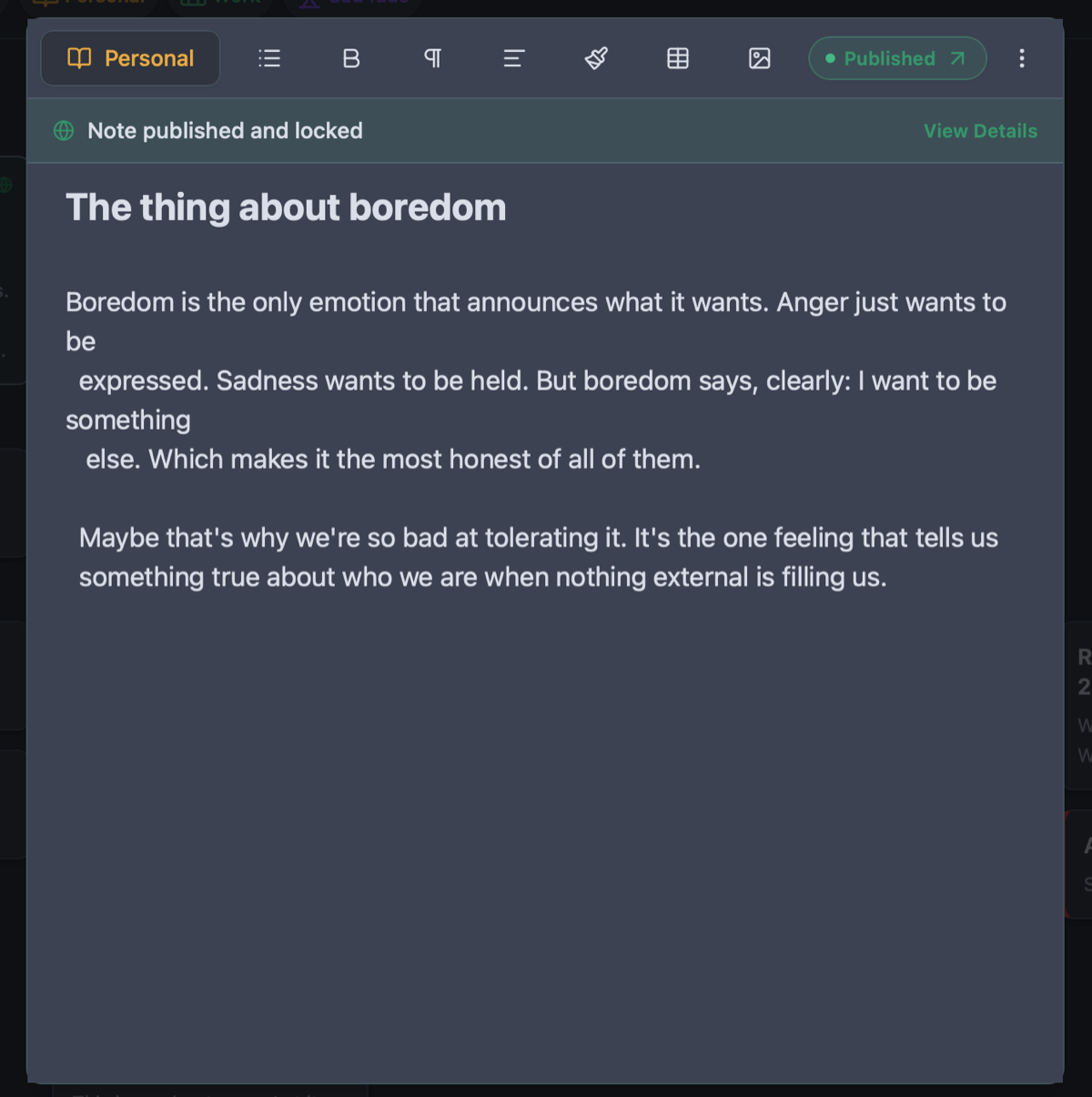
Unlike traditional disconnected offline notepads that trap your notes on one device, Owldo lets you bridge the gap between private offline drafting and the open web. Whenever an offline scratchpad draft is ready, tap "Publish" to turn it into an elegant public web page on your personal domain.
See Owldo in action
Frequently asked questions
Does Owldo require an account to use offline?
No. Owldo is free forever for local-first use on your device with no mandatory account creation. You can download and start typing immediately.
Will my offline notes be lost if I close the app?
Never. Every keystroke is saved immediately to your local SQLite database on your machine.
How does Owldo sync when I get back online?
Owldo uses an idempotent background sync queue. As soon as a network connection is detected, your local edits replicate seamlessly without interrupting your work.
Related guides & use cases
Explore more ways to organize your thoughts and publish your work.

Offline todo app
Offline todo app
Owldo is an offline todo app that opens instantly, stores tasks locally first, and refuses to let your day disappear behind a loading spinner.
Guide
Offline-first sync engine
Read more about Owldo's approach and workflows.

Local-first task manager
Local-first task manager
A local-first task manager for people who want fast capture, offline access, private-by-default storage, and zero loading spinners.