Best Focus Timer
A focus timer that actually knows what you are working on.
There is no shortage of Pomodoro timer apps in app stores. But almost all of them suffer from a critical flaw: they are isolated stopwatches. You open a separate window, set a 25-minute countdown, press start, and hear a chime. The timer has no idea what task you are attempting to complete, has no connection to your project notes, and cannot help you overcome task initiation friction.
Owldo rethinks the focus timer by embedding it directly into the heart of your workspace. A focus sprint in Owldo is intimately bound to a specific task, note, and Space. When focus is directly anchored to the work itself, Pomodoro ceases to be a tedious administrative ritual and becomes effortless, compounding momentum.
Our Philosophy
“A timer that doesn’t know what you’re working on is just a noisy stopwatch.”
Standalone timer apps isolate time from the work itself. When focus sprints are anchored directly to your active task, note, and Space, deep work becomes natural momentum.
What you get
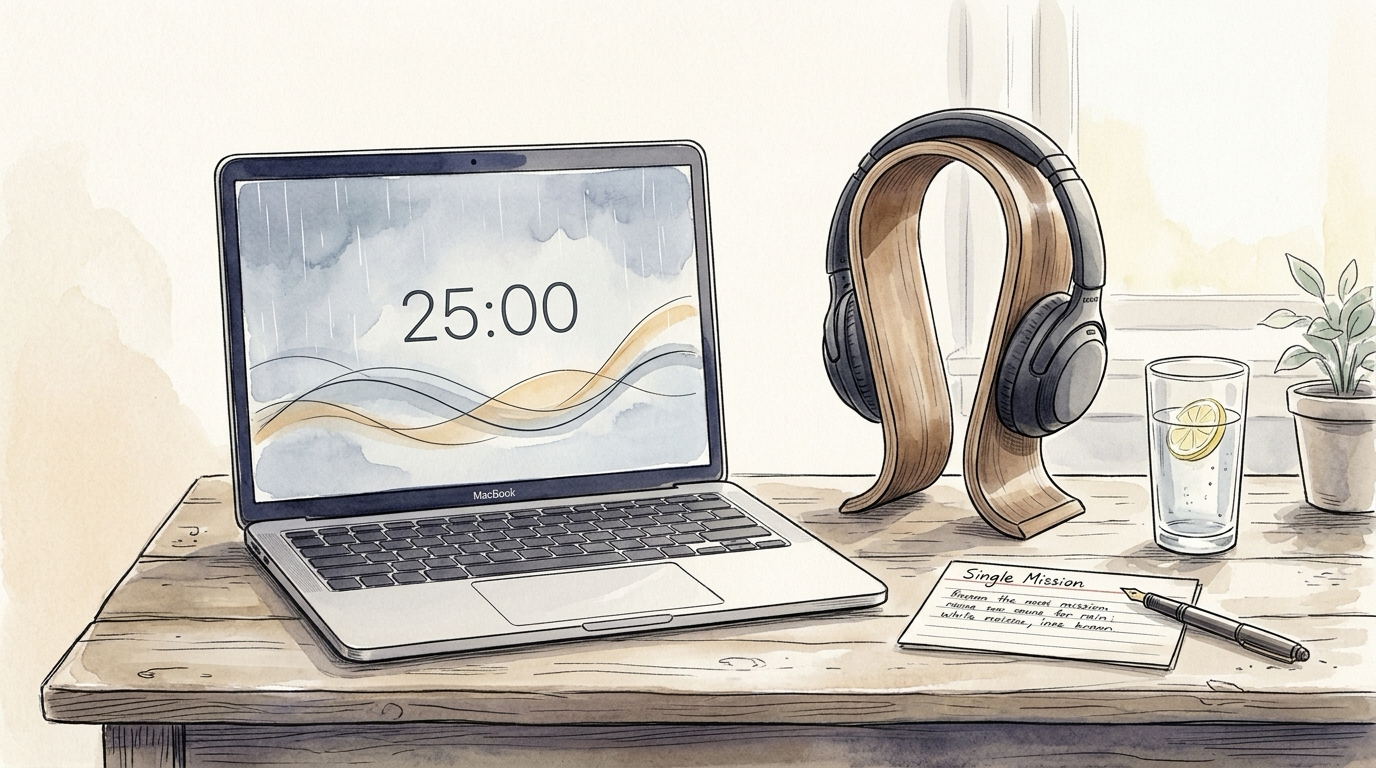
- Context-anchored sprints: attach focus sessions directly to active tasks and Markdown notes
- Integrated ambient soundscapes: built-in rainfall, quiet cafe, vinyl crackle, and white noise
- Floating desktop and mobile mini-widgets: glanceable countdown timer without screen clutter
- Custom interval flexibility: choose 20m, 25m, 45m, or custom deep work blocks with calm chimes
- Anti-streak philosophy: zero guilt mechanics, zero dying cartoon avatars, and unconditional restarts
- 100% offline autonomy: run focus sessions anywhere with zero battery drain or internet lag
The Flaw of the Disconnected Stopwatch
When you use a generic browser-based timer or standalone phone app, you have to mentally bridge the gap between the countdown and your work. Every time the timer rings, you have to switch windows to check off a task in a separate app, log time in a spreadsheet, and reopen your notes.
This window-switching introduces attention residue—the cognitive lag that occurs when shifting between disparate software environments. In Owldo, your timer, your task checklist, and your project brief live under the same roof. When you start a sprint on "Draft API architecture," the timer displays that task title, plays ambient rain, and lets you check off milestones without touching another app.
Soundscapes That Anchor Deep Concentration
External auditory distractions—office chatter, passing traffic, or notifications—are the enemy of deep work. But opening Spotify or YouTube to find "focus music" frequently derails productivity: you spend ten minutes searching playlists or get distracted by algorithm recommendations.
Owldo includes native, curated ambient soundscapes directly inside the timer engine. With a single click, you can activate rain on glass, coffee shop ambiance, gentle vinyl static, or pink noise. The audio streams locally with zero network load, creating an instant acoustic cocoon for your brain.
Glanceable Momentum: Floating Desktop and Mobile Widgets
When an app window is maximized, a timer takes up valuable screen real estate needed for code editors, design tools, or writing canvases. When the window is minimized, you lose visual awareness of your sprint.
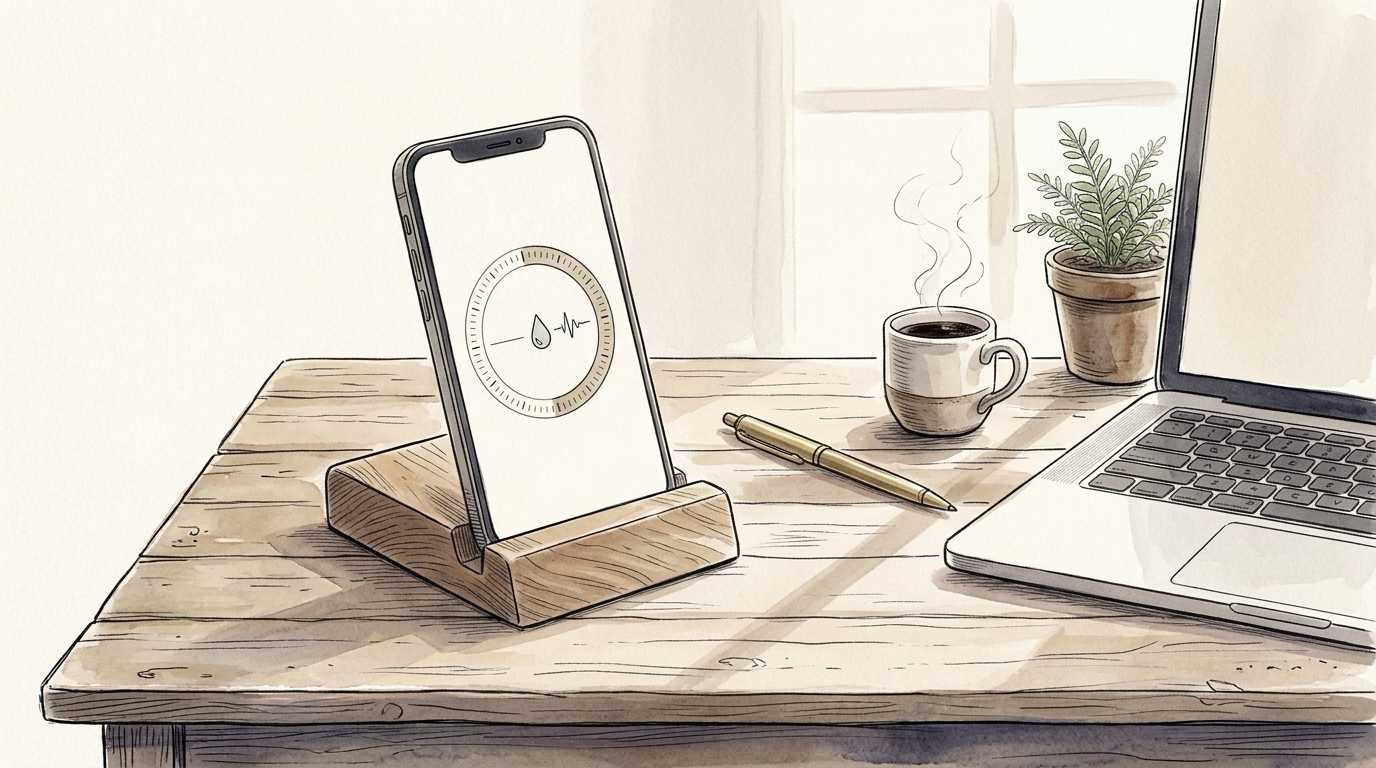
Owldo provides a lightweight floating mini-widget. It floats gracefully in the corner of your screen, displaying the current task name, the remaining countdown minutes, and instant play/pause controls. On mobile, home-screen widgets let you trigger a focus session in one tap.
Honest Trade-Offs: Focus Momentum vs. Corporate Time Billing
Owldo is built for personal focus and momentum. It is deliberately NOT an employee surveillance tool or an enterprise client-billing tracker (like Toggl or Harvest). It does not track keystrokes, take screenshot audits of your screen, or generate invoice timesheets for corporate clients.
Owldo is your personal deep work sanctuary. If you want a focus timer that treats you like an autonomous human and helps you enter flow without shame, Owldo is built for you.
Frequently asked questions
Can I customize the focus sprint and break durations?
Yes. You can customize focus durations (e.g. 20, 25, 45, or 60 minutes) and break intervals to match your personal cognitive rhythm.
Does the timer work when I am offline?
Yes. The timer engine and ambient soundscapes are stored locally on your device and function 100% offline with zero internet access.
Can I dock the timer as a small widget while working in other apps?
Yes. Owldo features a compact floating widget that stays visible above your code editor, writing app, or browser without taking over your screen.
Is the focus timer included in the free tier?
Yes. The focus timer, task integration, and ambient audio soundscapes are 100% free with unlimited sessions on your device.
Related guides & use cases
Explore more ways to organize your thoughts and publish your work.

Pomodoro timer app
Pomodoro timer guide
Owldo combines a zen Pomodoro focus timer with tasks, markdown notes, streak tracking, and offline-first storage so your focus stays tied to actual work.

Minimal Focus Timer
Minimal focus timer
A clean, minimal focus timer without gamification, streaks, or guilt. Quiet intervals, ambient soundscapes, offline SQLite privacy, and radical simplicity.
Focus Timer Widget
Focus timer widget
Glanceable focus timer widgets for mobile and desktop. Launch focus sprints in 1 tap, see remaining time without opening windows, and stay in flow.