Focus Timer Widget
Glanceable deep work momentum right on your screen.
Task initiation is governed by micro-friction. When you intend to sit down and focus, every additional tap, navigation menu, or loading screen provides a dangerous cognitive off-ramp. If starting a 25-minute writing block requires navigating to an app, waiting for a server handshake, and clicking through dropdowns, the mind naturally wanders toward social media.
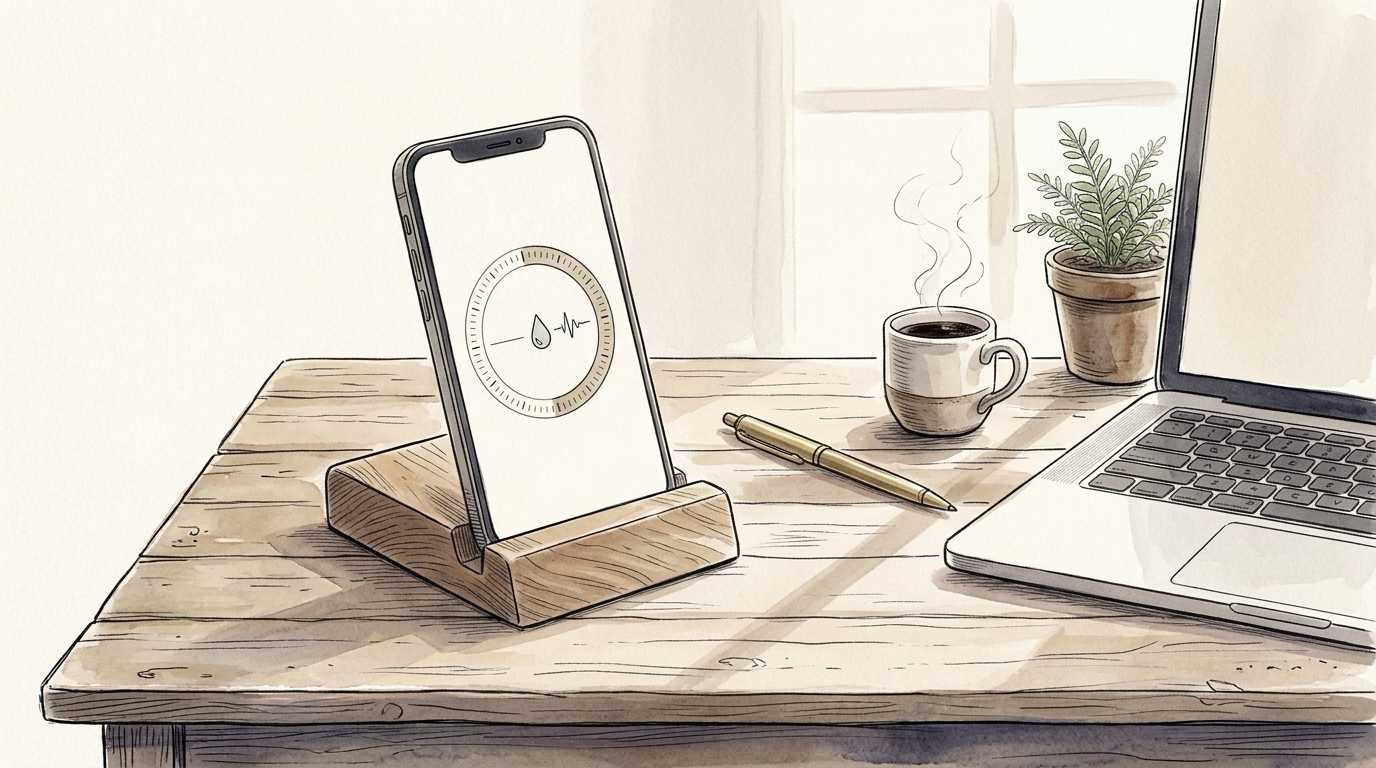
Owldo's focus timer widgets turn deep work into an ambient, immediate action. With a compact floating mini-player on desktop and glanceable home-screen widgets on mobile, you can trigger a focus sprint, activate ambient rainfall, and view remaining sprint time with zero window clutter.
Our Philosophy
“Friction kills focus before it even begins.”
If starting a 20-minute focus session requires unlocking your phone, finding an app, waiting for it to load, and tapping three menus, you will check Instagram instead. Widgets make focus ambient and immediate.
What you get
- Compact floating desktop widget: stays quietly in the corner of your screen over your code or writing
- Mobile home-screen focus widget: trigger 20-minute focus sprints directly from iOS and Android home screens
- Glanceable time awareness: see remaining minutes and active task context without maximizing windows
- Ambient audio controls: toggle rain, cafe, and white noise soundscapes directly from the widget
- Low CPU and battery consumption: native client efficiency that won't spin your laptop fans
- Zero gamified guilt: no streak counters resetting if an unexpected phone call interrupts your sprint
Why Full-Window Timers Create Friction
When you work on a complex task—such as writing documentation, debugging software, or conducting research—screen real estate is at an absolute premium. Having to dedicate an entire window or browser tab to a timer creates visual clutter.
Worse, minimizing the timer hides your temporal intent. Out of sight, out of mind: you forget you are in an active sprint and casually drift over to Reddit or Slack. Owldo's floating widget solves this by offering a lightweight, elegant pill that hovers unobtrusively above other applications. You keep full visual contact with your focus deadline without sacrificing workspace.
Mobile Widgets: One-Tap Defense Against Phone Addiction
The biggest danger of using a phone as a focus timer is that unlocking the phone invites distraction. You unlock your screen to check how many minutes remain, see a red notification badge on an email or messaging app, and lose fifteen minutes down a rabbit hole.
Owldo's mobile widgets live directly on your lock screen and home screen. You can check remaining time at a glance without ever opening the app or unlocking notifications, preserving your immersion in the real world.
Direct Integration with Tasks and Notes
A timer widget that only shows a generic countdown number is missing the crucial element: intent. Owldo's widget displays the exact task or note you are currently tackling.
When you glance up from your keyboard, you don't just see "14:22 remaining"; you see "14:22 · Refactor Auth Middleware." That visual anchor acts as a cognitive rudder, gently steering your attention back to your chosen priority whenever your mind starts to wander.
Honest Trade-Offs: What Owldo Widgets Do and Don’t Do
Owldo's widgets are designed for clean, glanceable focus. They are deliberately not filled with social leaderboards, multiplayer focus rooms, or animated virtual pets that demand feeding.
If you want a game-like productivity app where you earn coins to build virtual cities, other apps exist for that aesthetic. Owldo is built for adults who want a sharp, quiet, and reliable tool that helps them do their best work and get on with their lives.
See Owldo in action
Frequently asked questions
Does the desktop widget stay on top of other windows?
Yes. You can toggle "Always on Top" so the compact floating widget remains visible over your full-screen IDE, browser, or writing app.
Can I start and pause focus sessions from the widget?
Yes. The widget includes instant one-click play, pause, skip, and task completion buttons.
Does the mobile widget drain battery life?
No. Owldo uses native iOS and Android widget APIs that update efficiently without background battery drain.
Are ambient soundscapes controllable from the widget?
Yes. You can mute, unmute, and switch soundscapes (rain, cafe, vinyl, white noise) directly from the widget interface.
Related guides & use cases
Explore more ways to organize your thoughts and publish your work.
Best Focus Timer
Best focus timer
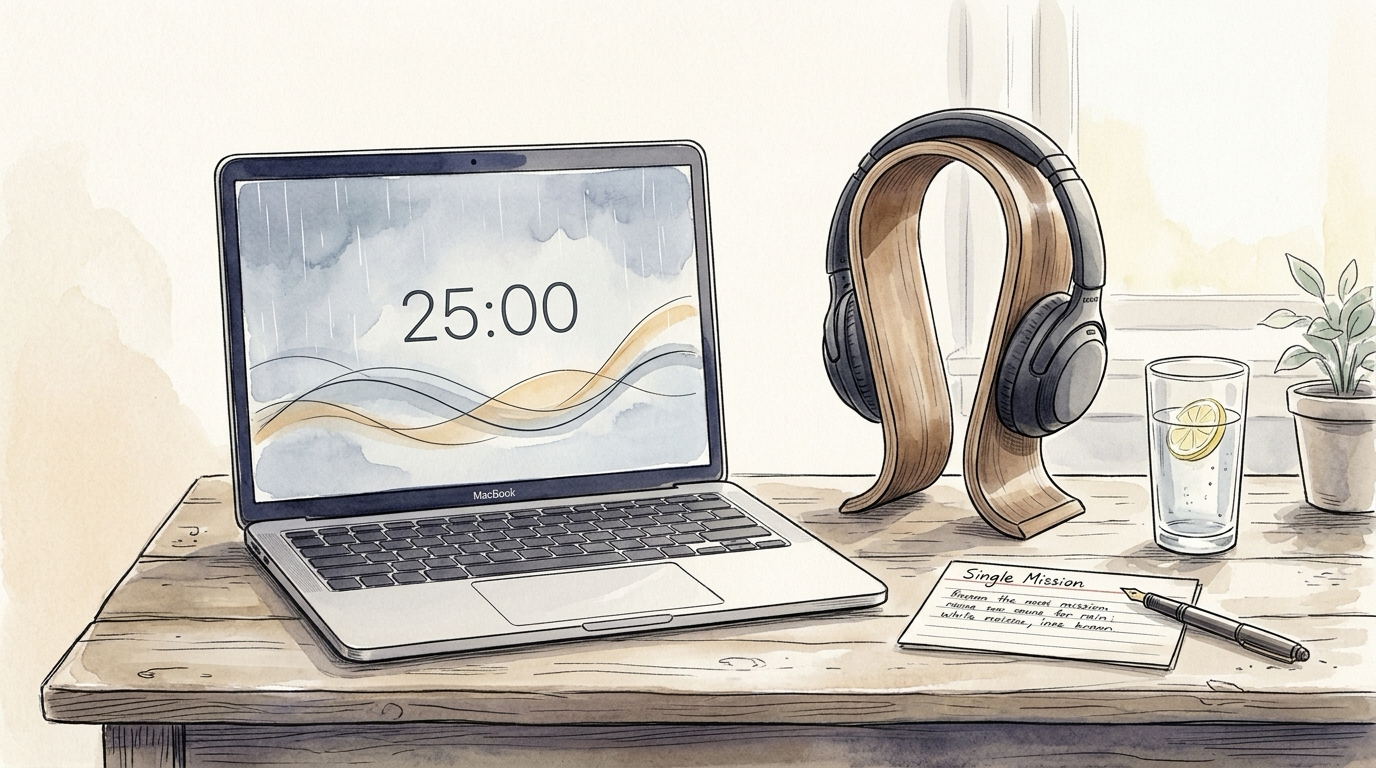
The best focus timer for deep work. Pomodoro sprints anchored directly to your tasks and notes, ambient soundscapes, floating widgets, and zero guilt streaks.
Minimal Focus Timer
Minimal focus timer
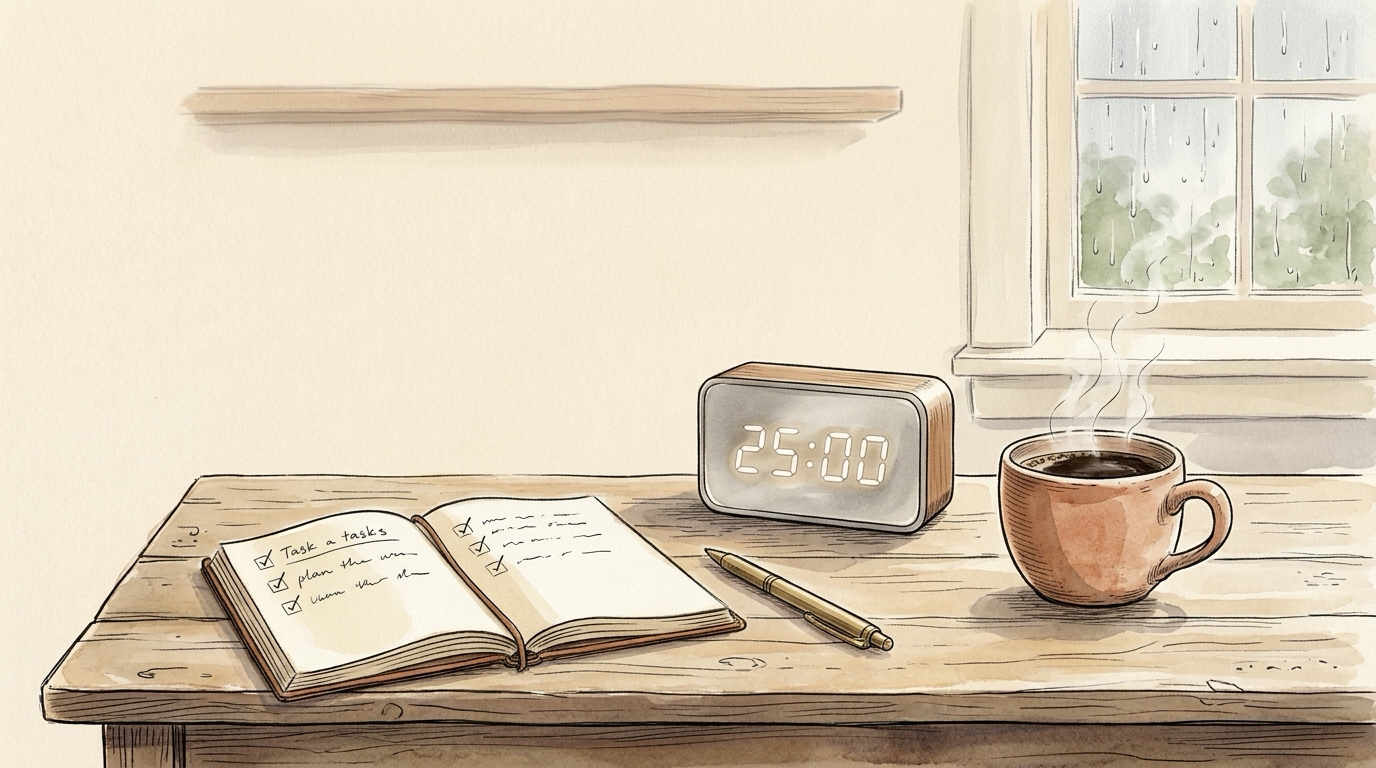
A clean, minimal focus timer without gamification, streaks, or guilt. Quiet intervals, ambient soundscapes, offline SQLite privacy, and radical simplicity.
Guide
Focus timer features
Read more about Owldo's approach and workflows.