Best Ebook Reader
The ebook reader designed for people who want to actually finish books.
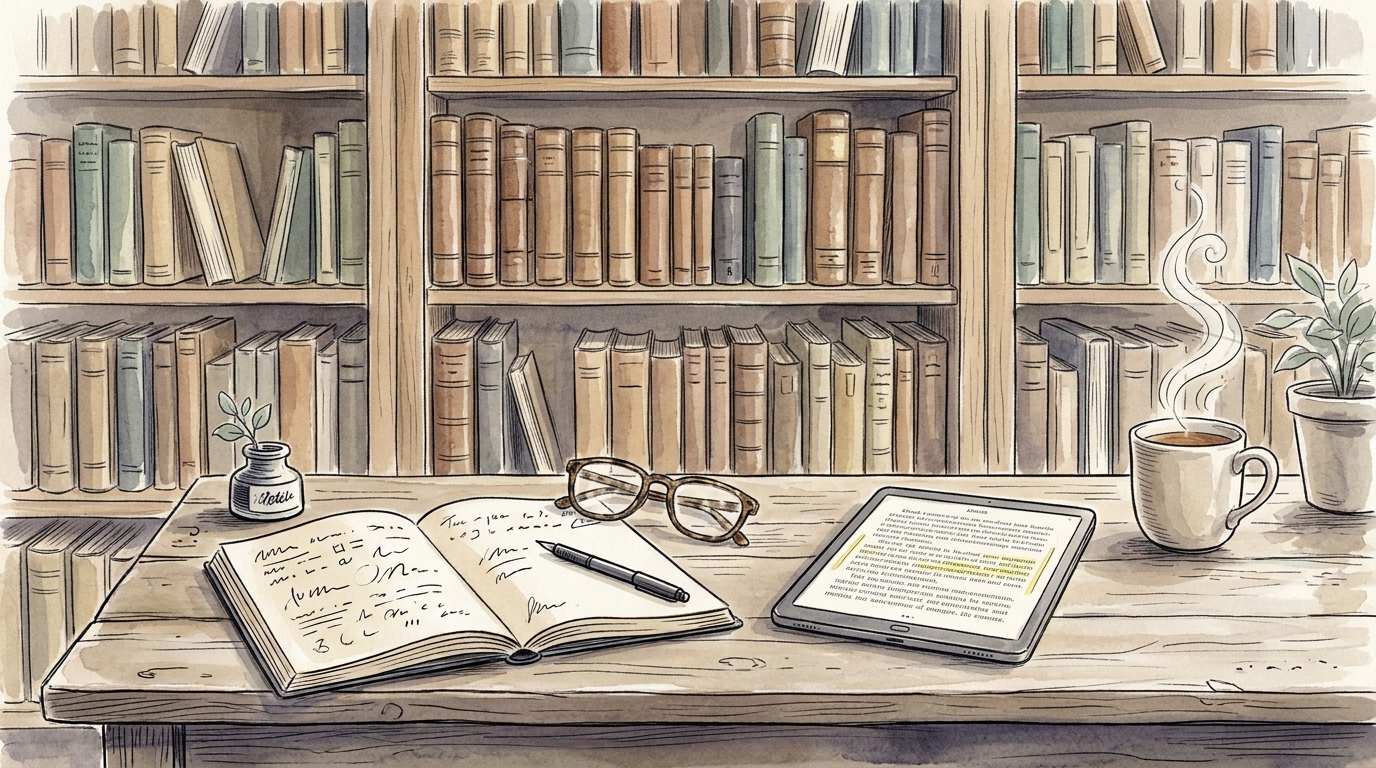
A familiar modern tragedy: you buy a celebrated non-fiction book or classic novel on Kindle or Apple Books with genuine enthusiasm. You open it on your phone or tablet, swipe through twenty pages, and see the progress footer: "Page 22 of 740 · 14 hours remaining in book."
A subtle wave of cognitive exhaustion sets in. The endless, intimidating scroll feels like homework. Within three days, you close the app, open Twitter or Instagram, and abandon the book forever. Owldo Feed Studio reinvents digital reading. It ingests EPUBs and classic texts, decomposes long chapters into serene, digestible vertical passage cards with auto-fit typography, and connects reading directly to your active notebook.
Our Philosophy
“You don’t have an attention span problem. You have a format problem.”
Staring at "Page 42 of 680" on a 6-inch phone screen creates psychological dread. When long-form literature is chunked into serene, bite-sized vertical cards, finishing books becomes effortless.
What you get
- Feed Studio EPUB ingestion: import non-DRM EPUBs, books, and long documents into your private feed
- Bite-sized vertical passage cards: read books in calm 80-word slides rather than overwhelming 700-page scrolls
- Zero doomscroll design: replace addictive algorithmic social media habits with high-signal literature
- Instant Quote-to-Note capture: tap the Note button on any passage to drop the quote into your personal notebook
- Auto-fit typography: text automatically scales to fill your window with perfect optical margins
- 100% offline reading: your entire book library lives inside local SQLite on your machine
The Psychology of Reading Dread: Why Traditional Ebook Apps Fail
In physical paper books, thickness provides tactile feedback: you physically feel your progress through the pages. In conventional ebook reader apps, that tactile feedback is replaced by a digital guilt counter: a relentless percentage indicator reminding you how much of the mountain remains unclimbed.
Furthermore, modern phone screens are hyper-stimulating environments. When you read on a phone, your brain is accustomed to rapid swipe intervals. Staring at an unmoving block of dense text triggers restless app-switching. Owldo Feed Studio embraces the modern cognitive reality: we take timeless long-form prose and present it in fluid, bite-sized cards that satisfy the brain's desire for rhythm while delivering deep, nourishing ideas.
Auto-Fit Typography: Words That Breathe
Traditional ebook apps force text into rigid virtual page boundaries that require horizontal margins and tiny line heights, leading to eye strain on desktop and tablet screens.
Owldo's proprietary card engine uses auto-fit typography. Each passage card dynamically computes font size, line spacing, and margin proportions based on your viewport. A short philosophical aphorism renders in large, commanding serif typography; a rich paragraph scales gracefully to preserve optical balance. Words feel like art on digital glass.
The Modern Digital Commonplace Book
For centuries, the greatest thinkers—from Marcus Aurelius to Virginia Woolf—kept "commonplace books": personal notebooks where they transcribed memorable passages, aphorisms, and ideas encountered during their reading. In modern ebook apps, highlighting a passage traps it inside a proprietary cloud annotations menu.
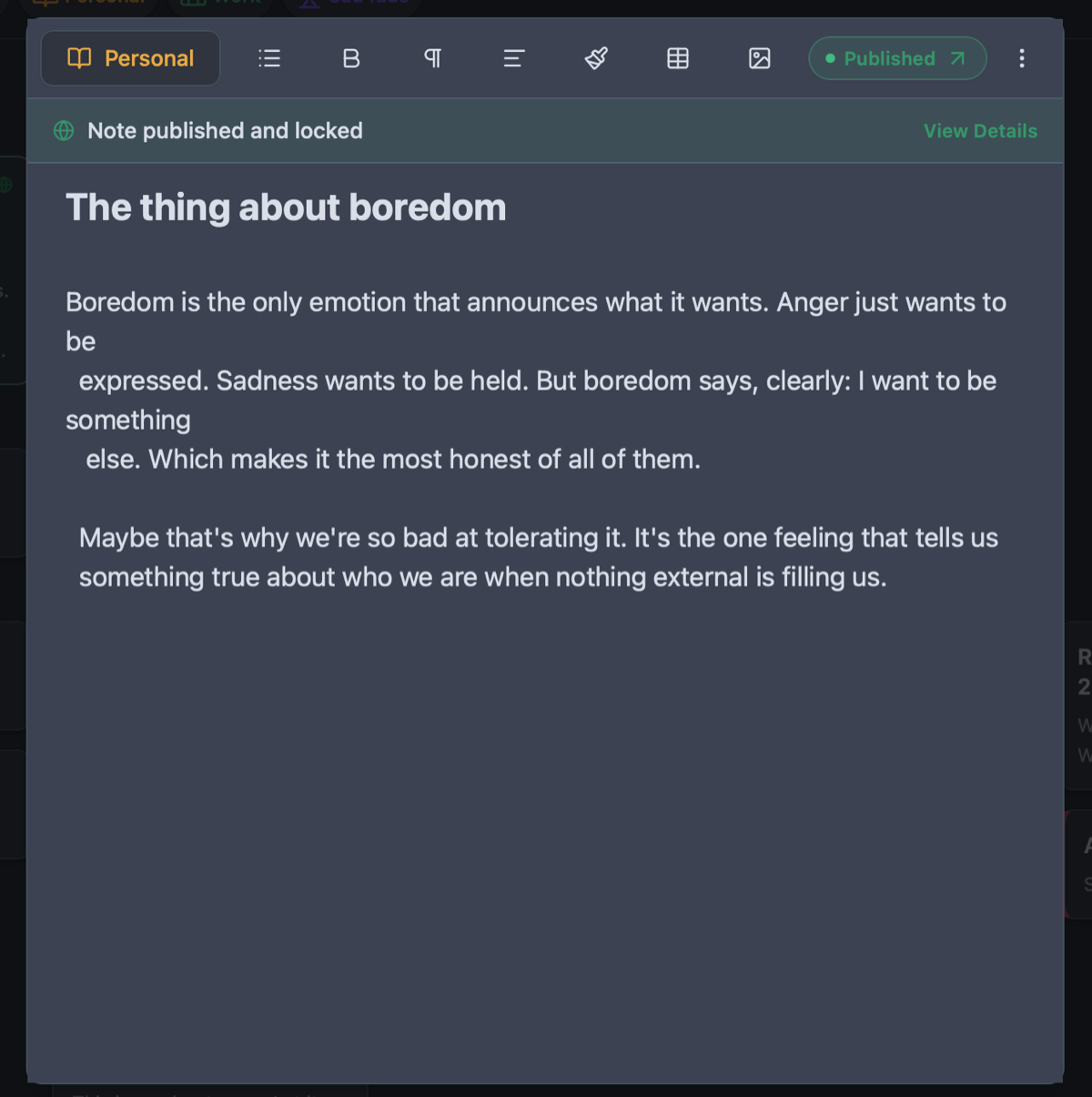
In Owldo, reading and note-taking share the same database. When you encounter a sentence that changes how you think, simply click "Capture to Note." The excerpt, the book title, and the author are instantly recorded in your active Space, ready to be synthesized into your own essays or applied to your daily tasks.
Honest Trade-Offs: What Owldo Feed Studio Is and Isn’t
Owldo Feed Studio is optimized for non-fiction books, philosophy, historical literature, essays, and technical books that you want to deeply absorb and synthesize into your own thinking. It supports non-DRM EPUB files and plain text documents.
It is NOT intended for proprietary DRM-locked Amazon Kindle formats, highly complex multi-column academic textbooks with complex interactive formulas, or graphic novels. If you want a calm, beautiful reading sanctuary that turns reading into an active creative practice, Owldo is built for you.
See Owldo in action
Frequently asked questions
What file formats can I import into Owldo Feed Studio?
Owldo Feed Studio supports non-DRM EPUB files, Markdown documents, HTML articles, and plain text files.
How does Owldo break books into cards?
Our smart chunking engine parses chapter boundaries, paragraphs, and semantic sentence breaks to create comfortable 75–90 word reading cards designed for deep cognitive absorption.
Can I read my books offline on an airplane?
Yes. All imported books and reading progress are stored locally on your device in SQLite, providing 100% offline reading with zero internet required.
Can I capture quotes while reading on a card?
Yes. Simply highlight any text in a passage card or click the Note button on the right-hand action bar to capture the passage into your notebook immediately.
Related guides & use cases
Explore more ways to organize your thoughts and publish your work.
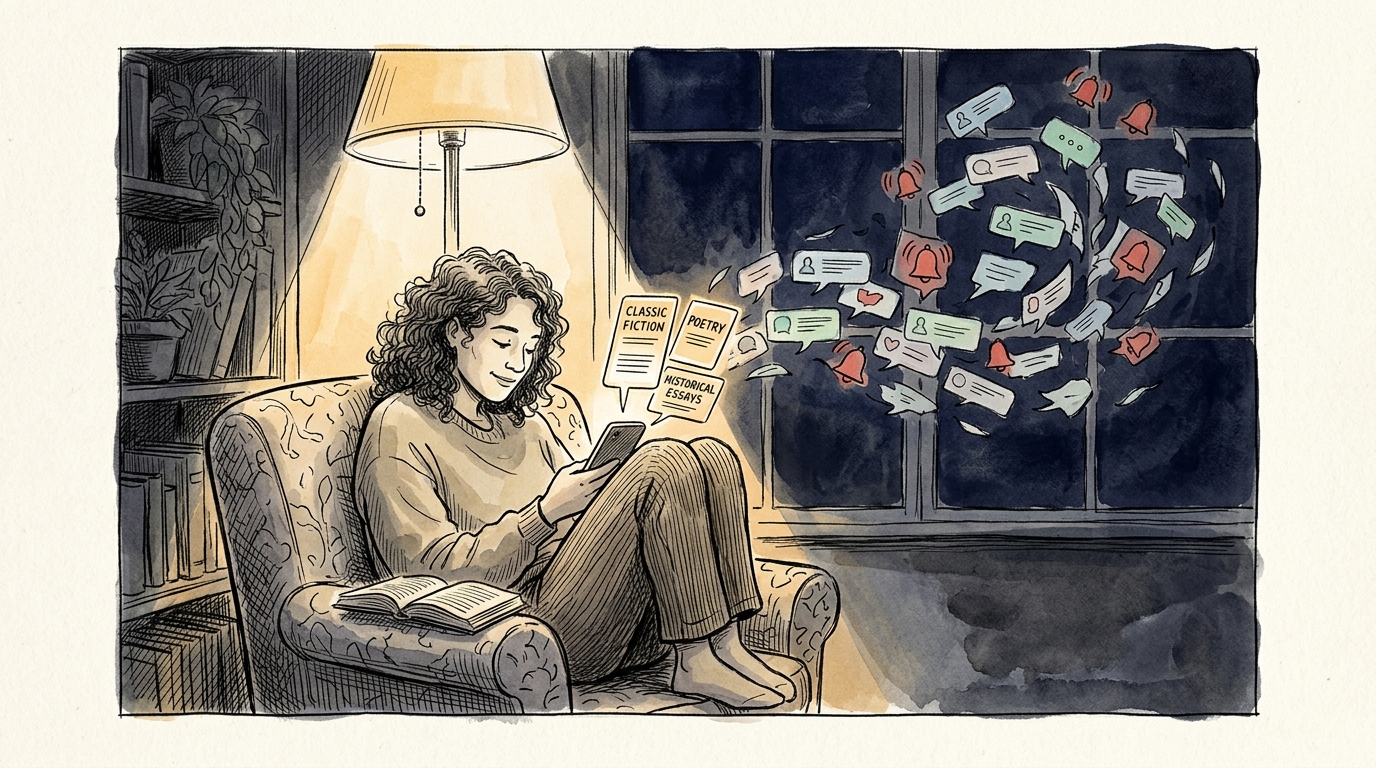
Anti-Doomscroll Reader
Anti-doomscroll reader
Break social media addiction. Owldo Feed turns classic books, EPUBs, and essays into finite daily card decks of 200 words. Zero infinite doomloop.
Digital Commonplace Book
Digital commonplace book
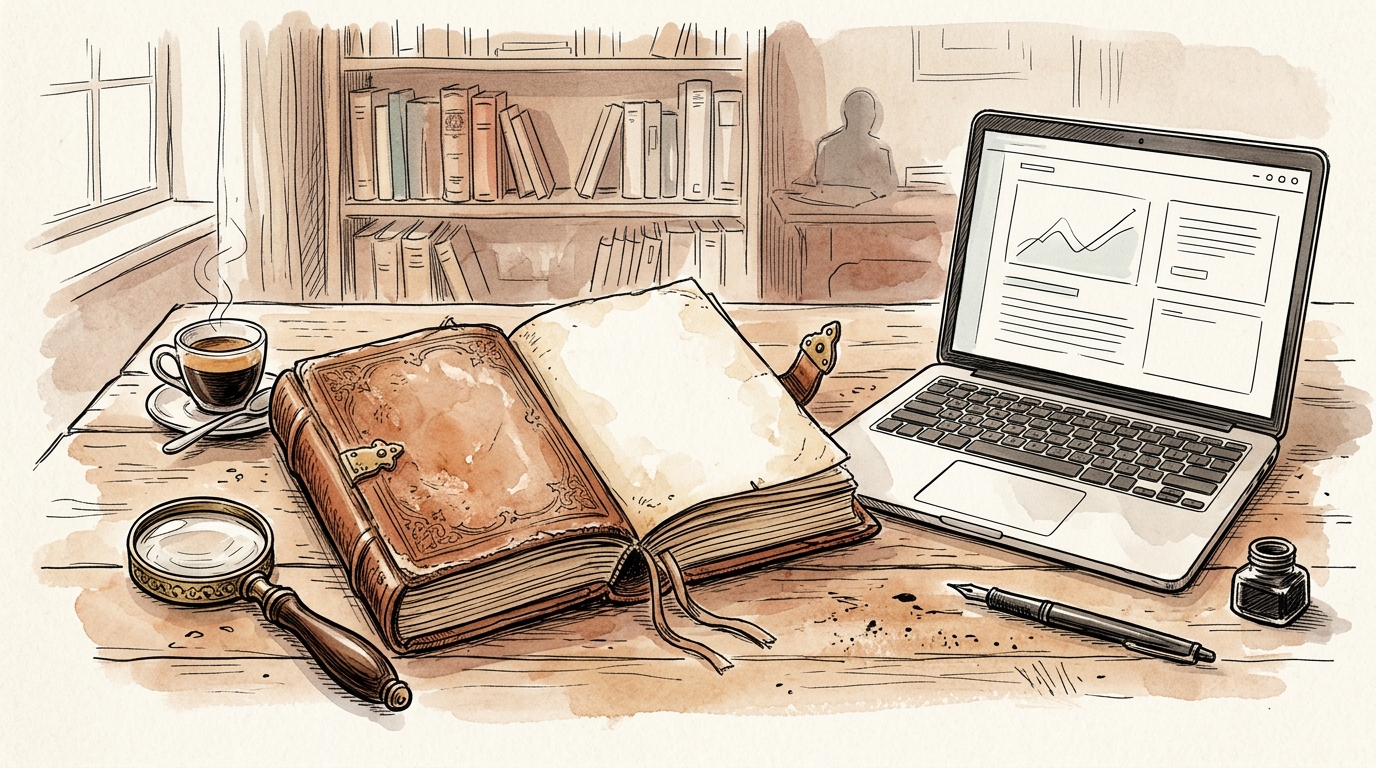
Revive the 500-year-old habit of Marcus Aurelius, John Locke, and Virginia Woolf. A calm digital commonplace book that combines reading excerpts, tasks, and reflections.
Distraction-Free Writing App
Distraction-free writing app
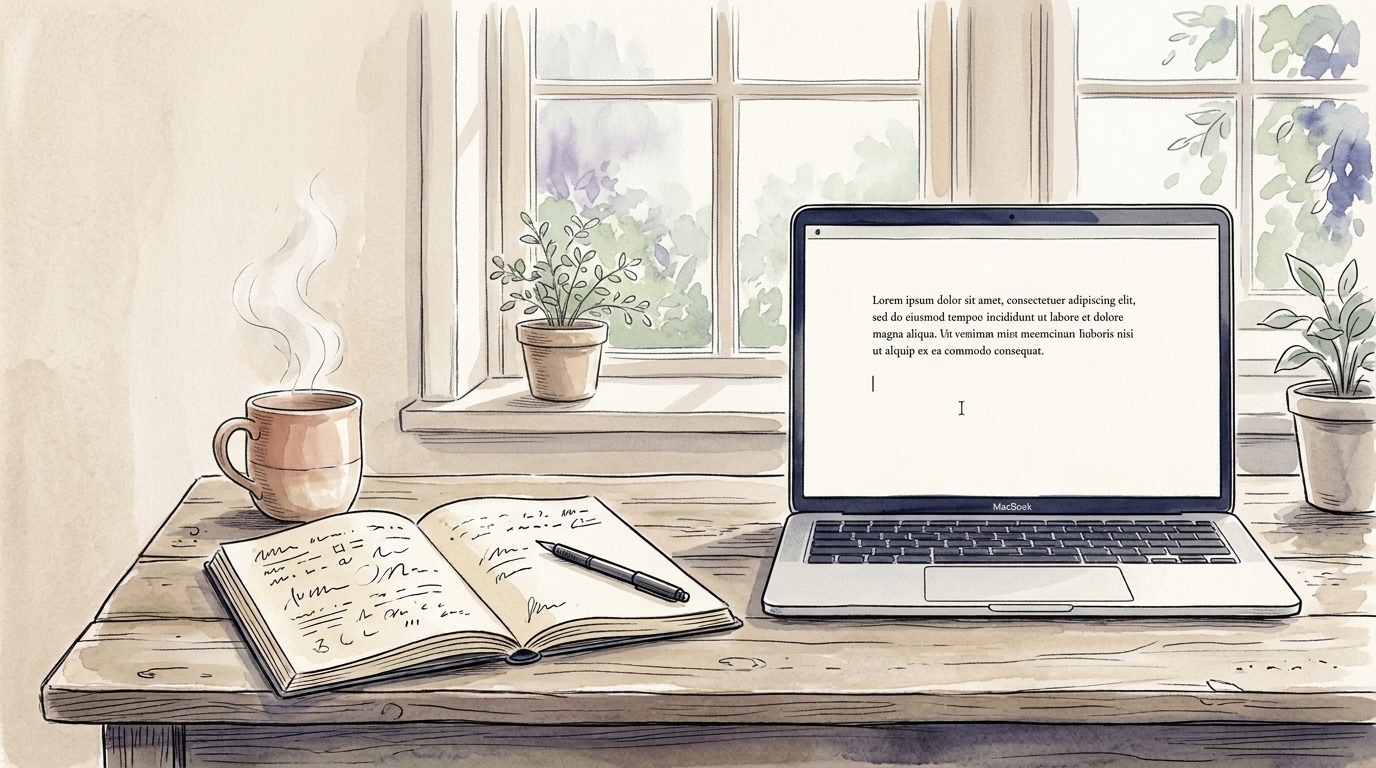
A serene distraction-free writing app. Clean typographic canvas, zero AI popups, offline SQLite privacy, and an integrated focus timer.