Visual Masonry Scrapbook
An artful masonry mosaic for your visual notes and scraps.
Visual artists, designers, photographers, and curators think in images as much as prose. Traditional blogs force visual content into repetitive vertical stacks that fail to capture the spirit of a moodboard.
Owldo's Board layout automatically packs your image-heavy notes and visual scraps into a responsive, multi-column masonry wall that lets your curated imagery breathe.
Our Philosophy
“Visual ideas require their own geometry.”
When notes consist primarily of photographs, sketches, moodboards, and architectural references, forcing them into a rigid text column destroys their visual rhythm. The Board layout packs image-forward scraps into an artful masonry mosaic.
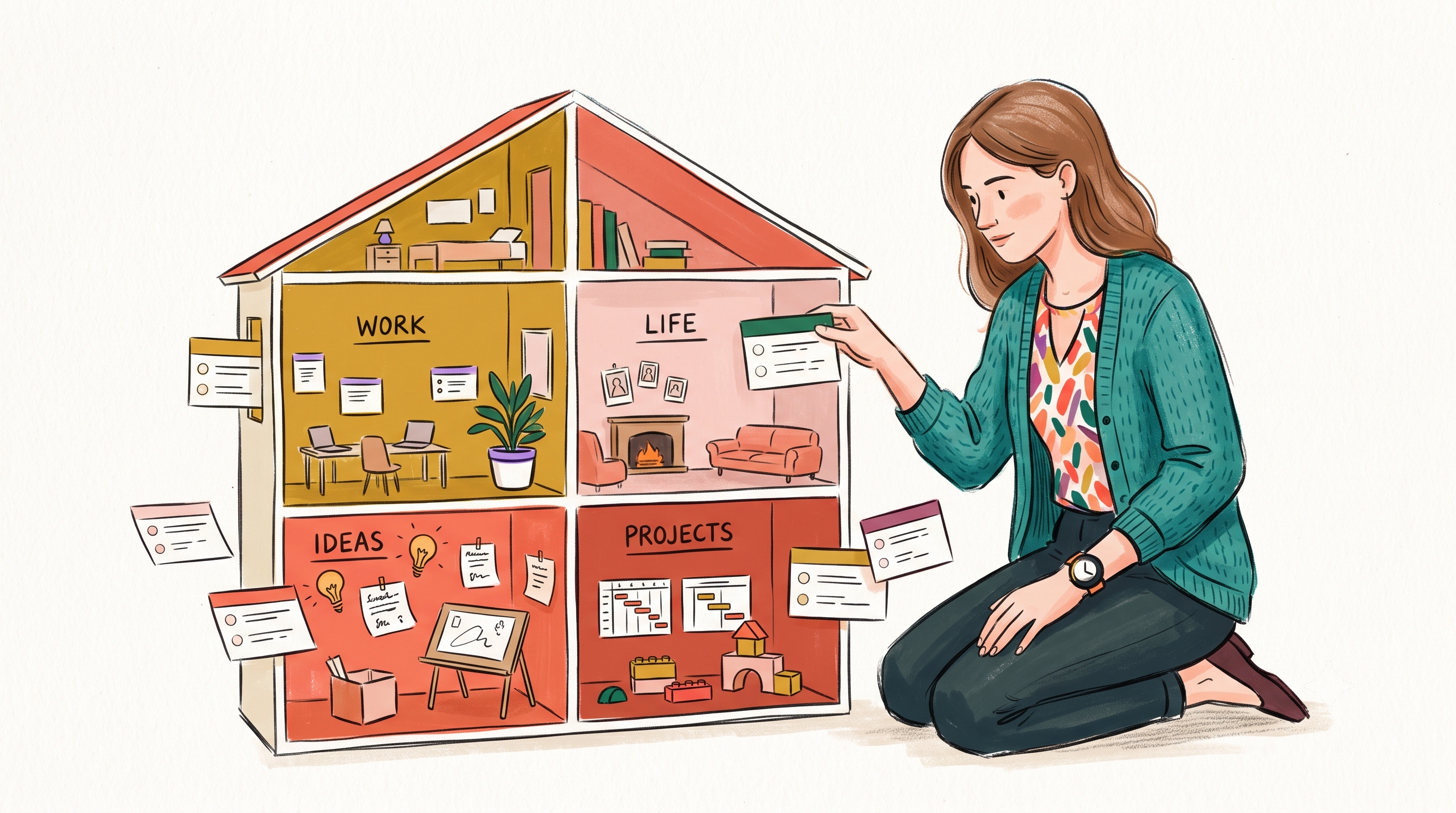
What you get
- Board layout: dynamic multi-column masonry wall tailored for images
- Automatic mosaic packing without awkward cropping or manual CSS grid math
- Card excerpts highlight visual assets with clean typographic captions
- Optimized image delivery for lightning-fast scrolling performance
- Custom header styles including centered mastheads and subtle accents
The Power of the Masonry Wall
Masonry grids naturally accommodate images of varying aspect ratios—portraits, landscapes, and square crops all slot seamlessly into place without leaving empty gaps or requiring uniform height crops.
Whether you are curating design inspiration, documenting visual field notes, or sharing photography journals, the Board engine produces a gallery-grade visual wall out of the box.
Notes That Balance Image and Prose
Unlike pure photo-sharing apps that bury your written context, Owldo notes let you combine rich Markdown commentary with your imagery. The Board card surfaces the leading image while presenting your title and note excerpt gracefully below.
Readers can click into any card to experience the full note in focused reading mode.
Curate Across Topic Spaces
Use Owldo Spaces to curate distinct visual boards: "Architecture Inspiration", "Visual Identity", "Travel Logs", or "Material Studies". Readers can switch between boards with one tap.
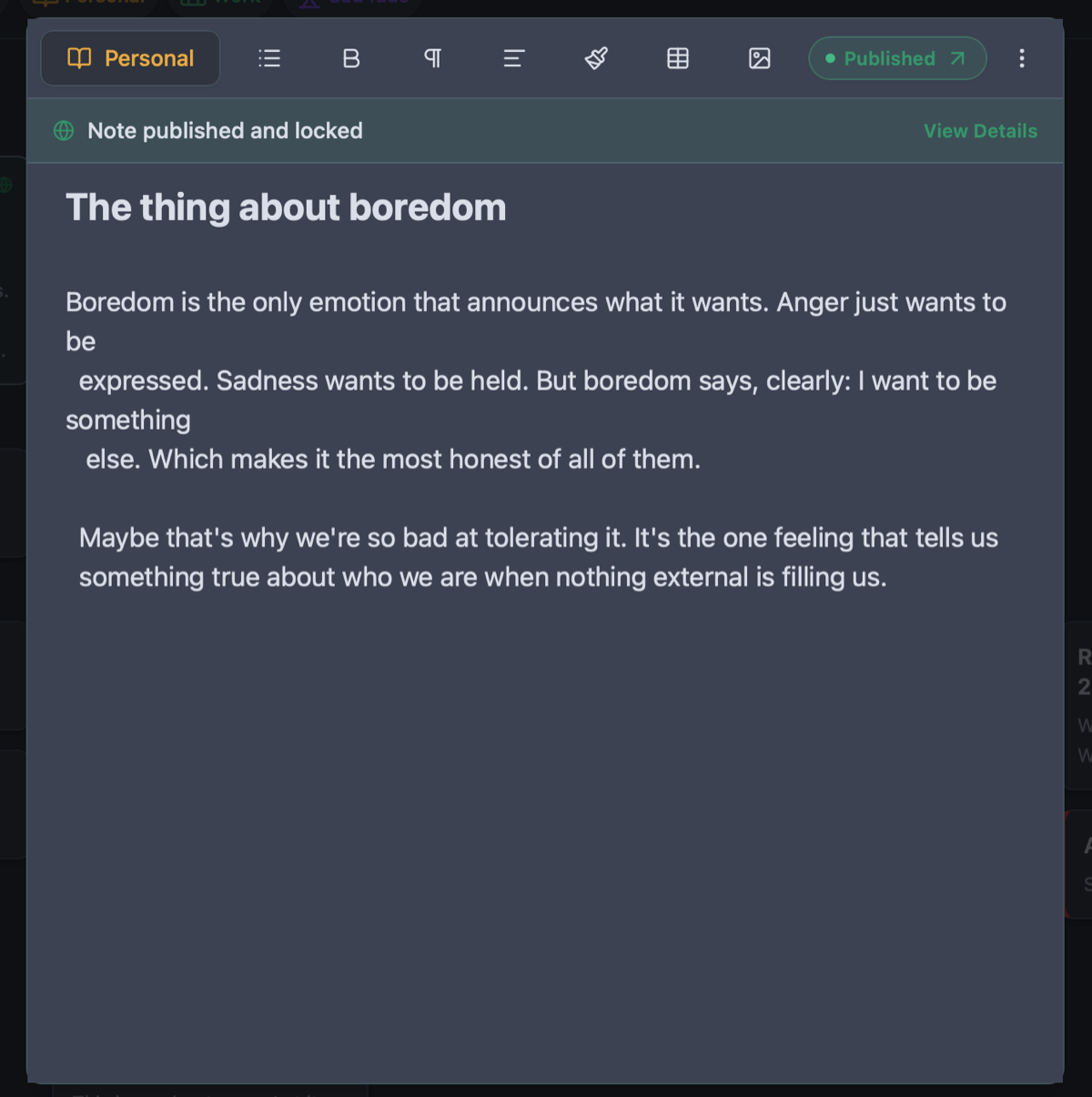
See Owldo in action
Frequently asked questions
Do I need to crop images to identical dimensions?
No. The masonry layout dynamically measures and nests varied image aspect ratios automatically.
What image formats are supported?
JPEG, PNG, and WebP are fully supported with automatic responsive scaling.
Can I use Board on my own custom domain?
Yes. Your masonry portfolio lives directly on your custom domain with full SSL.
Related guides & use cases
Explore more ways to organize your thoughts and publish your work.