Owldo for Designers
Productivity software doesn't have to be ugly.
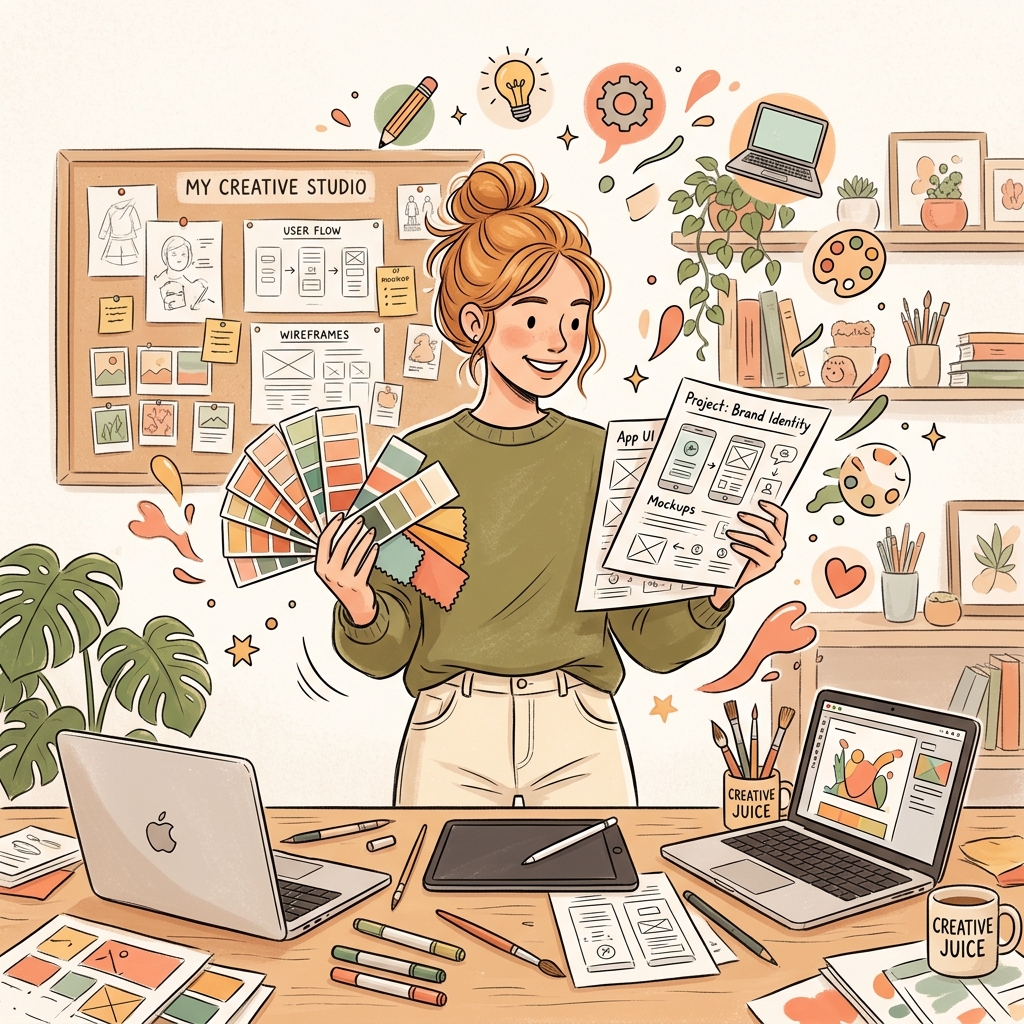
Designers are hyper-sensitive to their digital working environment. If a tool has clumsy typography, cluttered toolbars, and inconsistent padding, it causes subconscious friction every time you open it.
Owldo was designed with an obsessive respect for aesthetics. It is a stark, high-contrast, minimalist workspace that recedes into the background so your creative thinking takes center stage.
Our Philosophy
“Organize less. Do more.”
If your organization system takes more effort to maintain than the actual work, your system is broken. Nested folder hierarchies are a relic of the 90s desktop file system. We use flat, lightweight Spaces so you can organize without the bureaucratic ceremony.
Visual Silence: The Antidote to UI Noise
Most enterprise productivity apps are visually chaotic: rainbow-colored tags, progress meters, notification banners, and animated popups. This visual noise drains cognitive energy before you even begin designing.
Owldo practices visual silence. We use a monochrome-focused baseline, rigorous typographic hierarchy, and generous whitespace. The interface feels like an immaculate architectural blueprint—calm, quiet, and dignified.
The Design Brief and Execution Unified
Figma is where vector design happens, but it is a terrible medium for managing textual specifications and client requirements. Owldo acts as the ideal companion workspace.
Paste the client's design brief, user personas, and moodboard references into an Owldo Markdown note. Directly beneath it, break down the project into actionable milestones. The creative context and the execution checklist live in one beautiful window.
Sub-10ms Local Velocity
When you are in the creative flow state, waiting 4 seconds for a cloud task manager to load a page is agonizing. Owldo's local-first architecture ensures the app opens instantaneously, preserving your momentum.
What Owldo gives designers
What this replaces
- Things 3 (beautiful, but trapped strictly on Apple hardware)
- Asana (too much corporate clutter and noise for solo creative work)
- Bear (gorgeous, but lacks structured date-driven task management)
Frequently asked questions
Can I embed reference images and moodboards in Owldo notes?
Yes. You can paste reference images, wireframe screenshots, and moodboard assets directly into your Markdown notes.
Is Owldo available on both Mac and Windows for designers?
Yes. Owldo offers native, beautifully typeset desktop applications for macOS and Windows, as well as mobile apps.
Can I publish a design case study or moodboard directly to the web?
Yes. The Board (masonry wall) and Studio (media grid) layouts are tailored specifically for visual portfolios and design case studies.
Can I customize the color theme in Owldo?
Yes. Choose from 11 curated developer and designer themes (including Nord, Catppuccin, Gruvbox, and OLED Midnight).
Owldo is also built for
See how Owldo adapts to other ways people think and work.
Role
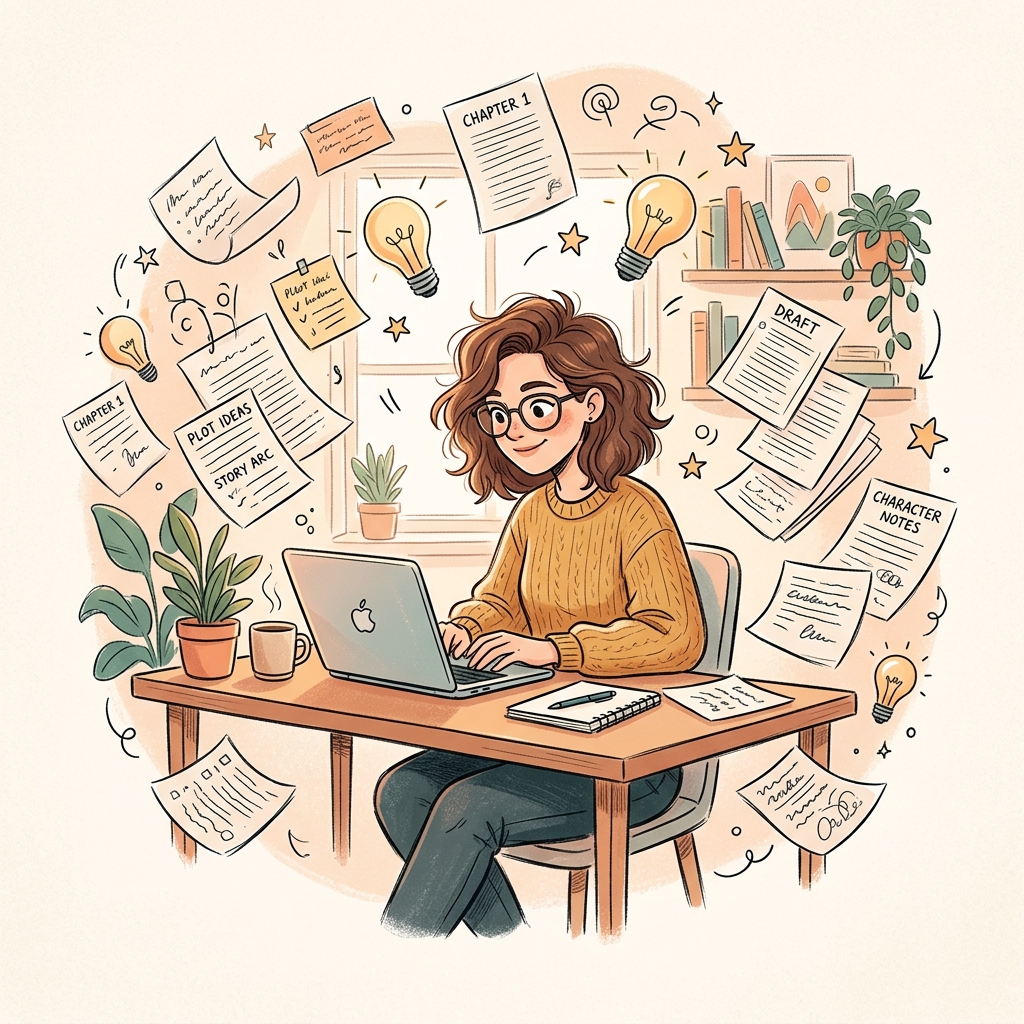
Owldo for Writers
Your drafts, deadlines, and blog in one place. Write offline. Publish with one tap.
Role
Owldo for Students
Notes and assignments together. No more switching between apps mid-study session.

Role
Owldo for Founders
For the messy reality of building a company. Meeting notes, bug fixes, and investor updates in one fast workspace.