Cross-Platform Note-Taking App
One fast, beautiful note-taking home on every device you own.
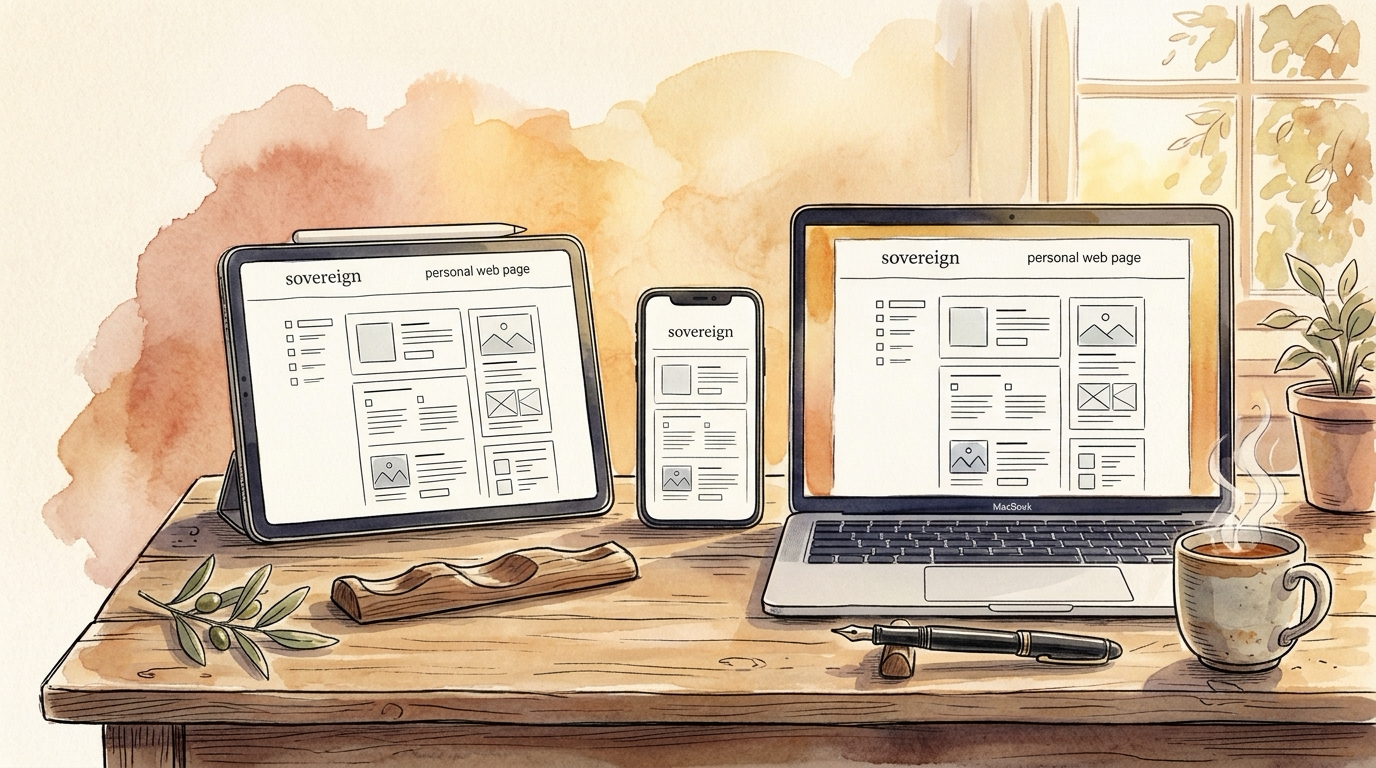
Modern knowledge workers rarely live on a single operating system. You might do heavy engineering or design work on a MacBook Pro, switch to an enterprise Windows 11 desktop at the office, carry an iPhone in your pocket, and keep an Android tablet on your nightstand.
Finding a note-taking application that runs gracefully across this multi-device reality is surprisingly difficult. Most "cross-platform" apps are sluggish Electron wrappers that consume 1.5GB of RAM, take four seconds to load, and completely stop working the moment you enter an elevator or airplane. Owldo was engineered on high-performance native client engines backed by local SQLite, delivering single-digit millisecond response times on every operating system.
Our Philosophy
“Your mind moves between devices. Your software shouldn’t drag its feet.”
Most cross-platform note apps are sluggish Electron web wrappers that consume 1GB of RAM and freeze on airplane mode. True cross-platform software must feel native on every operating system.
What you get
- Universal device support: native clients for macOS, Windows 10/11, iOS, and Android
- Sub-10ms cold start on all platforms: no Electron bloat, no white hydration loading screens
- Local-first SQLite architecture: 100% offline feature parity on every device you own
- Resilient background sync: peer-to-peer-inspired CRDT sync (ElectricSQL) merges concurrent edits seamlessly
- Unified notes, tasks, and focus: manage documentation, checklists, and Pomodoro timers in one view
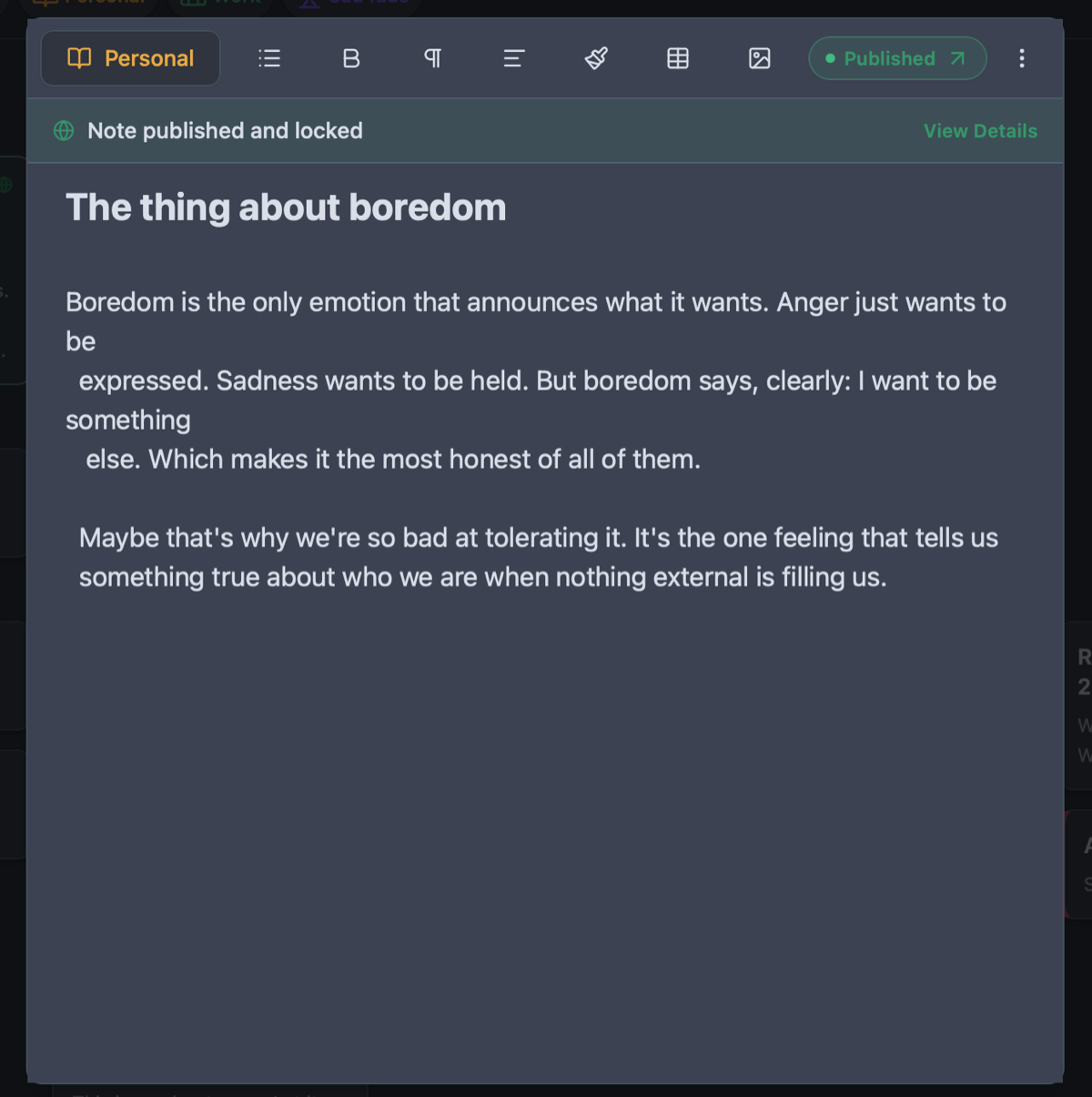
- 1-tap sovereign web publishing: share notes to the web on your personal domain from any device
The Problem with Heavy Electron Wrappers
To achieve cross-platform reach quickly, modern software companies bundle Chromium web browsers into desktop executables using Electron. While convenient for developers, the cost to the user is catastrophic: high memory footprints, battery drain, and input latency.
Owldo rejects this approach. On desktop, Owldo utilizes lightweight native webview runtimes (Tauri) and local SQLite. The app launches in under 10 milliseconds, uses less than 80MB of memory, and responds to keystrokes instantly whether you are on an M3 MacBook Air or a budget Windows laptop.
Deterministic Offline Sync: The CRDT Difference
In traditional cloud-first cross-platform apps, editing a note offline on your phone while leaving the desktop app open inevitably leads to sync conflict disasters: duplicated files titled "Conflicted Copy (1)", overwritten paragraphs, or lost data.
Owldo solves this mathematically using Conflict-Free Replicated Data Types (CRDTs) and local SQLite replication. Edits made offline on any device are merged deterministically when connection returns. You can write an outline on your iPhone during your commute, open your Windows PC at work, and watch your changes appear seamlessly in real time.
Consistent Aesthetic and Typographic Dignity
Cross-platform software often suffers from visual neglect on non-Mac platforms: Windows clients receive clunky fonts and rough margins, while mobile apps feel like stripped-down web views.
Owldo maintains uncompromising aesthetic fidelity across all platforms. Our seven bespoke typographic Looks (Serif, Sans, Mono, and more) render with identical typographic rhythm and fluid animations whether you are on Windows, macOS, or mobile. Your notes always feel like an intimate, crafted sanctuary.
Honest Trade-Offs: Personal Velocity vs. Enterprise Intranet
Owldo is built for individuals—developers, founders, writers, researchers, and students—who demand speed and data ownership across their personal fleet of hardware. If you require multi-user team permission matrices, 100-person real-time Google Docs collaboration cursors, or corporate SCIM provisioning, enterprise tools like Notion or Confluence are built for that purpose.
Owldo is your personal command center. It gives you an uncompromised, blazing-fast home for your thoughts, tasks, and public writing on every device you touch.
See Owldo in action
Frequently asked questions
Does Owldo sync between Windows and iPhone?
Yes. Owldo provides seamless, encrypted background synchronization between Windows, macOS, iOS, and Android.
Can I use Owldo completely offline on my laptop?
Yes. Owldo writes directly to an embedded local SQLite database on your machine, giving you 100% offline feature parity with zero network connection.
How much does cross-platform sync cost in Owldo?
Owldo is completely free for single-device offline use with unlimited notes and tasks. Full multi-device cross-platform sync and custom-domain web publishing are available for a flat $3/month.
Can I export all my notes if I switch operating systems?
Yes. Owldo provides one-click export to universal Markdown (.md) and CSV files anytime, ensuring zero vendor lock-in across platforms.
Related guides & use cases
Explore more ways to organize your thoughts and publish your work.

Apple Notes Alternative
Apple Notes alternative for Windows
The native Apple Notes alternative for Windows and cross-platform users. Opens in 8ms, pure Markdown formatting, native tasks, and zero ecosystem lock-in.

Cross-Platform Scratchpad
Cross-platform scratchpad
A lightning-fast, cross-platform scratchpad that syncs across all your devices. Zero latency, instant capture, and no heavy databases to slow you down.
Guide
Offline-first sync engine
Read more about Owldo's approach and workflows.