Apple Notes alternative
The speed of Apple Notes, without the ecosystem lock-in.
Apple Notes is popular because it feels native, fast, and uncluttered. It operates like an extension of the operating system. But the second you need to use a Windows PC for work or switch to an Android phone, that native magic dissolves into an agonizingly slow web browser interface.
Owldo was engineered to replicate that instant-open, zero-latency feeling across every operating system. It is a genuine local-first workspace for people who demand speed, but refuse to be held hostage by a single hardware vendor.
Our Philosophy
“Friction is the enemy of momentum.”
If you have to open a web app, wait for a loading spinner, and assign five metadata tags just to write down a single sentence, you will simply stop writing things down. We utilize a local-first SQLite architecture to guarantee zero-latency capture.

What you get
- Native desktop applications for both macOS and Windows
- Local-first SQLite architecture delivers instantaneous sub-10ms capture
- Portable Markdown formatting instead of proprietary, brittle rich text
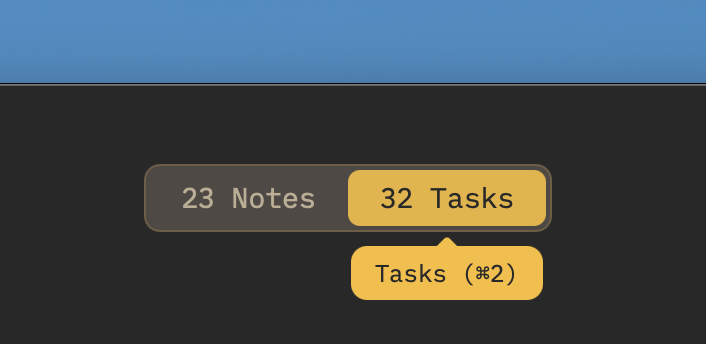
- Unified notes and tasks in one view—ending the Apple Notes vs Reminders split
- Resilient background synchronization across all your computers and phones
Breaking Out of the Walled Garden
Apple's ecosystem strategy is deliberate: make built-in apps seamless inside the garden, while making cross-platform access as painful as possible. If you depend on Apple Notes for your thinking, switching to a Windows laptop for work leaves you stranded with a sluggish iCloud web tab that constantly prompts for two-factor authentication.
Owldo breaks this artificial wall. We built native, highly optimized desktop applications for both macOS and Windows, accompanied by fluid mobile apps. You get the same instant cold start, keyboard velocity, and offline reliability regardless of what operating system you are using.
Standard Markdown Over Proprietary Rich Text
Apple Notes relies on an opaque, proprietary rich-text storage schema. If you ever attempt to export your folders of Apple Notes to another platform, you face a nightmare of mangled PDFs, stripped tables, and lost formatting.
Owldo stores your writing in universal Markdown. It renders beautifully on the fly—providing balanced typography and clean reading surfaces—while maintaining underlying plain text portability. You can format with muscle-memory keyboard shortcuts, and your data remains readable by thousands of tools forever.
Ending the Apple Notes vs Apple Reminders Fragmentation
Apple arbitrarily separates your thoughts into two different applications: Notes for prose, and Reminders for checkboxes. When you outline a project in Notes, you have to manually copy action items over to Reminders. When Reminders alerts you about a task, you have to hunt through Notes to find the original context.
Owldo recognizes that notes and tasks are two sides of the same coin. In Owldo, a Space holds your Markdown spec, meeting minutes, and actionable checklists side-by-side. The context and the deadline live in the exact same window.
See Owldo in action
Frequently asked questions
Is Owldo a web wrapper or a native app on Windows?
Owldo is built on high-performance native desktop architecture (Tauri/Rust) with embedded local SQLite storage, delivering true native startup and instantaneous typing on Windows and Mac.
How do I migrate my existing Apple Notes into Owldo?
You can export your Apple Notes as Markdown or text files and drag them directly into Owldo. All formatting, headers, and bullet lists convert cleanly.
Does Owldo sync as smoothly as iCloud?
Yes. Owldo’s background sync engine uses resilient peer replication (ElectricSQL) that syncs changes silently across devices in the background without locking your interface.
Can I publish notes to the web like Apple Notes web links?
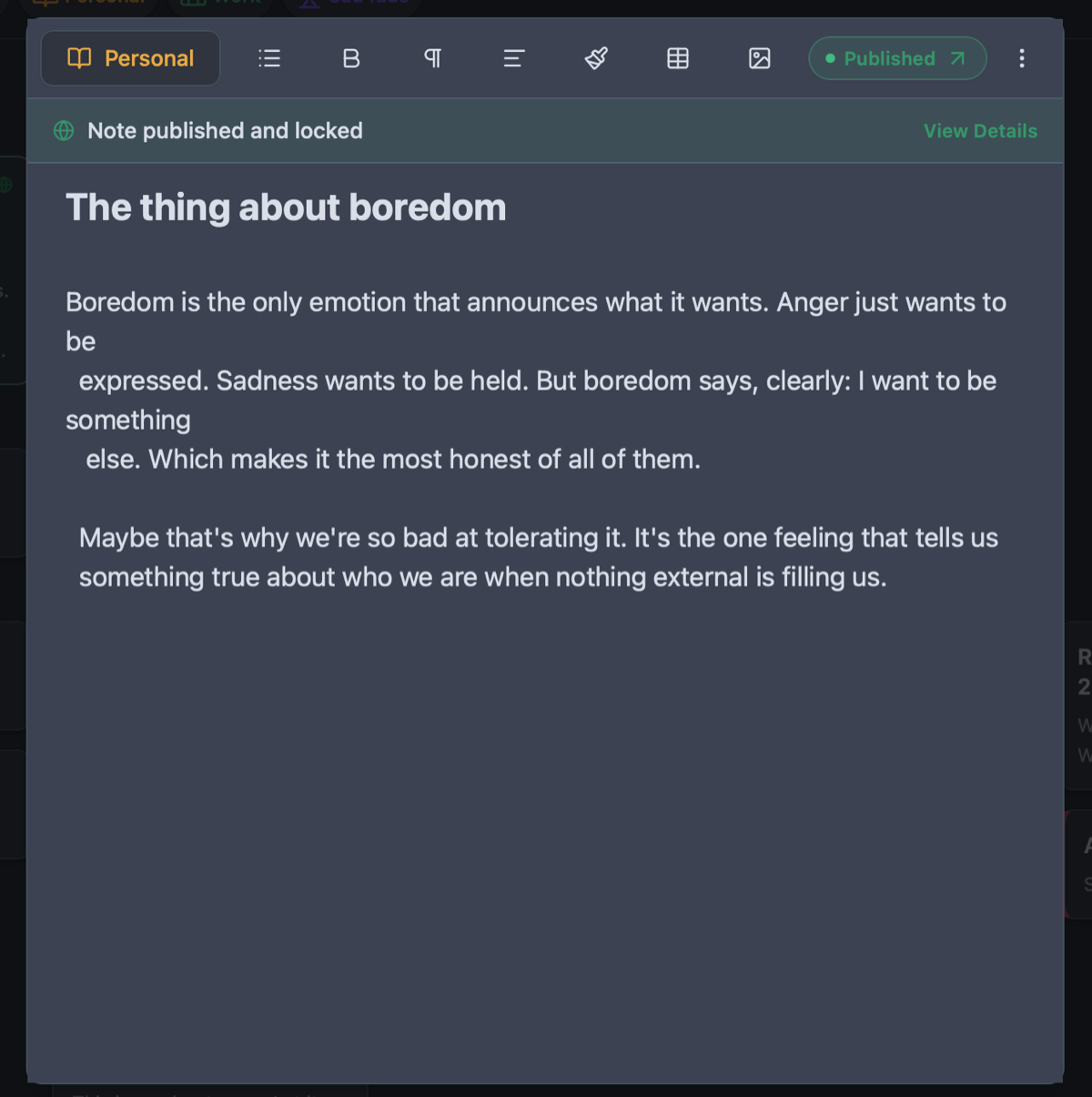
Even better. In Owldo, flipping the "Publish" switch generates an immaculate, lightning-fast public web page at your personal URL or custom domain with zero Apple login prompts for readers.
Related guides & use cases
Explore more ways to organize your thoughts and publish your work.

Markdown notes & tasks
Why markdown matters
A markdown note-taking app that doesn't treat tasks as second-class citizens. Fast, offline-first, syntax-highlighted, and built for people who live on the keyboard.

Local-first task manager
Local-first architecture
A local-first task manager for people who want instant capture, offline access, private-by-default storage on device, and zero loading spinners.
Guide
Detailed Apple Notes comparison
Read more about Owldo's approach and workflows.