Best Newsletter Reading App
Rescue thoughtful writing from the chaos of your email inbox.
Email inboxes are designed for communication triage: urgent messages from your manager, client billing inquiries, shipping notifications, and calendar invites. When you subscribe to brilliant long-form newsletters from independent writers, journalists, and industry analysts, those essays are delivered into the exact same high-stress queue.
The result is chronic reading guilt: you star newsletters with the intention of reading them "later," but they sit unread, inducing anxiety and cluttering your inbox. Owldo Feed is a dedicated newsletter reader engineered to quarantine your subscriptions outside email. You get a private Inbound Feed Email Alias (`you+token@feed.owldo.app`) that strips tracking pixels, formats articles into serene reading cards, and lets you capture quotes directly into your personal notes.
Our Philosophy
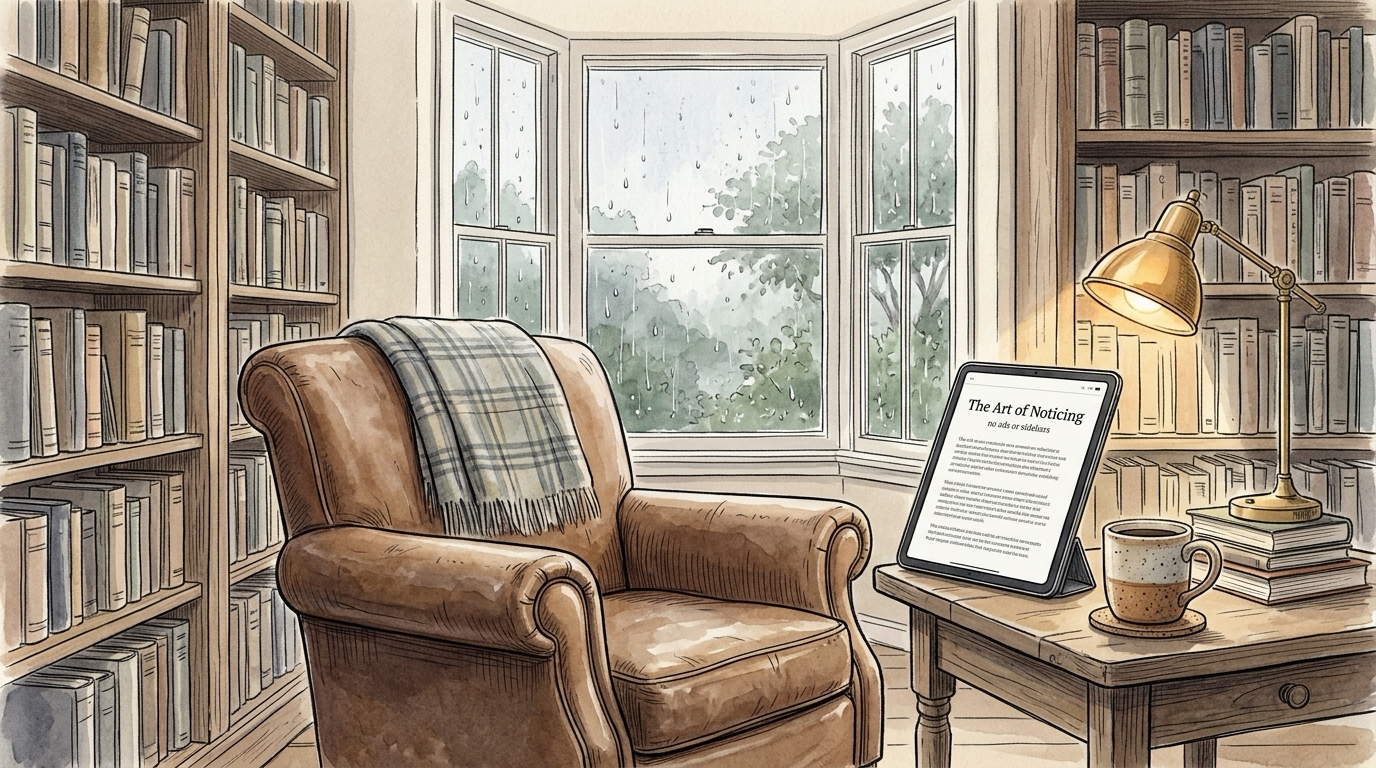
“An email inbox is a triage center for emergencies, not a reading room.”
When thoughtful long-form essays arrive next to urgent client emails, invoices, and password resets, your nervous system reads with anxiety. Great writing deserves quarantine from the inbox.
What you get
- Personal Inbound Email Alias: subscribe to Substack, Ghost, and industry newsletters outside your inbox
- Zero tracking or surveillance: automatically strips tracking pixels, affiliate redirects, and spy beacons
- Calm reading carousel decks: newsletters are parsed into digestible, auto-fit reading cards
- Instant Quote-to-Note capture: highlight any sentence to capture it directly into your local notes or tasks
- Quarantine from communication: read essays when you are relaxed, without seeing work notifications
- Integrated commonplace book: organize excerpts and insights under dedicated Spaces on your device
Why Email Inboxes Destroy Great Writing
Human attention is context-dependent. When you open your email client, your brain enters an alert, defensive posture: you are scanning for problems, deadlines, and unanswered requests. Attempting to shift from that triage mindset into deep, contemplative long-form reading is neurologically unnatural.
Inevitably, you skim the first three paragraphs of a thoughtful 3,000-word essay, feel a spike of guilt about an unread client email sitting three lines below it, and close the tab. By giving you a dedicated inbound feed address, Owldo separates your "Read" state from your "Reply" state.
Privacy First: Stripping the Surveillance Web
Modern email marketing software (Substack, Mailchimp, ConvertKit, Beehiiv) injects 1x1 transparent tracking pixels into every newsletter. These pixels report your exact IP address, physical location, device model, and the precise timestamp when you opened the email back to marketing servers.
Owldo acts as a privacy shield. When an email arrives at your Owldo feed alias, our edge workers strip all surveillance pixels, tracking scripts, and bloated marketing wrappers. The pure editorial content is extracted and delivered cleanly to your local SQLite feed with zero surveillance.
From Passive Consuming to Active Commonplace Book
In standard email readers, when you encounter a brilliant insight or reference data, saving it is painful: you have to copy the text, switch apps, open your notes, paste it, and manually attribute the author.
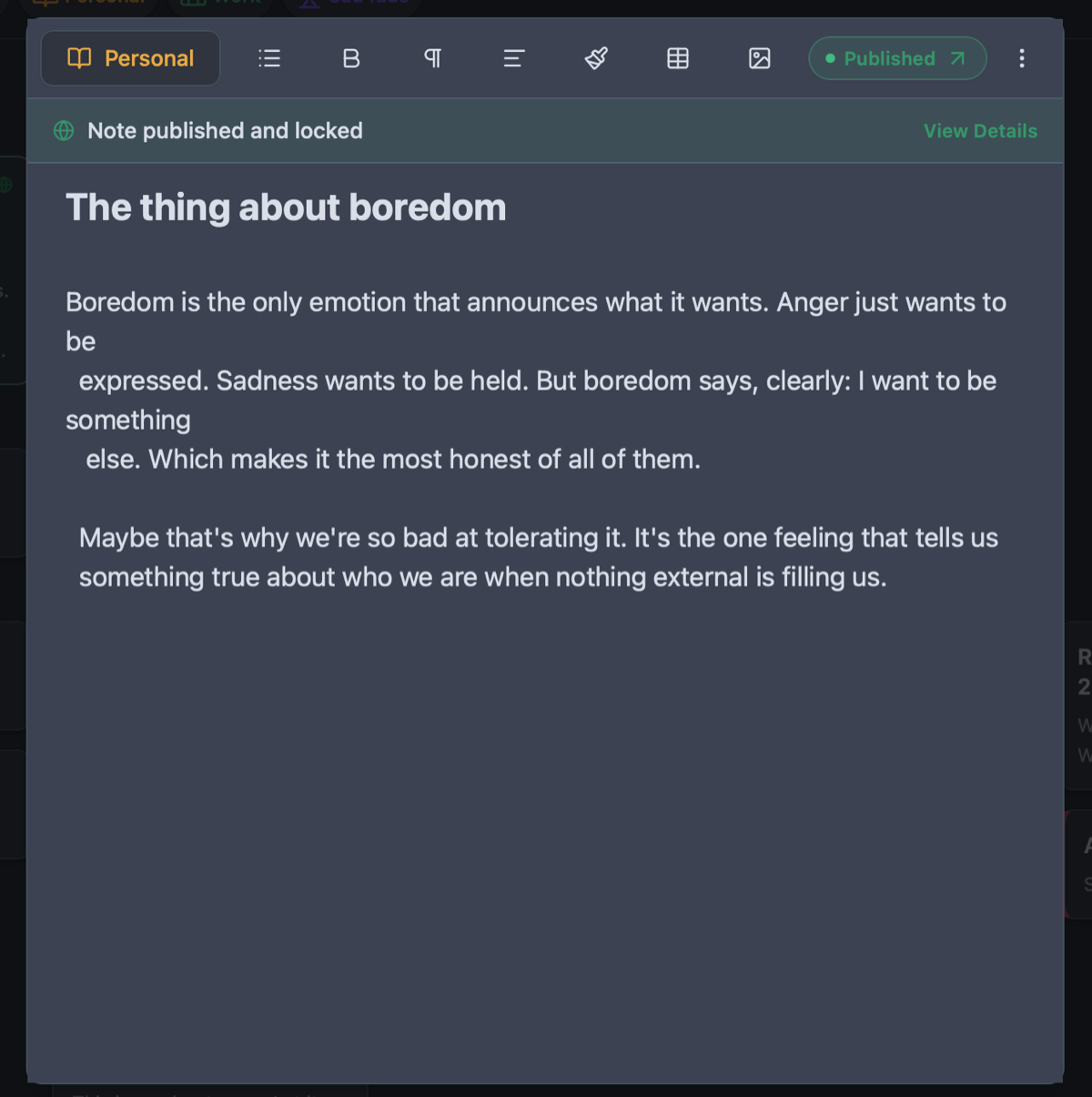
Owldo integrates reading with thinking. Inside Owldo Feed, you simply highlight any passage or tap the "Note" button on any slide. Owldo automatically captures that exact page's excerpt, attributes the author and source title, and drops it directly into your active Space. You build an organic commonplace book of wisdom effortlessly as you read.
Honest Trade-Offs: What Owldo Feed Offers and What It Omits
Owldo Feed is designed for high-signal reading—essays, industry deep-dives, book summaries, and independent newsletters. It is intentionally NOT a social algorithmic feed like Twitter or TikTok, and it does not have an infinite doomscroll discovery engine.
You control exactly what enters your sanctuary by choosing what to subscribe to. If you want a calm, private reading room that rescues your inbox and connects your reading directly to your notes, Owldo Feed is built for you.
See Owldo in action
Frequently asked questions
How do I send newsletters to Owldo?
Inside Owldo Feed, click "Manage Feed" to copy your unique Inbound Feed Email Alias (e.g. you+abc123@feed.owldo.app). Use this email address when subscribing to any newsletter on Substack, Beehiiv, Ghost, or individual blogs.
Can I capture quotes from newsletters into my notes?
Yes. Simply highlight any text in a newsletter card or click the Note button on any slide to save the excerpt directly into your notes or tasks.
Does Owldo Feed support RSS feeds in addition to email newsletters?
Yes. You can add standard RSS and Atom feeds alongside your email newsletter subscriptions in the same unified reader.
Is my newsletter content stored locally on my device?
Yes. All feed items and saved excerpts are stored in your local SQLite database on your device for instant offline reading.
Related guides & use cases
Explore more ways to organize your thoughts and publish your work.
Newsletter Reader
Newsletter reader overview
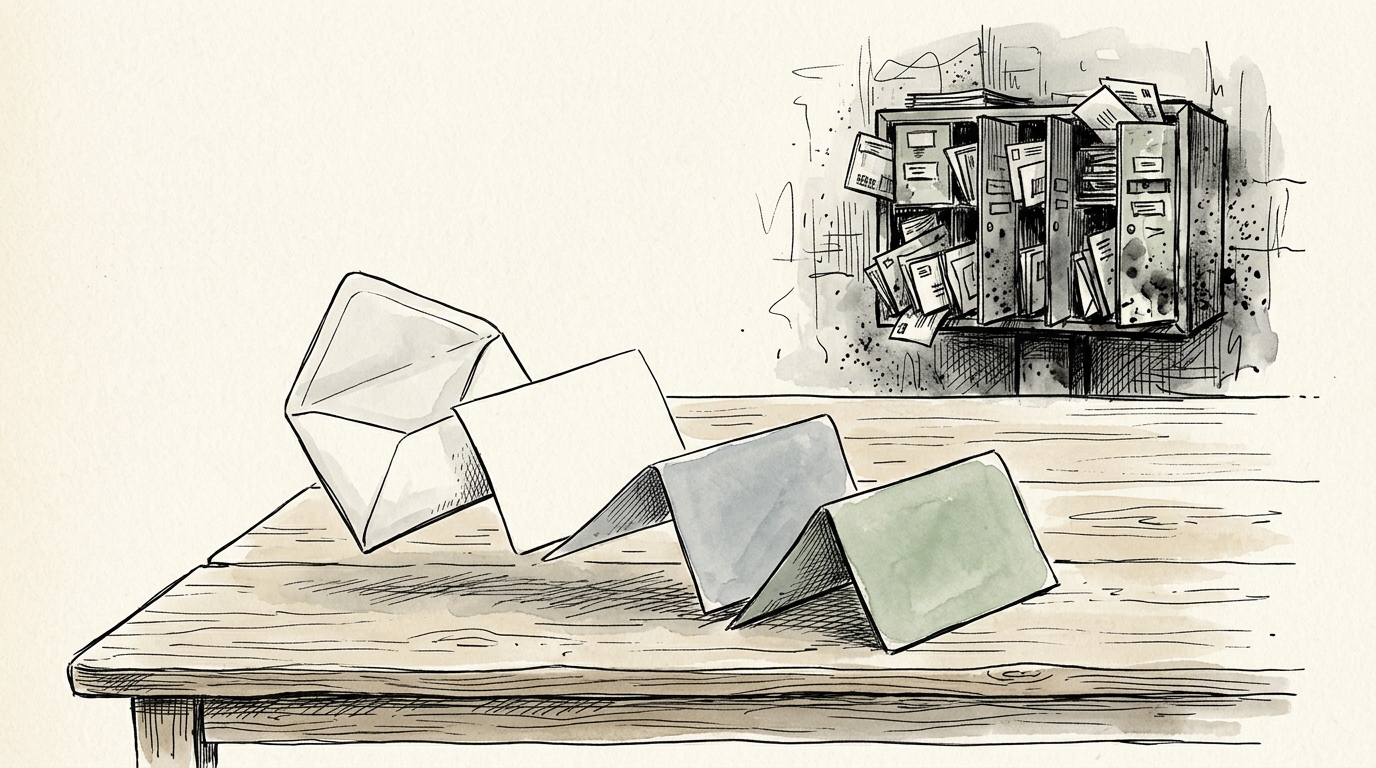
Quarantine newsletters away from your email inbox. Get a private Feed alias (you+token@feed.owldo.app) that strips tracking ads and chunks essays into reading cards.
Anti-Doomscroll Reader
Anti-doomscroll reader
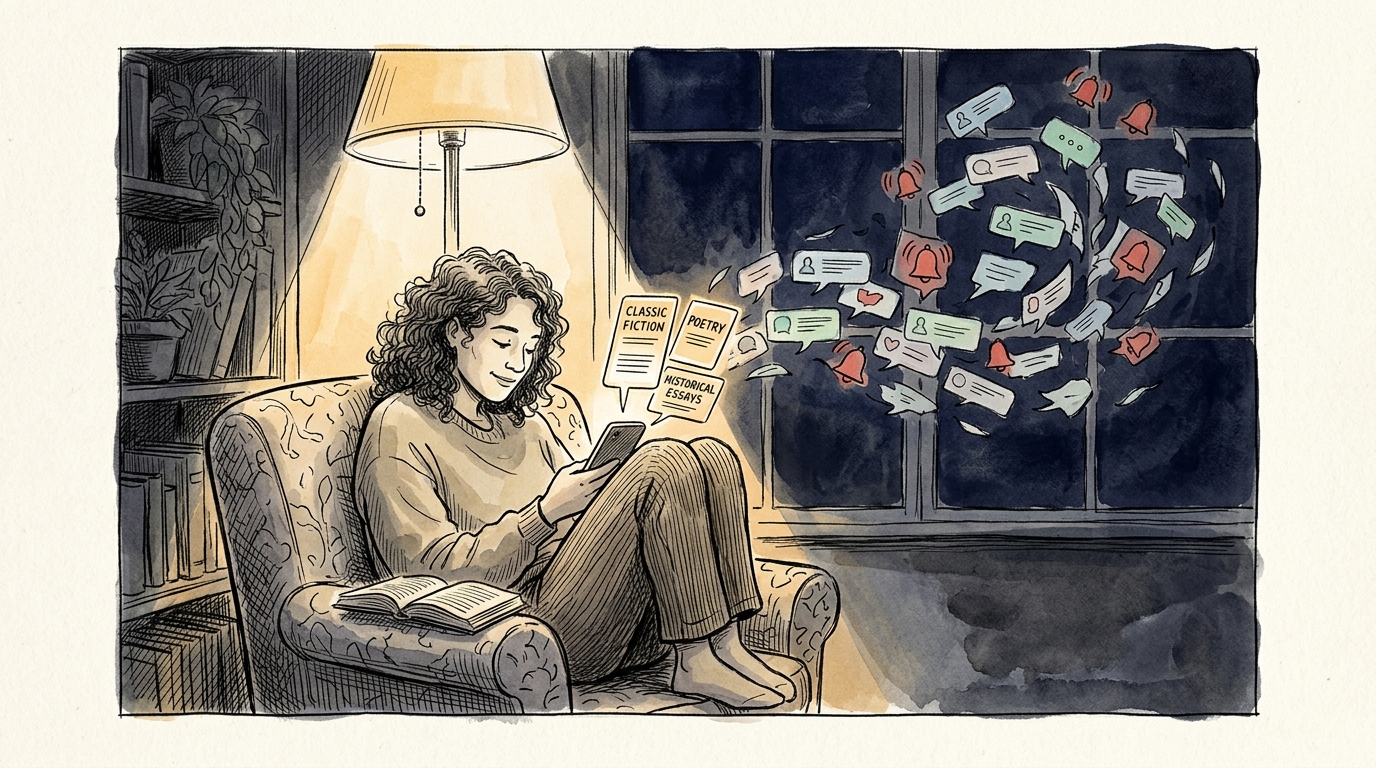
Break social media addiction. Owldo Feed turns classic books, EPUBs, and essays into finite daily card decks of 200 words. Zero infinite doomloop.
Digital Commonplace Book
Digital commonplace book
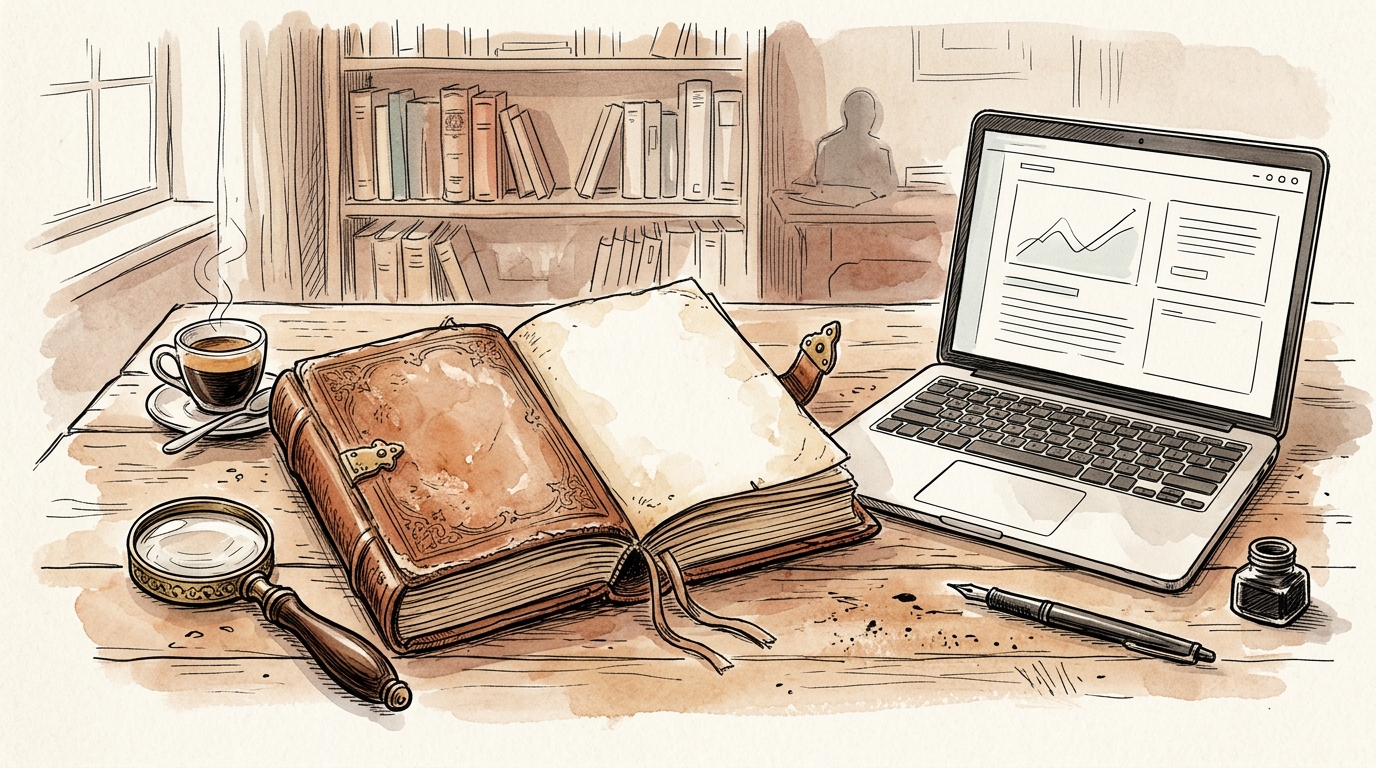
Revive the 500-year-old habit of Marcus Aurelius, John Locke, and Virginia Woolf. A calm digital commonplace book that combines reading excerpts, tasks, and reflections.