Developer Devlogs
Technical writing formatted for how engineers actually think.
Engineering devlogs, architecture decision records, and technical tutorials require a layout that respects code syntax, terminal aesthetics, and dense information hierarchy.
Owldo's Terminal look transforms your local Markdown notes into a monospace publication rendered in JetBrains Mono with dark surface mode, high-contrast code blocks, and edge-cached delivery.
Our Philosophy
“Write code, document architectures, keep it fast.”
Most blogging platforms load 3MB of JavaScript trackers before a single line of your technical explanation renders. The Terminal theme delivers monospace technical clarity with instant edge speeds and zero bloat.

What you get
- Terminal layout powered by JetBrains Mono typography throughout
- Sleek dark surface baseline (#141412) with customizable terminal accents
- First-class syntax highlighting for code blocks and inline commands
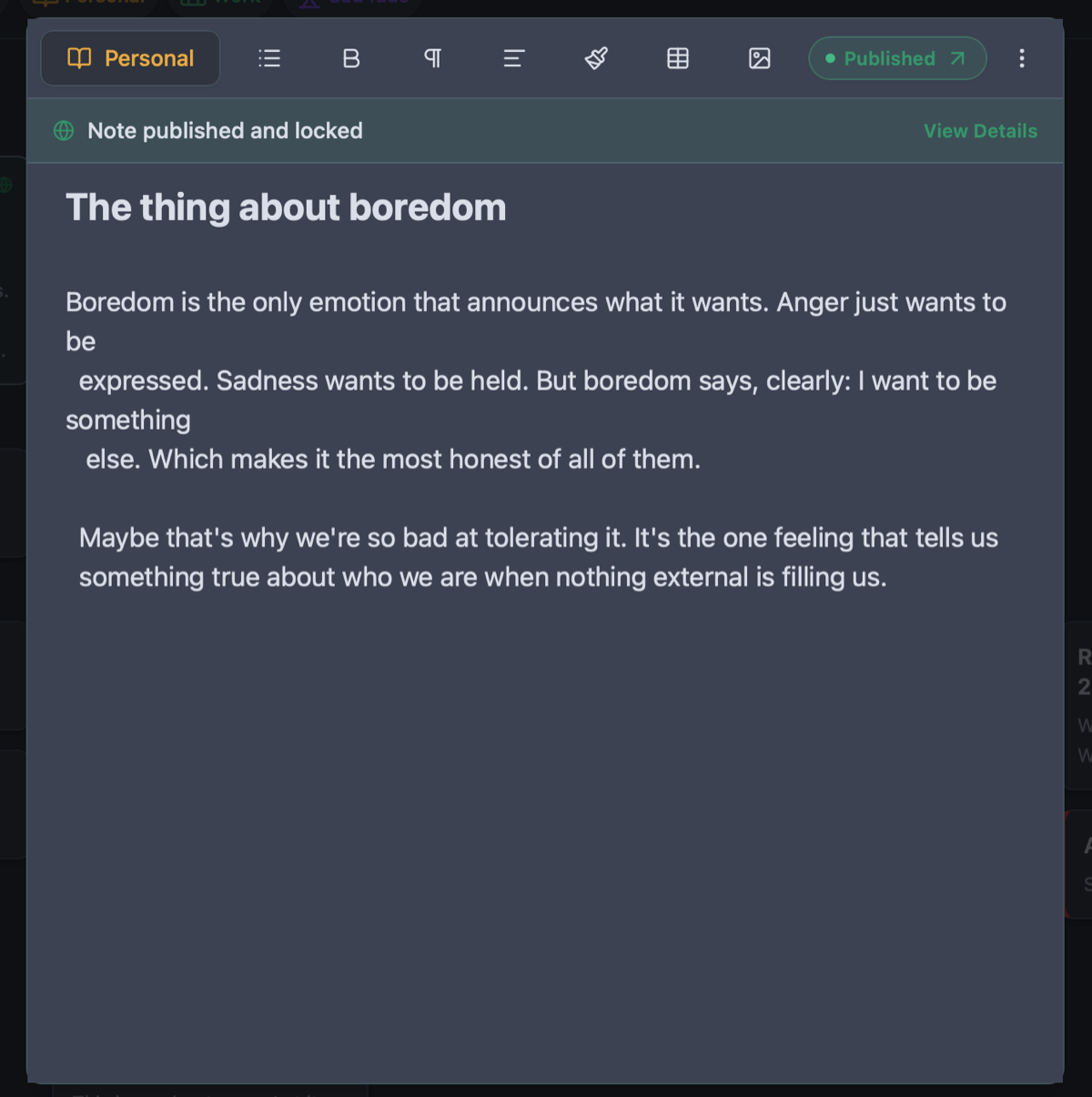
- One-tap publishing directly from local SQLite notes to the live web
- Zero bloated third-party trackers or heavy client-side frameworks
Why Traditional Themes Fail Technical Content
Most blog themes treat code snippets as awkward exceptions inside narrow text columns. Font sizes shift abruptly, horizontal scrollbars break the layout, and code readability degrades on mobile screens.
Terminal was built specifically for developers. It uses JetBrains Mono for headings, body text, and code snippets alike. The result is a unified, cohesive typographic texture that feels like reading an impeccably formatted man page or terminal prompt.
From Local Notes to Live Tech Log in One Click
Engineers often jot down bug fixes, architectural post-mortems, and setup recipes in private notes, but never publish them because deploying a static site requires Git commits, CI/CD pipelines, and hosting setups.
With Owldo, your technical notes already live locally. Flip the "Publish" switch, and your post is instantly live on your public URL or custom domain with automated RSS feed generation.
Organize Systems by Spaces
Tag notes under Spaces like "Backend", "DevOps", or "Algorithms". Readers can filter your engineering log by topic pills, explore related technical articles, and subscribe via RSS or email.
See Owldo in action
Frequently asked questions
Can I switch from dark mode to light or sepia in Terminal?
Yes. While Terminal defaults to Sleek Dark, you can switch the surface baseline to Clean Light or Warm Sepia with one click in settings.
Does Terminal support RSS feeds for developer readers?
Yes. Every Owldo blog automatically serves a standard RSS feed at yourdomain.com/rss.xml.
Can I host my engineering blog on my own domain?
Yes. Map your root domain or engineering subdomain with zero DNS complexity.
Related guides & use cases
Explore more ways to organize your thoughts and publish your work.