Owldo for Freelancers
Stop mixing up Client A's notes with Client B's deadlines.

Freelancing requires ruthless organization. If you mix up the feedback from one client with the deliverables for another, you lose client trust, billable hours, and reputation.
Owldo provides a clean, partitioned structure: one Space per client. Their meeting notes, brand guidelines, deliverables, and deadlines all live in a single, isolated, lightning-fast container.
Our Philosophy
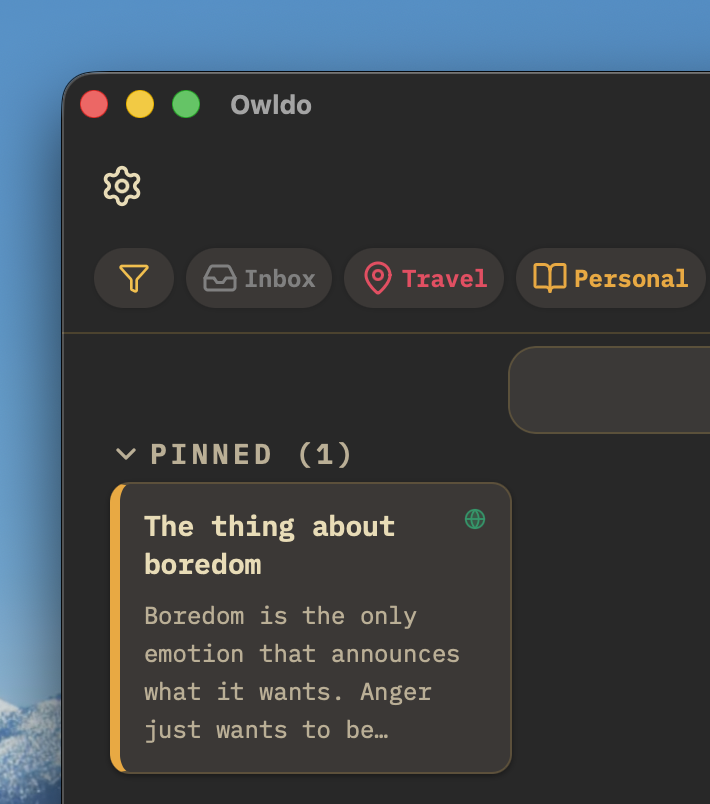
“You shouldn't rent your data. You should own it.”
Proprietary cloud databases are traps designed to make it impossible for you to leave. Owldo rejects this hostile approach. Your notes are standard Markdown. You can export your entire database at any second, which forces us to build a product so good you'll want to stay.
The "One Space Per Client" Architecture
In tools like Todoist, all your client tasks pool into one massive, overwhelming list. In Owldo, organization is clean and spatial. You create a Space called "Acme Brand Refresh." Inside that Space, keep the Markdown notes from the kickoff call, color codes, deliverables checklist, and project deadlines.
When you switch contexts from Client A to Client B, simply open a different Space. The mental partition prevents costly crossover errors and significantly lowers the cognitive load of juggling multiple contracts.
Publish Deliverables and Updates Instantly
Freelancers constantly need to send project updates, written proposals, or specifications to clients. Sending email attachments is clunky, and inviting clients into your private Notion workspace is a privacy hazard.
With Owldo, write the project update in Markdown, click the "Publish" toggle, and immediately send the client a clean, professional web link. It functions as an instant, zero-maintenance client update portal.
Time Blocking Your Billable Week
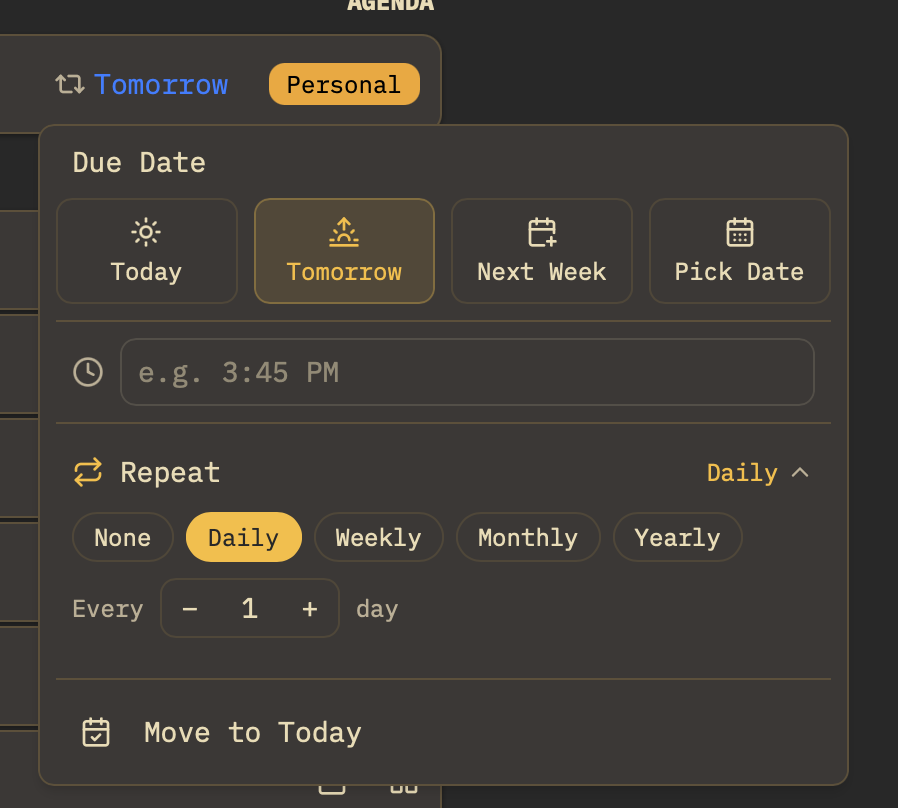
When you are self-employed, no manager structures your day. This freedom often leads to irregular hours and burnout. Owldo's weekly planner allows you to drag client tasks across Monday through Friday, ensuring you balance billable commitments and hit invoiced milestones.
What Owldo gives freelancers
What this replaces
- Trello (unwieldy for long-form notes, specs, and client meeting logs)
- Evernote (slow, expensive, and bloated with unnecessary features)
- A chaotic mix of Apple Notes and scattered email threads
Frequently asked questions
Can clients see my private Owldo Spaces?
Never. Owldo is entirely private and stored on your hardware. Clients only see individual notes where you explicitly flip the "Publish" switch to share.
Is there a limit to how many client Spaces I can create?
No. You can create unlimited Spaces to manage as many concurrent clients, retainers, and projects as you need.
Can I track focus sessions for billable hours in Owldo?
Yes. The integrated Pomodoro timer lets you run focused 25- or 50-minute work sessions directly on specific client tasks.
Can I use a custom domain for client-facing notes?
Yes. On the $3/month plan, you can map your personal or studio domain (e.g., notes.yourstudio.com) to your published notes.
Owldo is also built for
See how Owldo adapts to other ways people think and work.

Role
Owldo for Writers
Your drafts, deadlines, and blog in one place. Write offline. Publish with one tap.

Role
Owldo for Students
Notes and assignments together. No more switching between apps mid-study session.

Role
Owldo for Founders
For the messy reality of building a company. Meeting notes, bug fixes, and investor updates in one fast workspace.